Why 2FAS Replaced Google Authenticator, Authy, and Microsoft Authenticator
2FAS is a free, open-source authenticator app that offers full control over your 2FA codes without locking you into a proprietary ecosystem.
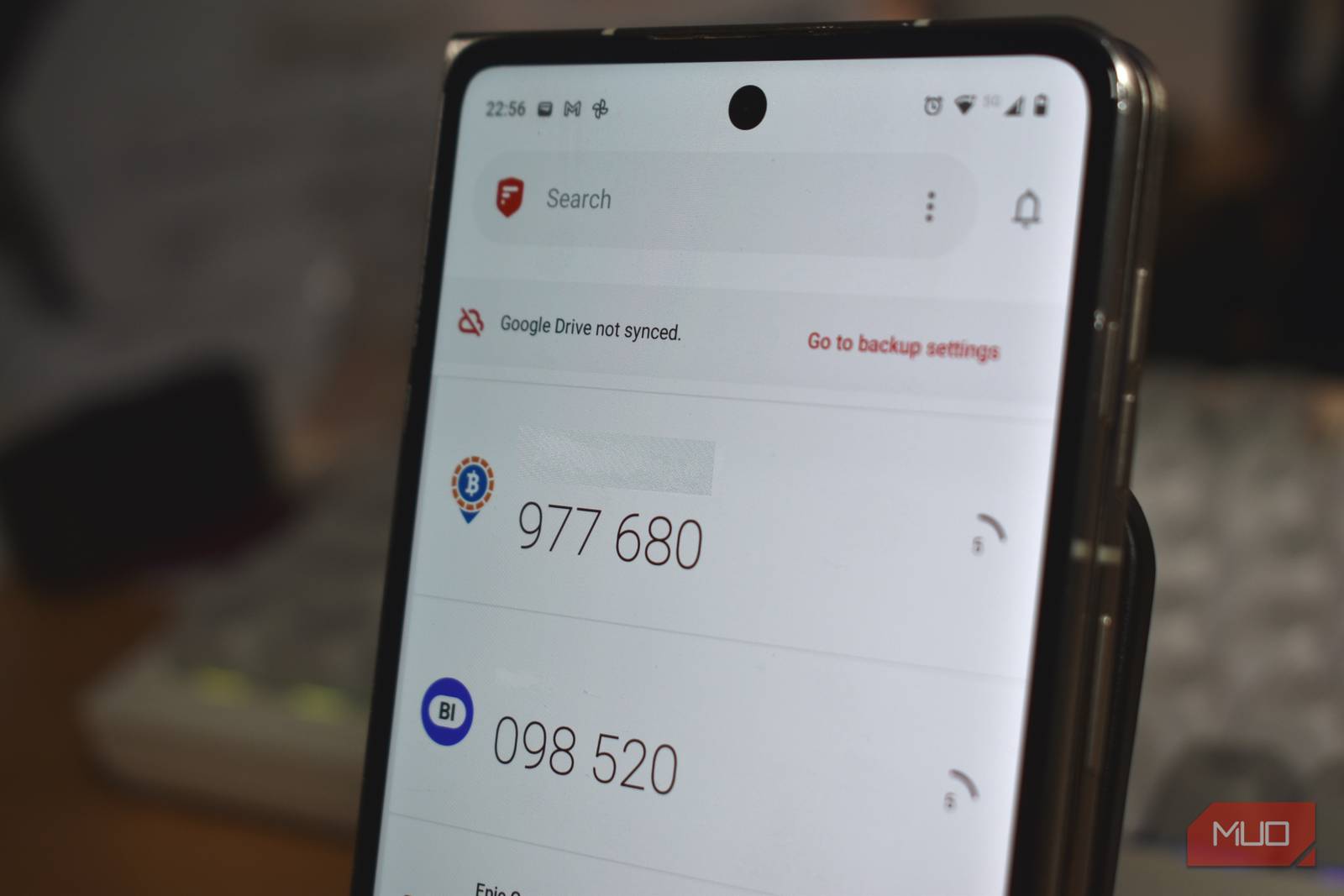
When it comes to authenticator apps, I’ve tried a few: Microsoft Authenticator, Authy, and Google Authenticator. Each served its purpose, but they either locked you into proprietary ecosystems or made moving between devices tricky. Then I found 2FAS, a free, open-source solution that offers more control without sacrificing convenience.
Why I Stopped Using the Go-To Authenticator Apps
The convenience was there, but that wasn’t quite enough
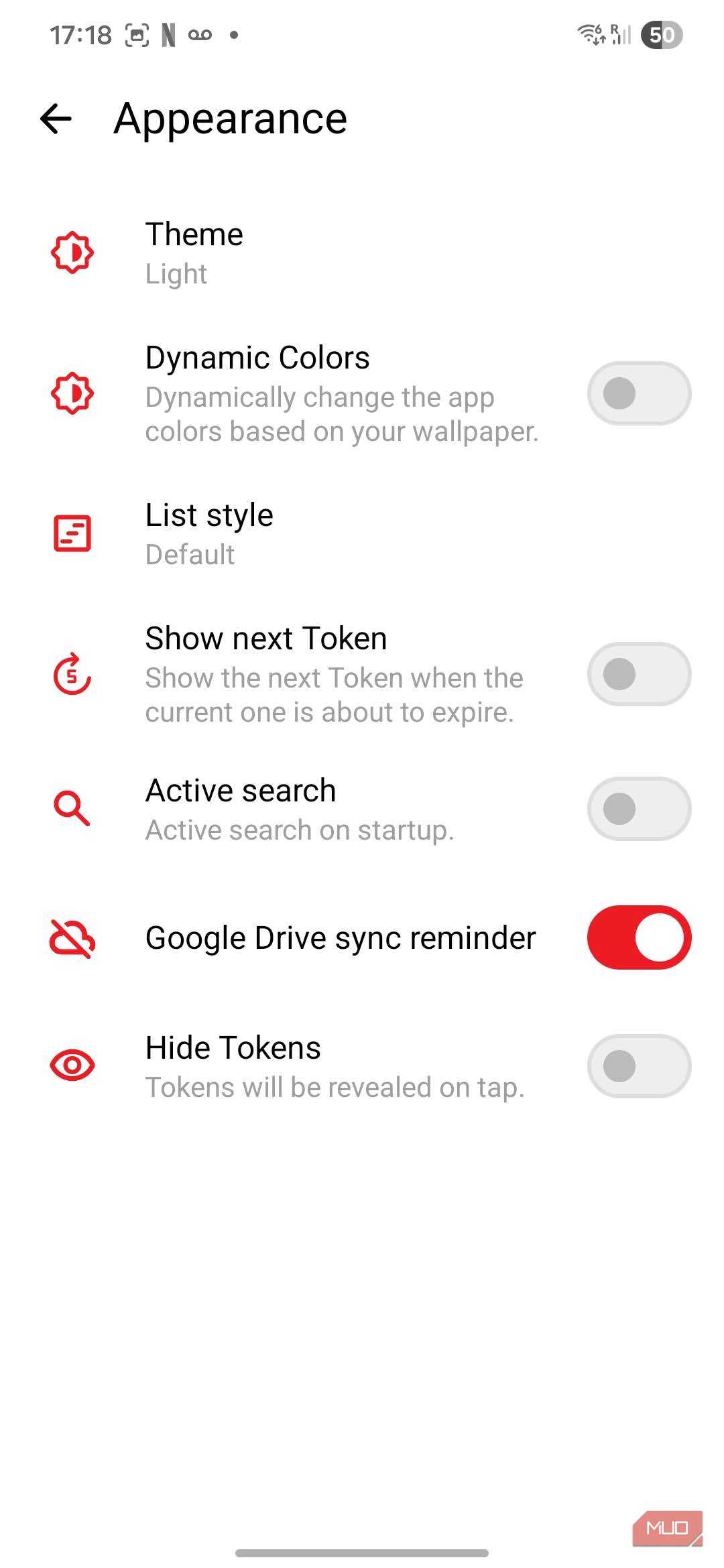
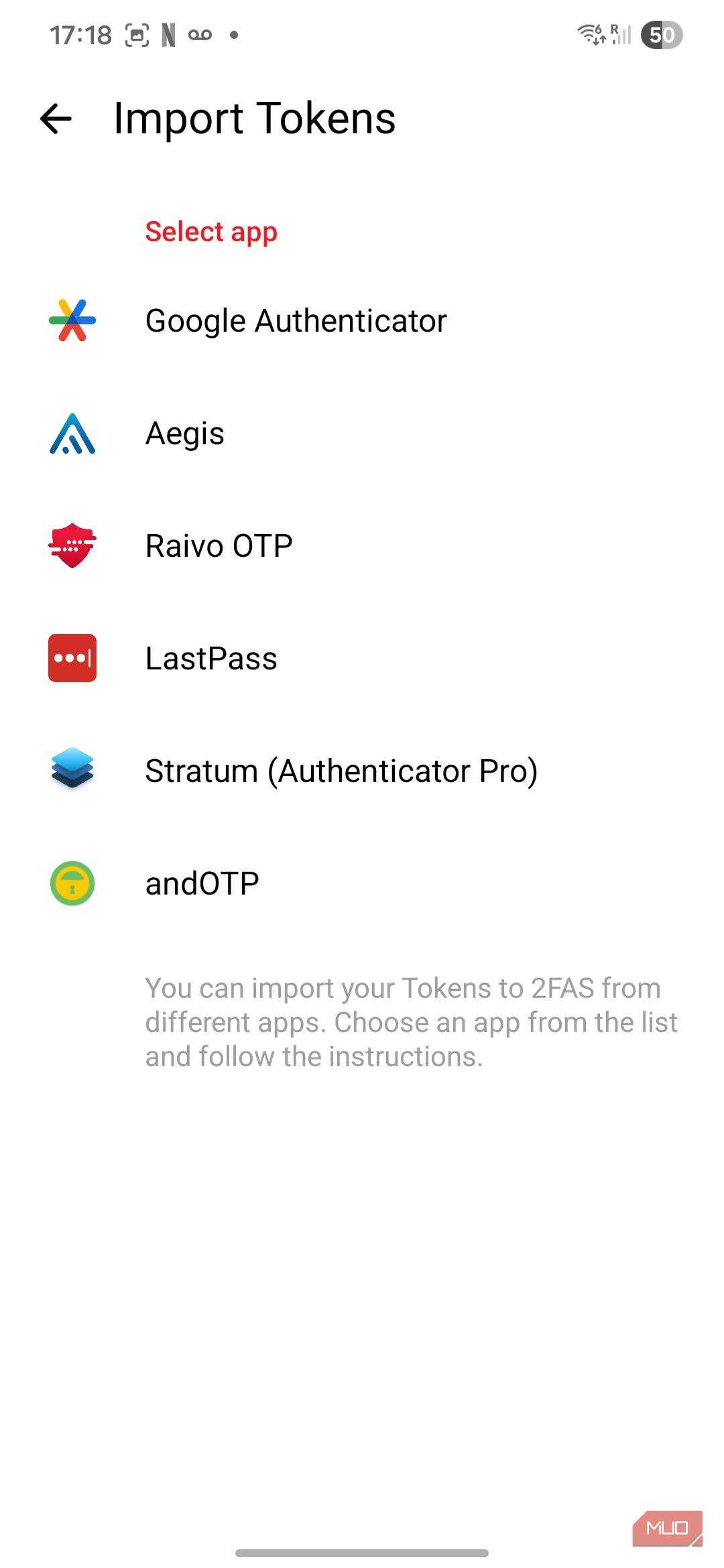
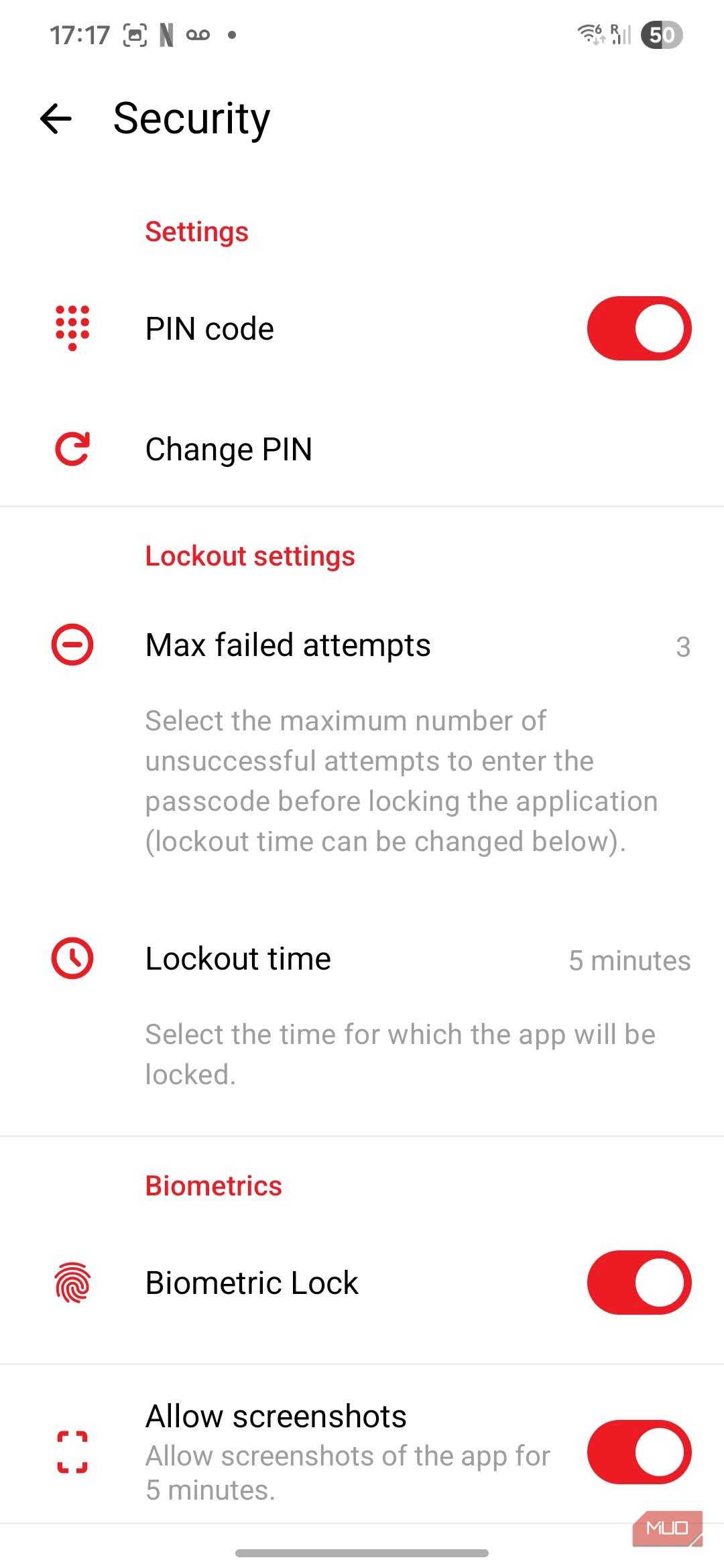
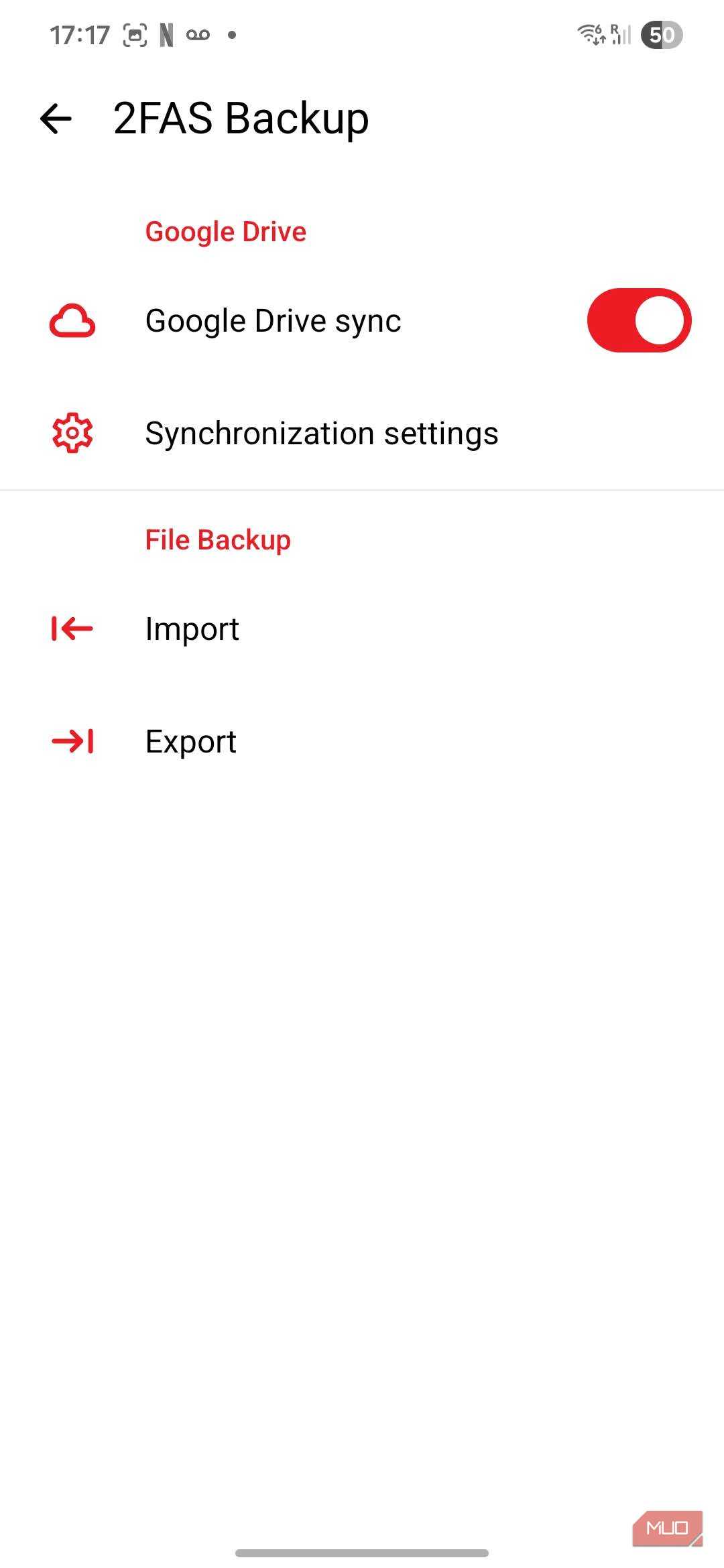
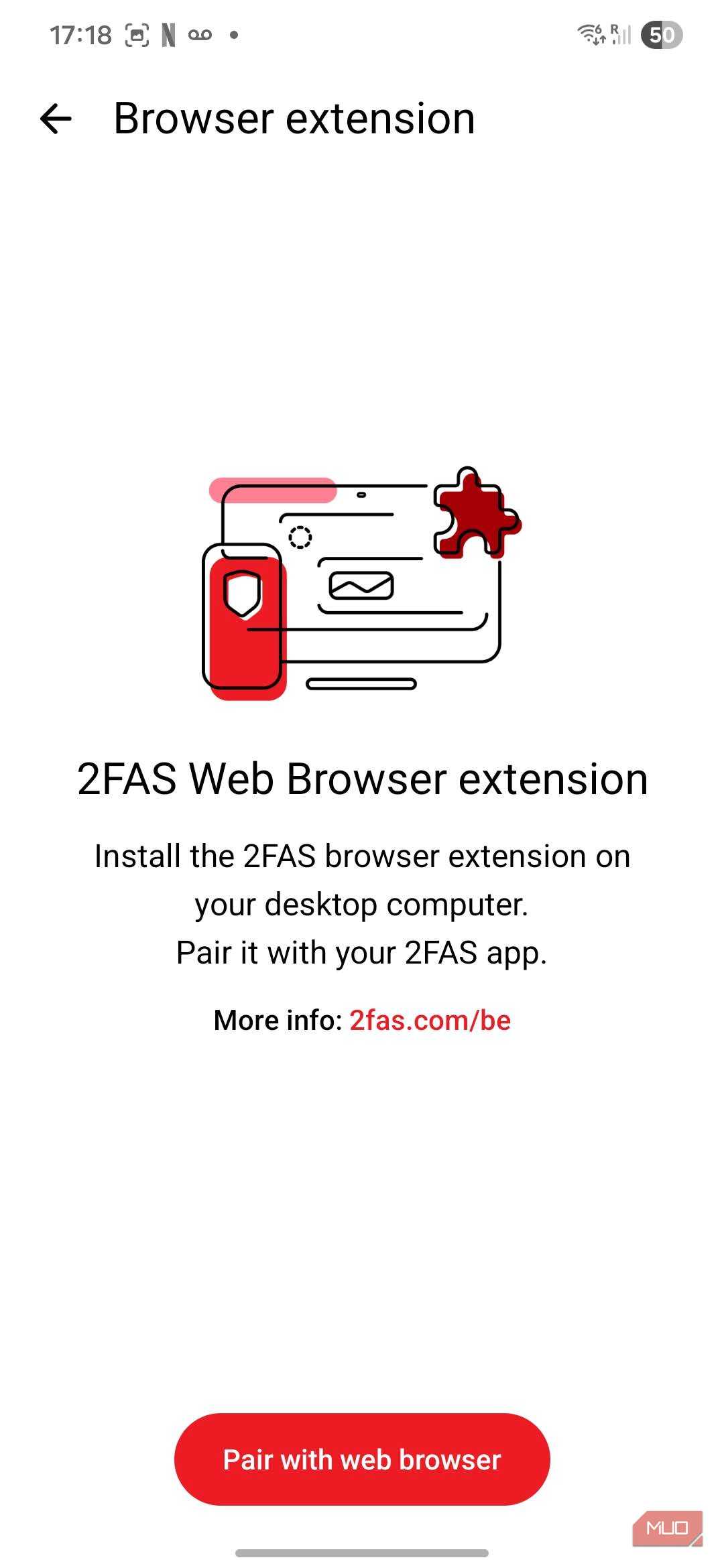
I liked Google Authenticator for its simplicity, but it wasn’t exactly flexible. The codes remained tied to my phone’s hardware; migration is fiddly, and there’s no instant web access. Microsoft Authenticator works best if you’re invested in Microsoft’s ecosystem, and Authy was initially built around easy syncing, but its desktop version was discontinued on Mac, and it stopped ticking all the boxes for me.
Like I suspect many users, I felt that my codes never fully belonged to me, and my 2FA codes were tied to one brand’s ecosystem. That left me uneasy, and I wanted something I could easily back up, export, and restore whenever I like. As anyone who has ever lost their phone will agree, the risk felt too great, and ownership became more important than convenience.
2FAS Gives Me Complete Control
Open source means transparency is a priority
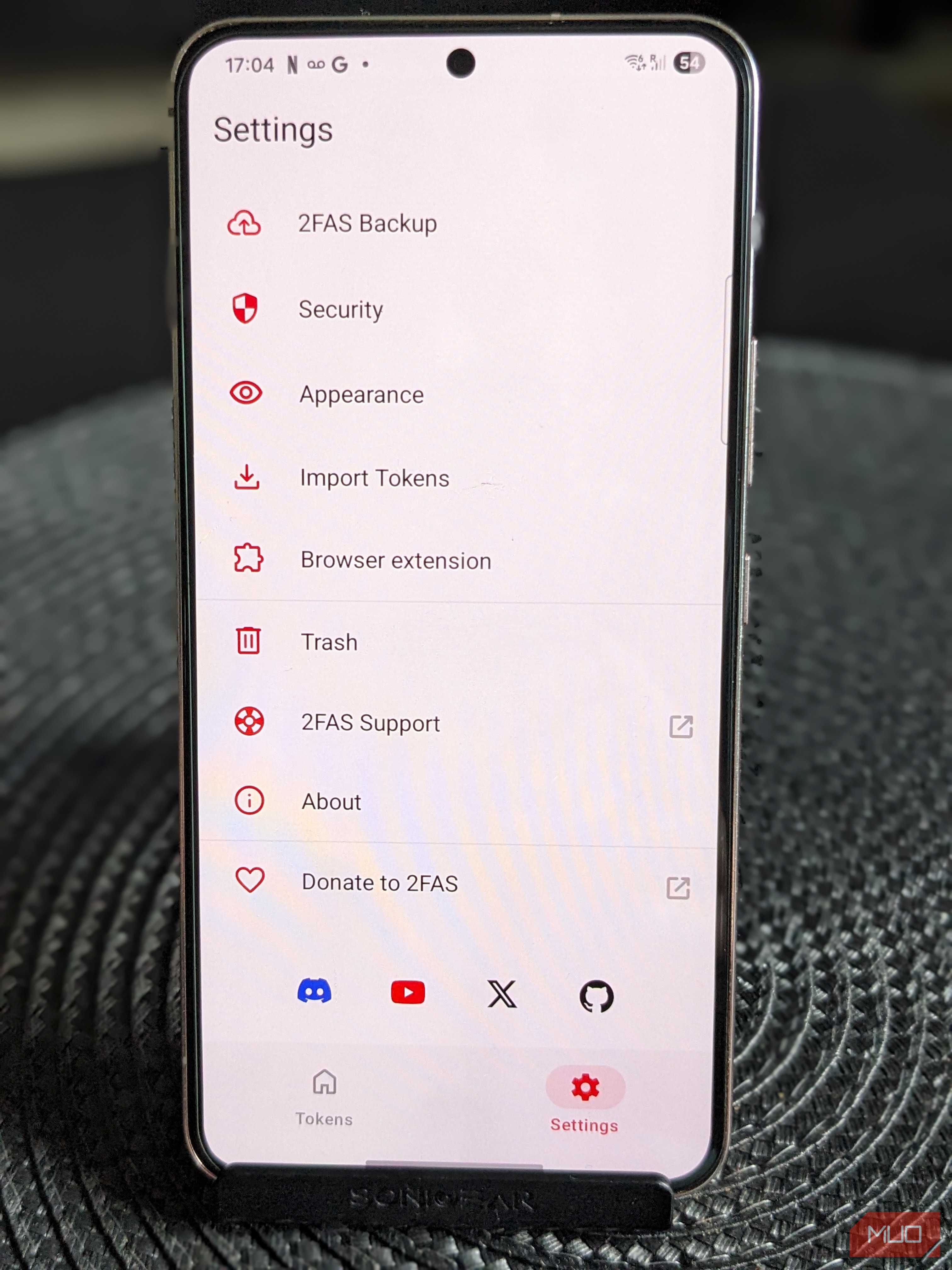
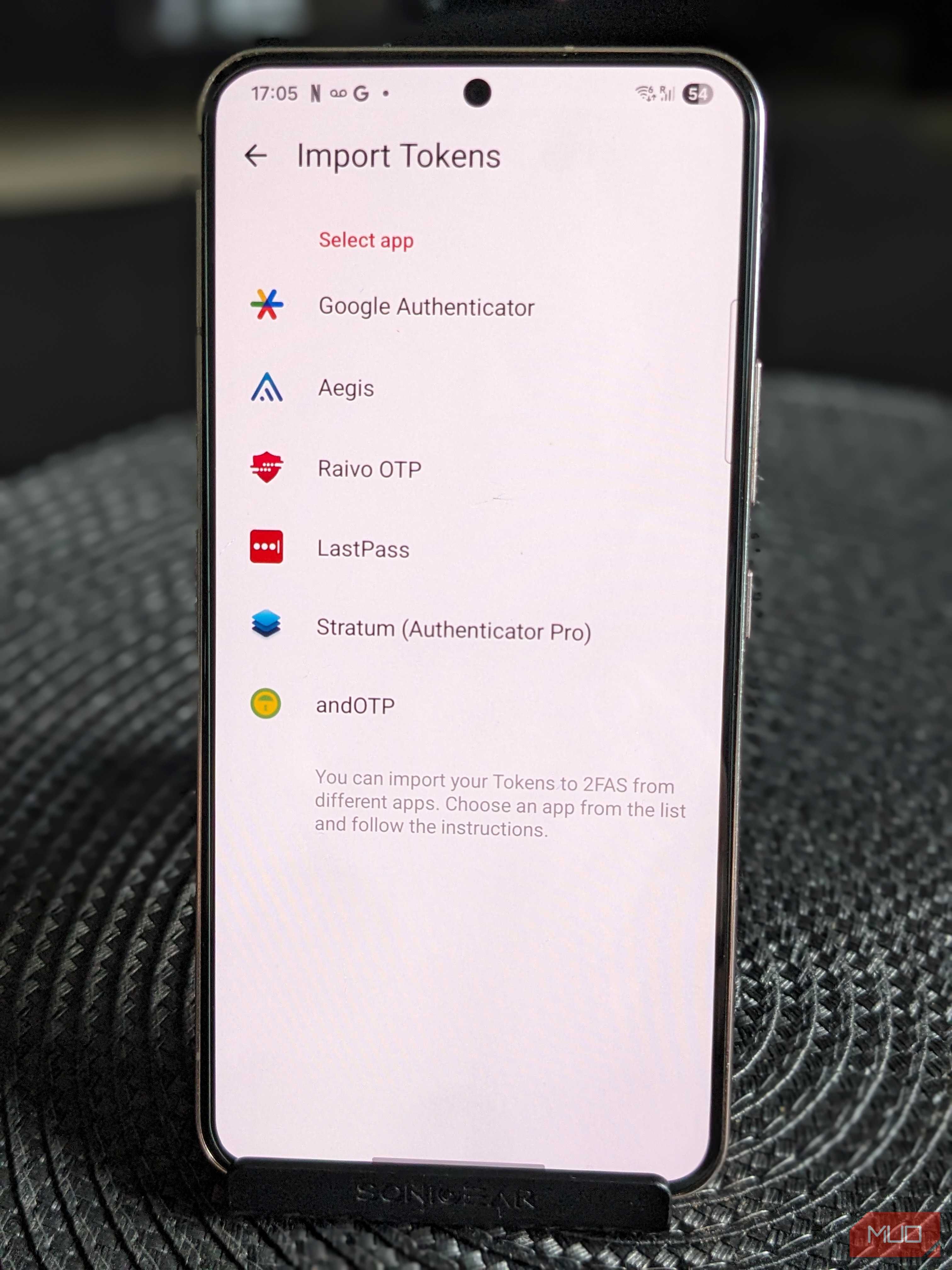
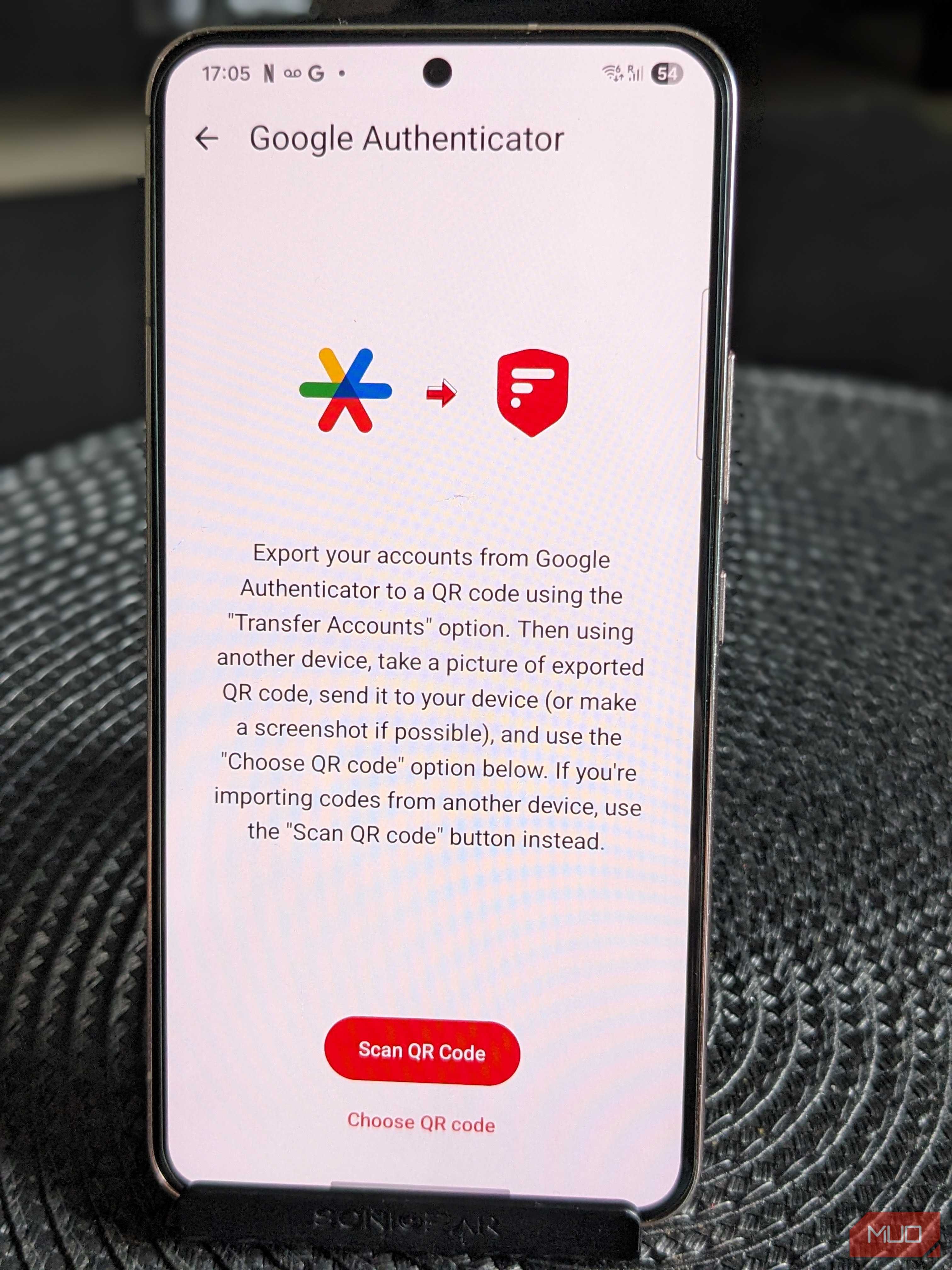
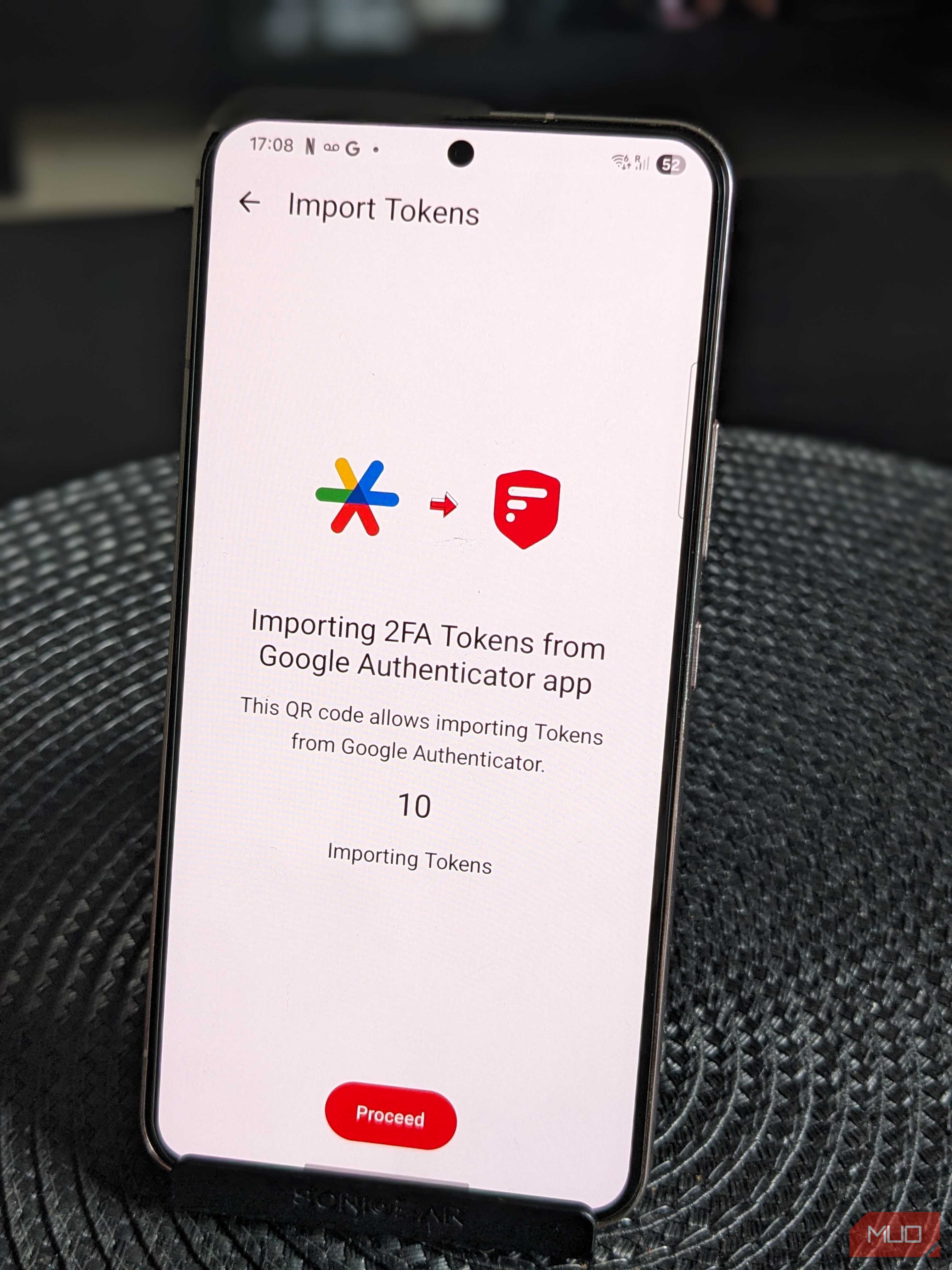
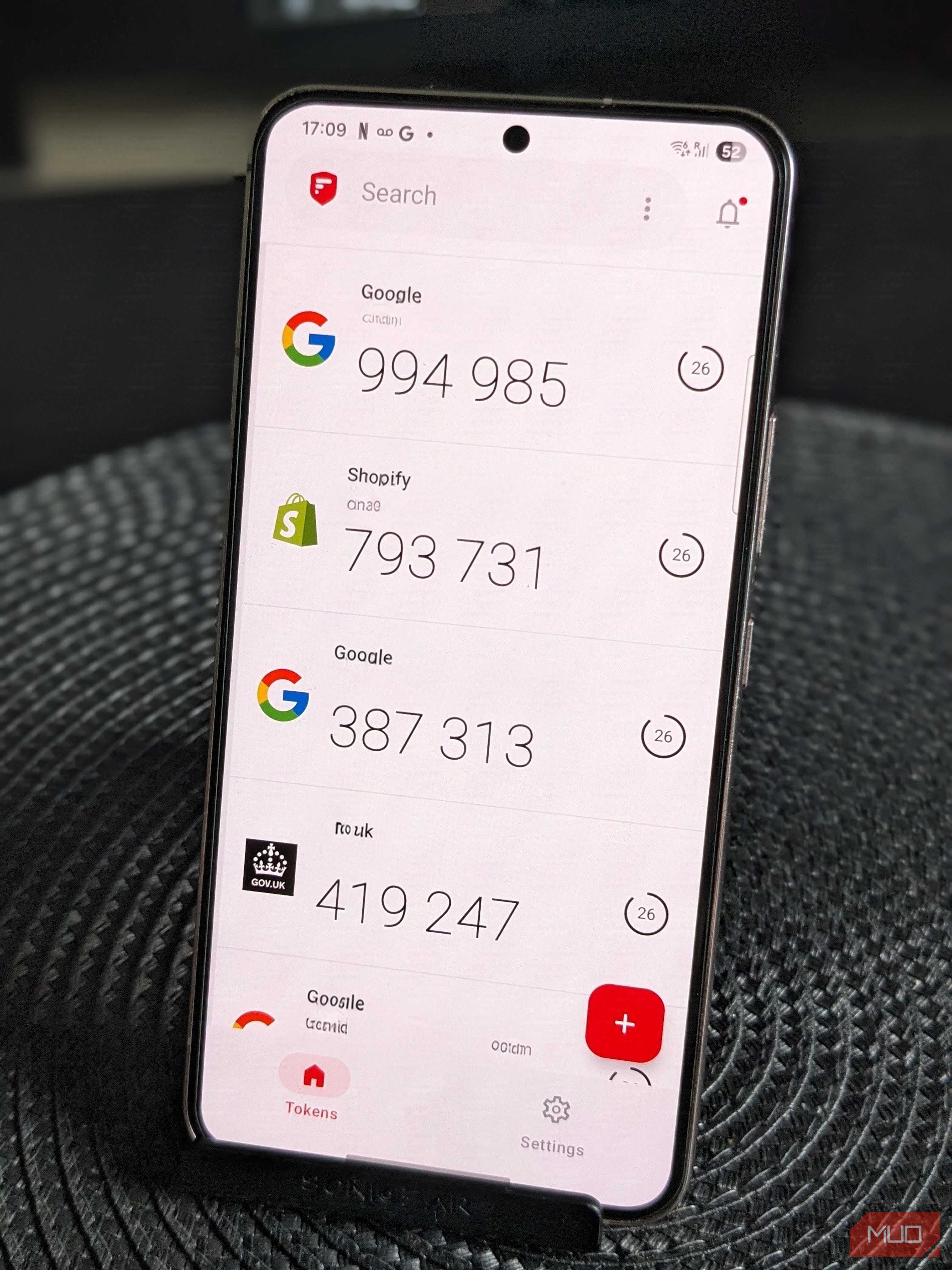
One feature that most attracted me to 2FAS was that it’s open source. While that doesn’t automatically mean the software is more secure, it benefits from independent oversight rather than trusting a faceless corporation with all my security codes. This makes a significant difference when you’re asking an app to store access to dozens of sensitive accounts. When we’re talking about access to my email, banking, work logins, and more, an extra layer of transparency helps me sleep a little better at night.
Perhaps just as important is the fact that 2FAS doesn’t require an account. Your tokens are stored locally on your device, with cloud backup as an option rather than a requirement. This gives users the best of both worlds: those who prefer to keep everything offline can do so, while anyone who values the convenience of restoring a new phone can enable backups as they wish.