How to Access Google Maps' Hidden Street View History Archive
Google Maps stores every Street View capture dating back to 2007. Tap "See more dates" to browse the full timeline on any street.

Street View usually shows a road the way it looked on the last drive-by, which could be months or years old. Most people never notice that Google kept the earlier captures, too. Tap See more dates inside Street View, and Google Maps opens a timeline of every published pass down that road, reaching back to 2007 in the places Google photographed first.
This archive holds the gas station that closed, the tree a storm took down, and the house you grew up in before someone else painted it. It’s free, and it’s already on your phone and computer.
Street View Kept Every Pass of the Camera Car
The Archive Starts in 2007 for the First Cities
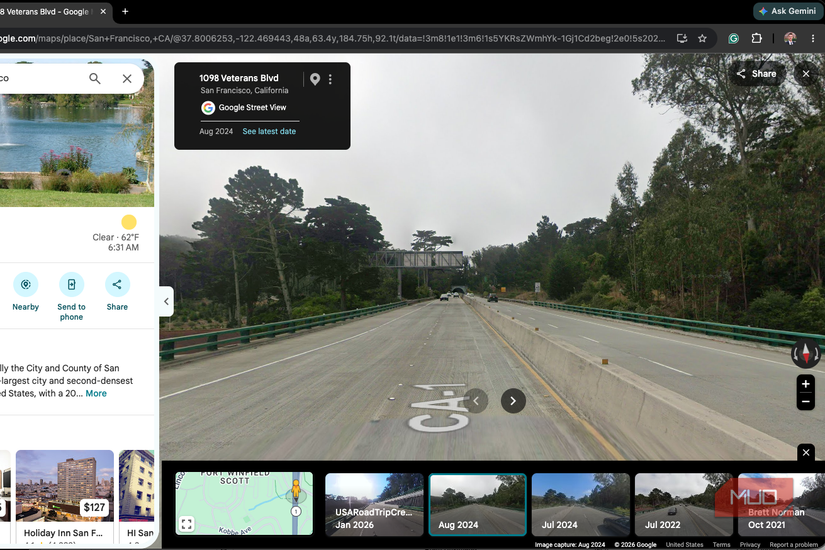
The first Street View cars hit the road in May 2007, covering New York, San Francisco, Las Vegas, Denver, and Miami before anywhere else. Those streets hold the deepest archives. Smaller towns and rural roads were added later, sometimes much later, so your hometown’s timeline may begin several years after launch.
For a long time, the history sat out of reach for most people. Desktop users got a time slider in 2014. Phones didn’t get this feature until 2022, when Google celebrated Street View’s 15th birthday by adding the same control to the iPhone and Android apps. Google Earth picked it up in 2025.
Coverage isn’t annual. A busy downtown block might show a fresh capture every year or two, while a county road can go six or seven years between visits.
Opening the Archive Takes a Few Taps
Look for “See More Dates” on Your Phone or Computer
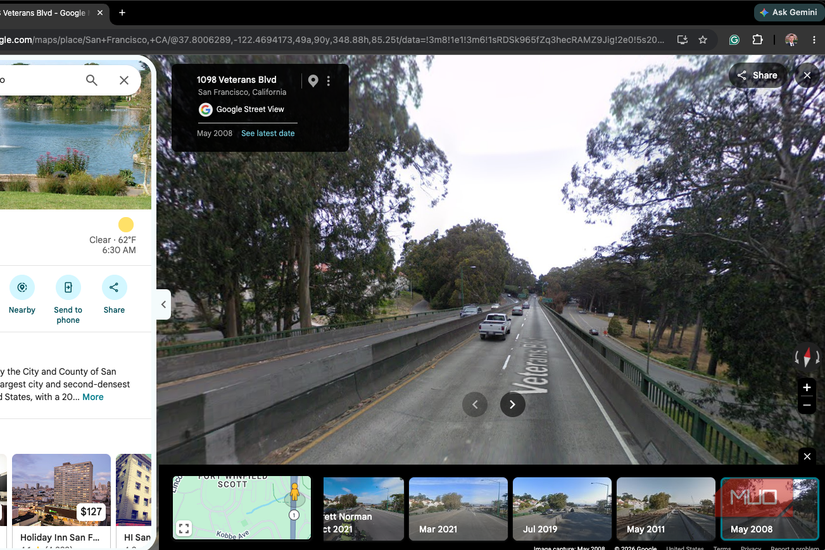
On an iPhone or Android phone, open Google Maps, drop a pin on an address, and tap the Street View thumbnail that appears with it. Once you’re inside Street View, tap anywhere on the image to bring up the location card, then tap See more dates. A row of thumbnails appears along the bottom, and every one shows the month and year Google drove past. Swipe to the end of the row and tap the oldest.
On desktop, drop Pegman — the little yellow figure in the bottom-right corner — onto any blue road. Click See more dates in the top-left box and scroll right until the thumbnails run out. Click See latest date to return to the present.
If the button vanishes, move a few steps down the road. Historical coverage is tied to specific points, so one stretch of pavement can have five captures while the next has one. A bigger screen makes the whole thing more enjoyable, whether that’s a laptop or an old iPad you’ve kept around.
A Personal Look Back
The Tiny Details Hit Hardest
The first address worth searching is often a childhood home. In one example, the oldest available capture of a house in LaCrosse, Indiana dated to October 2009, showing a black Chevy Cavalier parked in the driveway that the family had shared for years. A more recent capture from May 2024 shows the 100-plus-year-old house showing its age, with the current owners in the process of moving the front door to where a window used to be.
It’s a bit like finding a photo album you didn’t know your family kept. The tiny details hit hardest — a replaced mailbox or a repainted garage door — since nobody ever bothered to photograph those changes at the time. The archive turns an everyday mapping tool into an unexpected record of the places that mattered most to you.