Simple Mistakes That Can Kill Your External Hard Drive
External HDDs are durable but not indestructible. These common handling mistakes can cost you all your data.
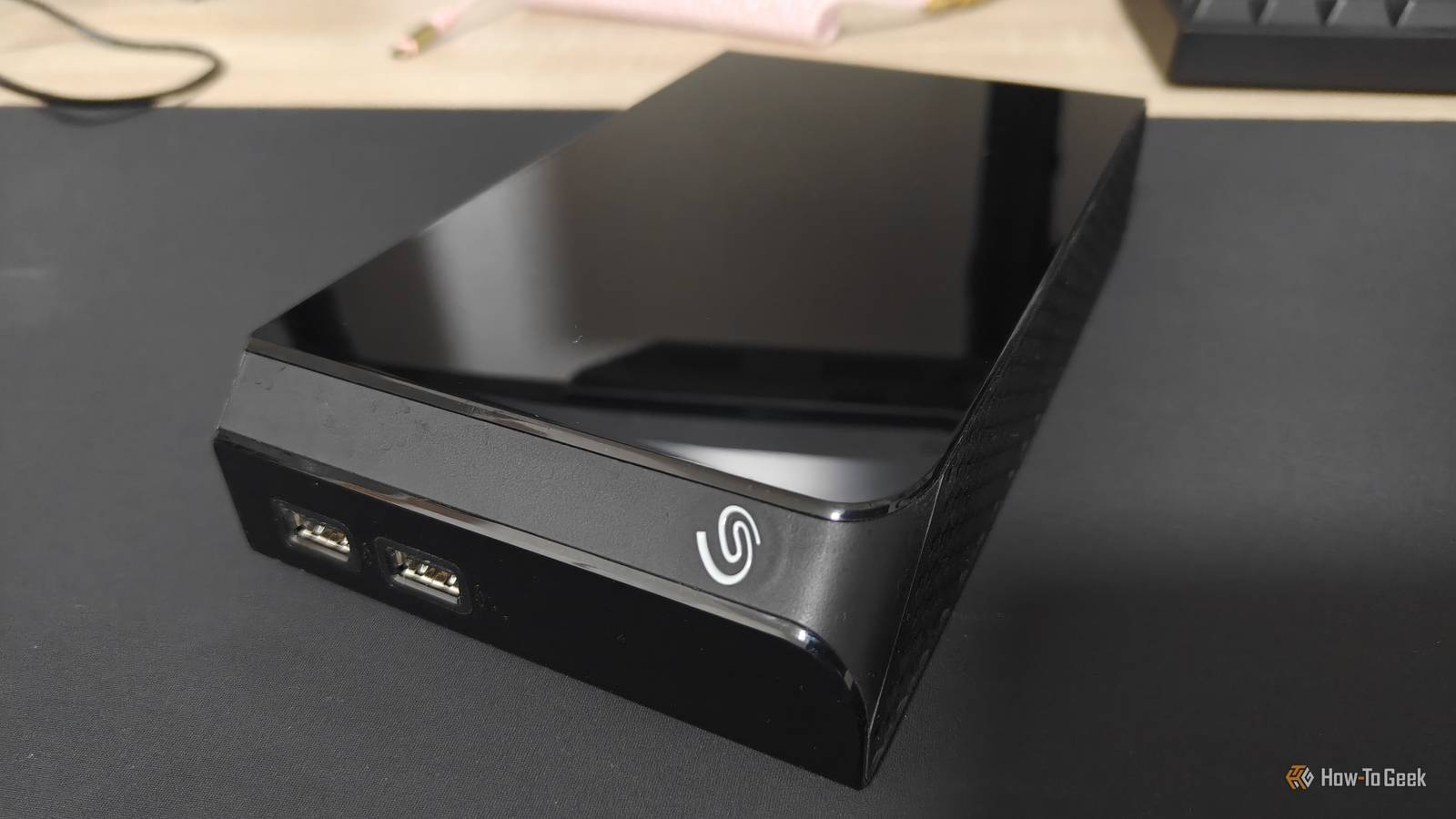
External HDDs have their merits. Slower than SSDs, they make great backup targets (especially if you don’t leave them on 24/7). They also feel a lot sturdier than an SSD, what with their massive size, at least by comparison. And in many ways, they are pretty durable, but no piece of electronics is immortal.
Did you know that something as simple as mishandling a drop can kill your HDD stone dead, costing you all your data?
I get the urge, but don’t
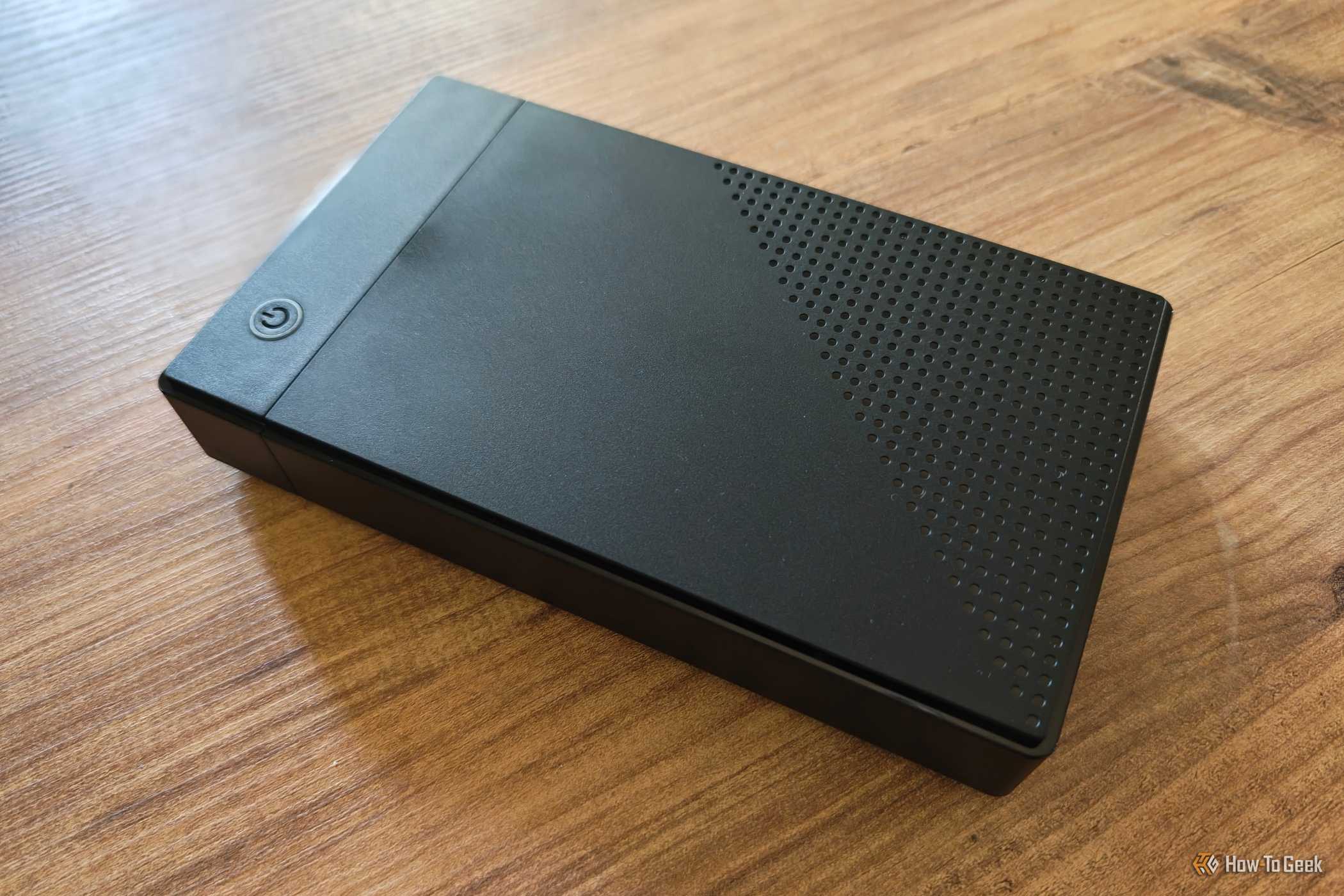
Have you ever dropped your phone? Probably, right? What about your external HDD?
I’d hope not, but you may have. I haven’t, but that’s only because my HDDs are largely static; I buy them and plop them down, then they live there for years on end. My experience isn’t universal, because HDDs do get dropped pretty frequently: Secure Data Recovery names accidental drops among the leading causes of failure, and this is based on a study of 3,453 failed external HDDs.
They may survive a drop sometimes, or even often. The problem is that we often mistreat them post-impact.
Secure Data Recovery, as well as other expert sources, all warn against powering an HDD back on after a drop. If the impact damaged the read/write heads, platters, or other mechanical parts, making it all power on and spin could be the final nail in the coffin of your data. It’s easier to recover a dropped HDD that hasn’t been powered on.
This is annoying, because obviously, if you drop your HDD, the first thing you want to do is power it on and check if the files are still there. But if the files are super important, I’d advise against that; take it to a professional recovery service instead.
Moving it around while it’s still spinning
Powered-on HDDs really don’t appreciate being jostled
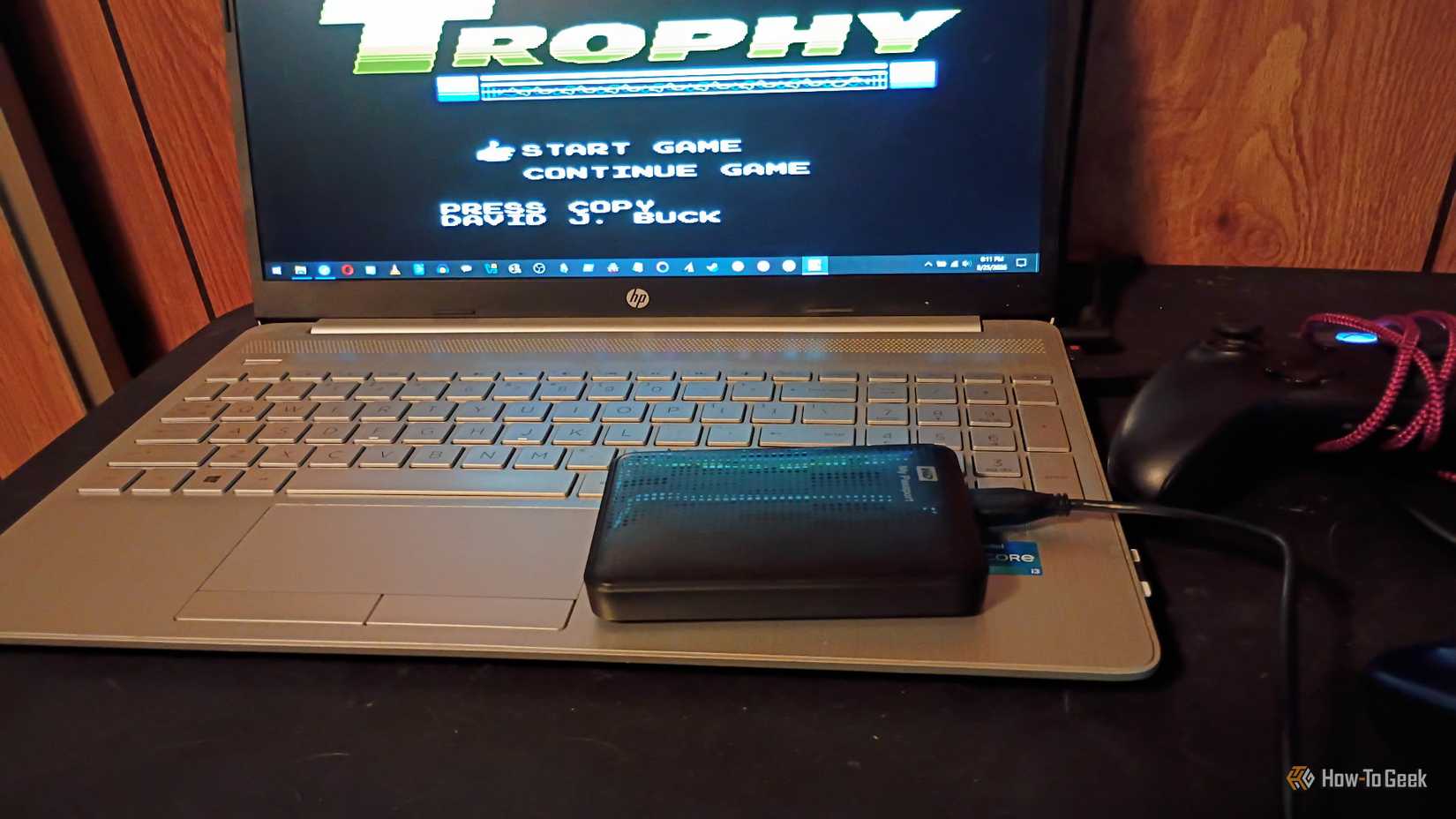
Unlike SSDs, which have no moving parts, HDDs rely on spinning platters and a read/write head that floats just nanometers above the surface. When the drive is powered on and actively spinning, any sudden movement or vibration can cause the head to contact the platter — an event known as a head crash — which can scratch the magnetic surface and permanently destroy data.
If you need to move your external HDD, the safest approach is to eject it properly through your operating system, wait for it to spin down completely, and then move it. Most drives will park their heads automatically when powered off, significantly reducing the risk of damage during transport.