Business-Grade Networking Gear vs. Mesh Wi-Fi: Cost and Performance
Mesh Wi-Fi systems get expensive fast. Dedicated business APs can offer better performance and flexibility at a comparable price.
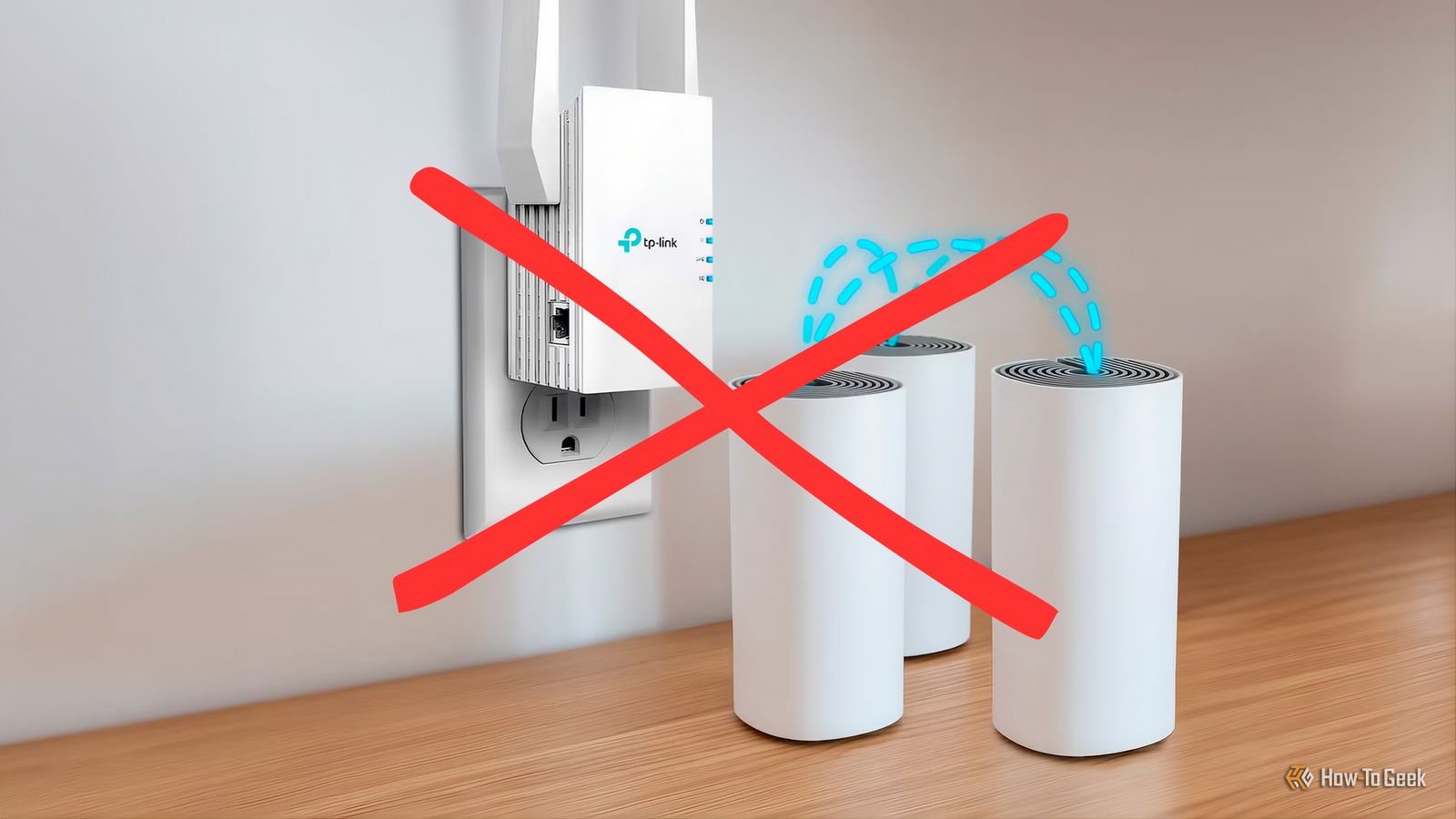
Mesh Wi-Fi systems are an easy recommendation when your wireless network has dead zones. Buy a 2 or 3 pack, put the nodes around your home, follow the setup wizard, and you should have better coverage. The problem is that a decent mesh system can become surprisingly expensive, especially when you start looking at higher-end models.
After using both consumer mesh systems and business-oriented networking equipment, I have found that dedicated APs can make more sense for many homes. They require a little more planning, but they can provide better performance, more configuration options, and a network that is easier to expand without buying another proprietary mesh node.
Mesh Wi-Fi Gets Expensive Quickly
Adding Another Node Is Often the First Solution
The appeal of mesh Wi-Fi is obvious. Instead of relying on a single wireless router to cover an entire house, you place several nodes around the property. Devices can move between those nodes while the system handles the details in the background. That simplicity is valuable, particularly for people who do not want to spend an afternoon configuring a network. However, the price can climb quickly. A basic 2-node system might be affordable, but larger homes often require 3 or more units, and the cost scales with each node you add.
The numbers make this concrete. A TP-Link Deco X60 3-pack typically costs around $260 to $375, while an eero Pro 6E 3-pack is usually around $450 to $500. NETGEAR’s higher-end Orbi systems can cost $800 or more for a three-pack, depending on the model and current pricing. If your home needs a fourth node, you are often paying $100 to $150 for a single additional unit that only works with the rest of that proprietary system.
There is another problem that is less obvious when you first buy a mesh system. The nodes need to communicate with each other. If you do not connect them with Ethernet, they have to use wireless backhaul, which means some of the available wireless capacity is being used to communicate between the mesh nodes rather than directly with your devices.
That can work perfectly well, but the experience depends heavily on where the nodes are positioned and how strong the connection between them remains. A backhaul link that starts at 1.2 Gbps can drop to a fraction of that if a door is closed, furniture is moved, or a neighbor’s network starts competing for the same channel. Every device connected to that node inherits the degraded link.
Business Networking Gear Changes the Equation
You Can Build a Network Around Separate Access Points
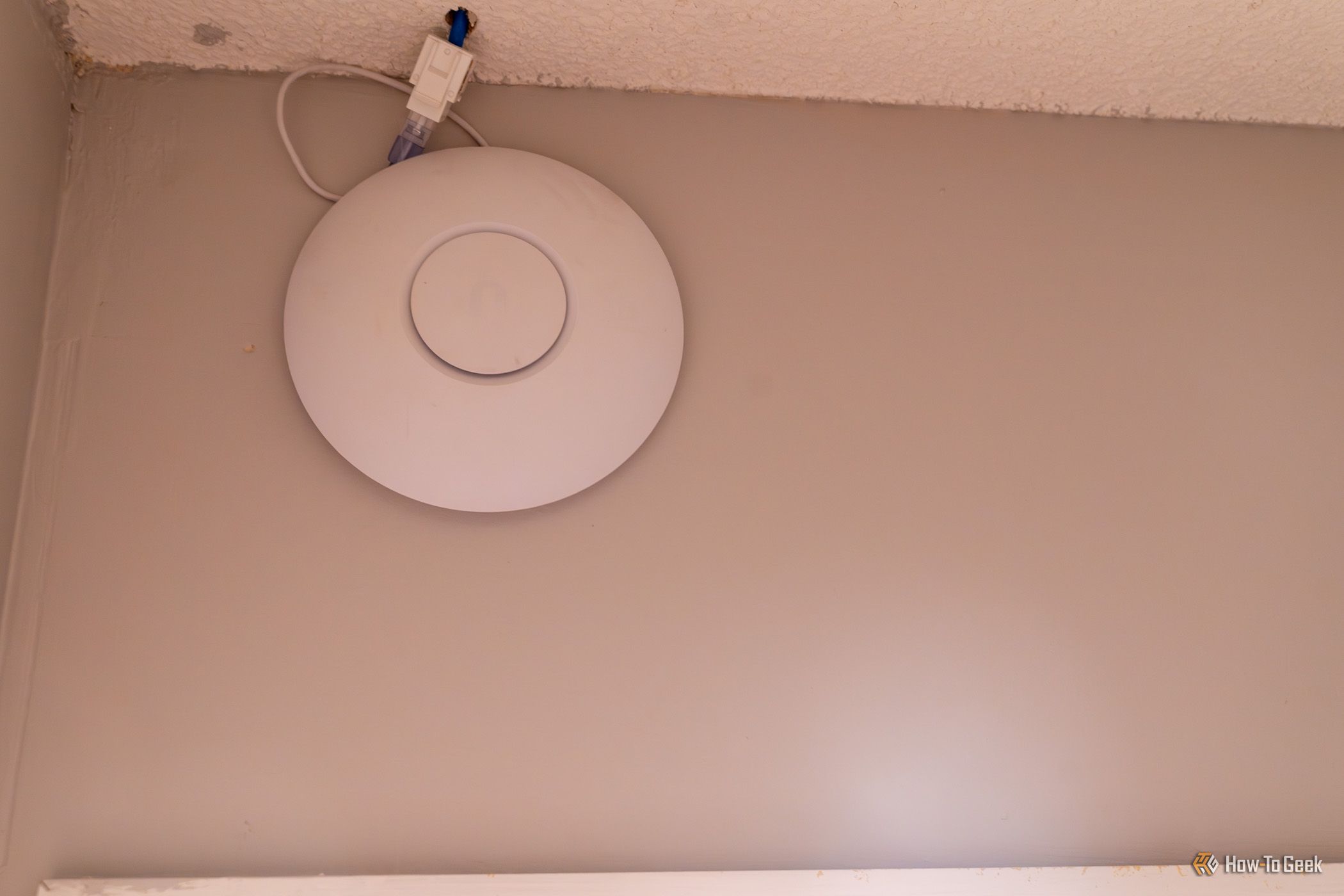
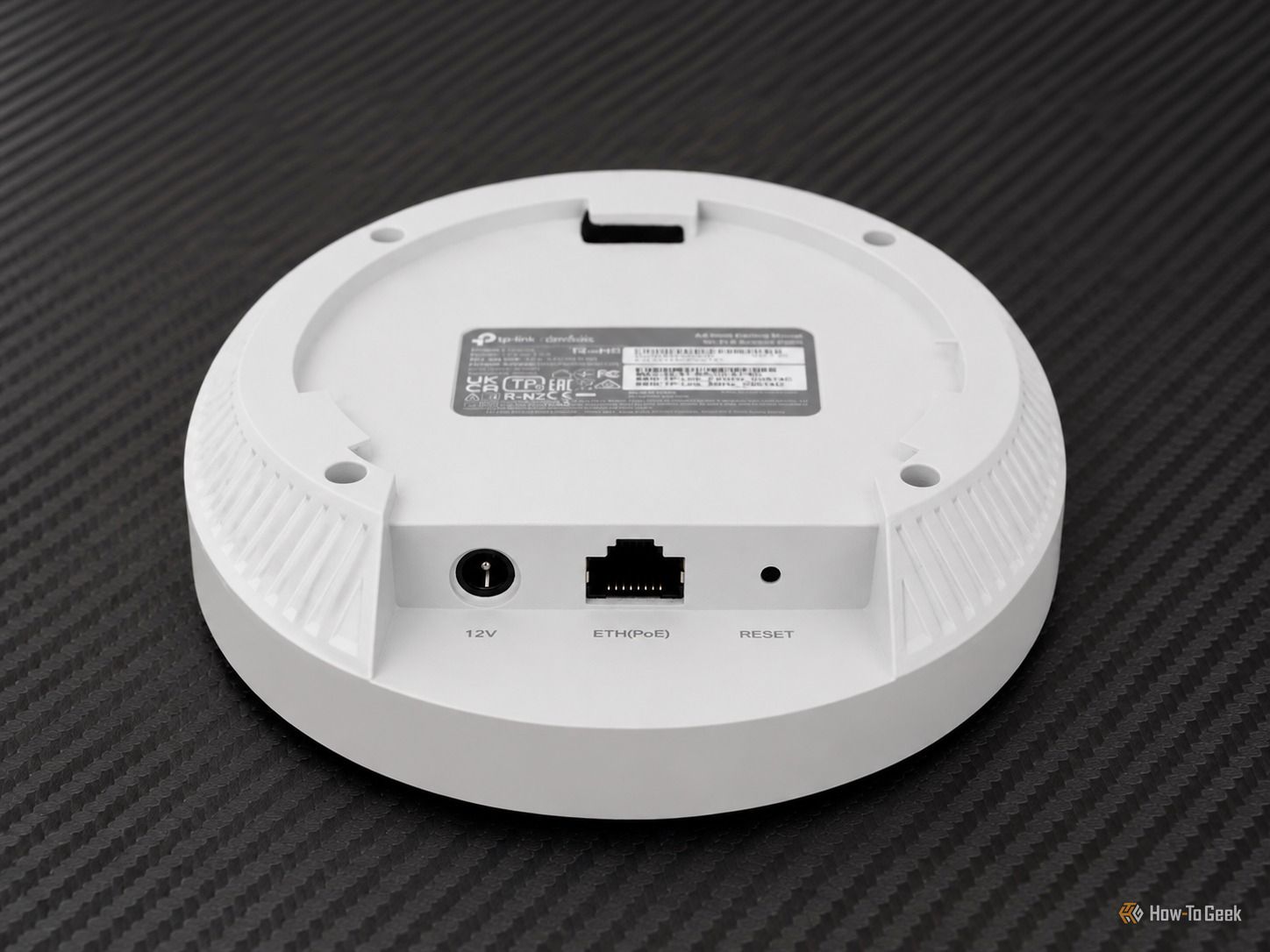
Business networking equipment takes a different approach. Instead of buying several identical devices that each combine networking functions into one box, you can separate the components. Your router handles routing and firewall duties. A switch provides Ethernet connectivity, and dedicated wireless APs provide Wi-Fi. Power over Ethernet can supply electricity to the access points through the same Ethernet cable that carries network traffic.
This setup sounds more complicated than buying a mesh kit, but the basic concept is straightforward. You are simply giving each component a job instead of asking one consumer device to do everything. The hardware is also more affordable than many people assume. A TP-Link Omada EAP610 access point typically costs around $90 to $110, while an EAP650 costs around $120 to $130. The ER605 router costs around $50 to $60, and the TL-SG108PE PoE switch typically costs around $65 to $90. Three EAP610 units, the router, and the switch come to roughly $385 to $480, depending on current pricing and sales. That is comparable to a mid-range mesh system, and it uses hardware designed for continuous operation rather than residential use.
Dedicated APs also give you more flexibility when deciding where your Wi-Fi comes from. You can mount an access point on a ceiling or wall, run an Ethernet cable back to your network cabinet, and provide a strong wireless signal exactly where you need it. You do not have to place an AP somewhere merely because it happens to be the best location for maintaining a wireless connection to another mesh node.
That flexibility is not just about coverage. Business APs support features that most mesh systems either lack or implement inconsistently. For example, VLANs let you put IoT devices, guest devices, and trusted devices on separate networks, while roaming standards like 802.11k, 802.11v, and 802.11r help devices move between APs without dropping connections.
Wired Backhaul Makes a Bigger Difference Than Another Mesh Node
Ethernet Gives Your APs a Direct Connection
When each access point is connected to the network via Ethernet, the wireless radio is dedicated entirely to serving your devices. There is no portion of the spectrum consumed by node-to-node communication, and the performance of one AP does not depend on the signal quality of its connection to another. Each unit gets a direct, stable link to the rest of the network, and that consistency shows up in real-world use.
Running Ethernet through a home does take effort, but it does not always require drilling through walls. Existing coaxial runs can be repurposed with MoCA adapters, and Ethernet can be routed along baseboards or through crawl spaces. The result is a network where each AP performs at its rated capability regardless of what is happening with the others, and where adding another AP means simply running a cable and plugging in a new unit rather than buying into a proprietary expansion node at a premium price.
For homes that already have some Ethernet in the walls, or for anyone willing to run a few cables, business-grade access points paired with a capable router and a PoE switch represent a practical and cost-effective alternative to consumer mesh systems — one that tends to scale more gracefully and hold up better over time.