How to Use Extreme Charging Mode on Google Pixel 11
Google Pixel 11 includes Extreme Charging Mode, a new feature that pauses background activity to maximize charging speeds when your battery is below 50%.
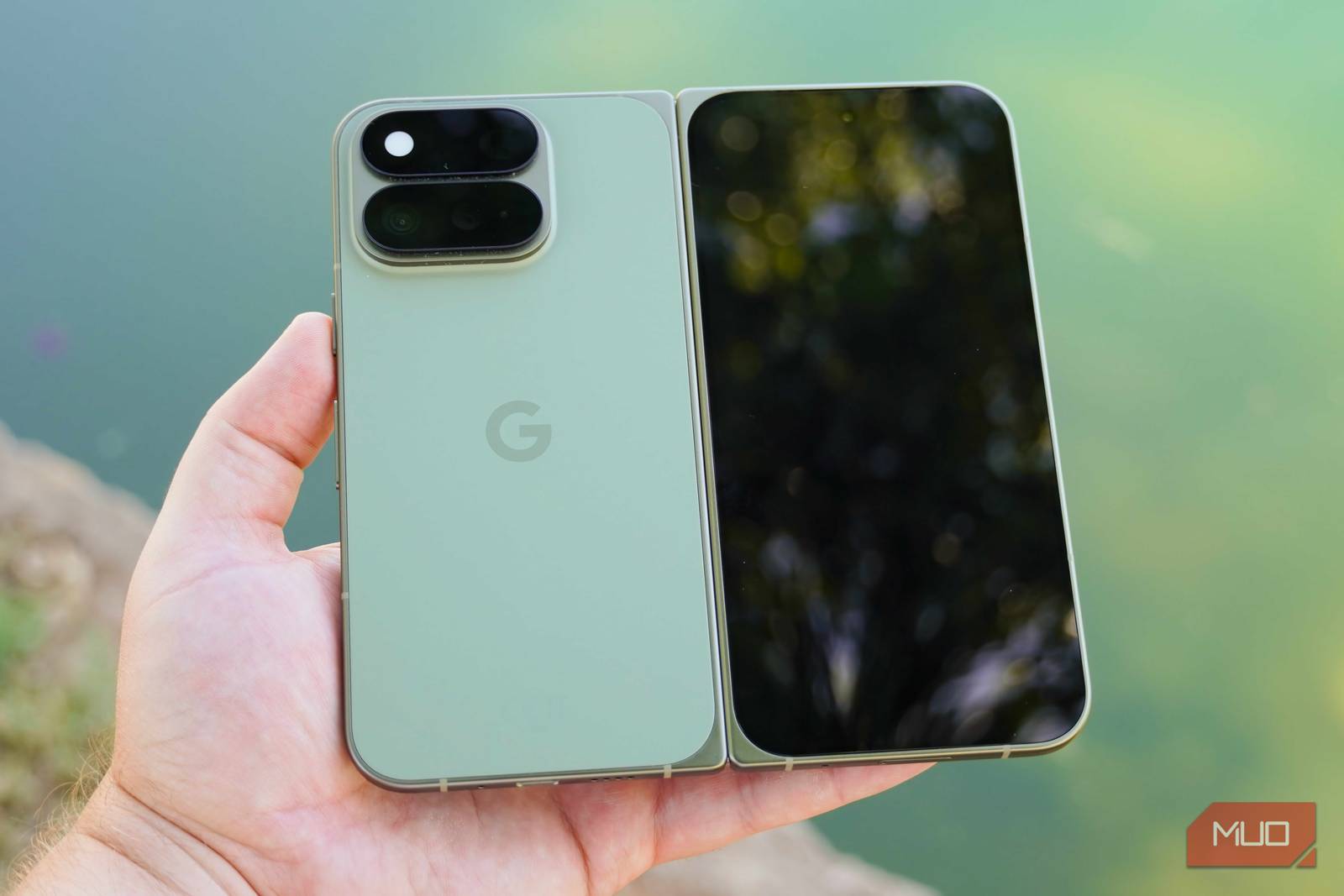
When a phone is low on battery and needs a quick recharge, there are a few reliable approaches. The obvious one is to seek out a high-wattage fast charger that meets or exceeds the capabilities of your smartphone. Other tricks include enabling dark mode, since OLED screens can turn off pixels to show true black and preserve power, or turning on Low Power Mode to help the phone charge faster.
The idea of enabling Low Power Mode to achieve faster charging speeds isn’t just a gimmick. As your phone gets hotter, charging speeds slow down. Battery-saving features limit background processes that can heat up your phone during the charging curve. So why not make a battery-saving mode specifically for charging? That’s exactly what Google did for the Pixel 11 series.
Extreme Charging Pushes Speeds to the Max
No Need to Use Low Power Mode While Charging Like the Old Days
Instead of turning on Battery Saver or Extreme Battery Saver when your Pixel 11 is low on battery, consider using Extreme Charging Mode. It’s a new feature for the Pixel 11 and later, and it can only be enabled while your phone is charging. It’s off by default, so you need to navigate to Settings → Battery and charging → Extreme Charging Mode → Turn on now to enable it.
If you try to enable Extreme Charging Mode without a charger connected, the button will be greyed out, showing an Only available while charging message instead. The other requirement is that your Pixel 11 battery level must be below 50%. Otherwise, you’ll see another greyed-out button with an Only available when below 50% message.
So, what does Extreme Charging Mode actually do? Google says the feature “temporarily pauses background activities such as app updates,” and reinforces that you won’t miss any calls, texts, or notifications. It doesn’t go as far as Battery Saver or Extreme Battery Saver in pausing apps and features, but those two battery-saving features automatically turn off when your phone is charging.
While iPhones and Galaxy phones can use Low Power Mode or Power Saving Mode while charging, Pixel users can’t use Battery Saver while charging. Extreme Charging Mode fills the gap left by Battery Saver when your Pixel 11 is plugged in.
Use the Extreme Charging Tile in Quick Settings
You Need to Enable It Every Time You Want to Use It

There’s an Extreme Charging Mode tile available in your Pixel 11’s Quick Settings panel, but it’s hidden by default. To make it appear, you need to manually enable Extreme Charging Mode in the Settings app at least once. After that first activation, the tile will appear in Quick Settings for easy access. As a reminder, the Quick Settings tile will only work when your phone is below 50% charge and connected to power.
Unfortunately, there’s no way to set Extreme Charging Mode to automatically turn on when those conditions are met. You need to manually trigger it every time, either through the Settings app or the Quick Settings panel. For battery safety, Google says Pixels “automatically manage any temperature changes and keep your battery within normal range” while Extreme Charging Mode is turned on.
The good news is that the toggle is easy to access in Quick Settings, and it’s simple enough to tap after plugging in. Better yet, the feature keeps working after your phone’s battery level crosses that 50% threshold. You need to have a battery less than half full to get started, but Extreme Charging Mode stays on until your phone reaches a “high charge level.”
Extreme Charging Mode automatically turns off when you unplug your Pixel, so you don’t have to worry about leaving the feature enabled accidentally.
This Pixel 11 Model Benefits Most from Extreme Charging
You Can Use Extreme Charging Mode on Any of the Four Phones

Extreme Charging Mode is available across all four Pixel 11 models, but the standard Pixel 11 stands to benefit the most. It supports the slowest maximum wired charging speed of the lineup, so any boost from pausing background activity is more meaningful relative to its baseline. On the Pixel 11 Pro and Pro XL, which already support higher wattage charging, the practical difference may be smaller, but the feature remains a useful option for anyone who needs a fast top-up in a hurry regardless of which model they own.