How Spotify Connect Replaced My Entire Multi-Room Audio Setup
Spotify Connect streams music directly from Spotify's servers to compatible devices, eliminating Bluetooth hassles and simplifying multi-room audio control.
My home music setup grew with the constant march of technological innovation until it dawned on me just how complicated things had become. My music streaming devices include a smart speaker, streaming dongles, a Bluetooth soundbar and subwoofer, and a project studio linked to a computer. Moving music from one room to the next meant disconnecting one device and connecting to another, hoping Bluetooth pairs correctly and cueing up my audio again.
Of course, there had been a better solution staring me in the face. Now, through proper use of Spotify Connect, I can control playback across almost every streaming device I own without relying on Bluetooth or keeping my phone tied up.
The Power of Streaming Directly Versus Streaming via Bluetooth
Spotify Connect Does Much More Than Just Bluetooth Streaming

Spotify Connect isn’t Bluetooth with a fancy name; it’s a different beast entirely. With Bluetooth, your phone does most of the work by streaming audio directly to your devices, which not only means your battery drains faster but also limits range and can cause disconnections and interruptions.
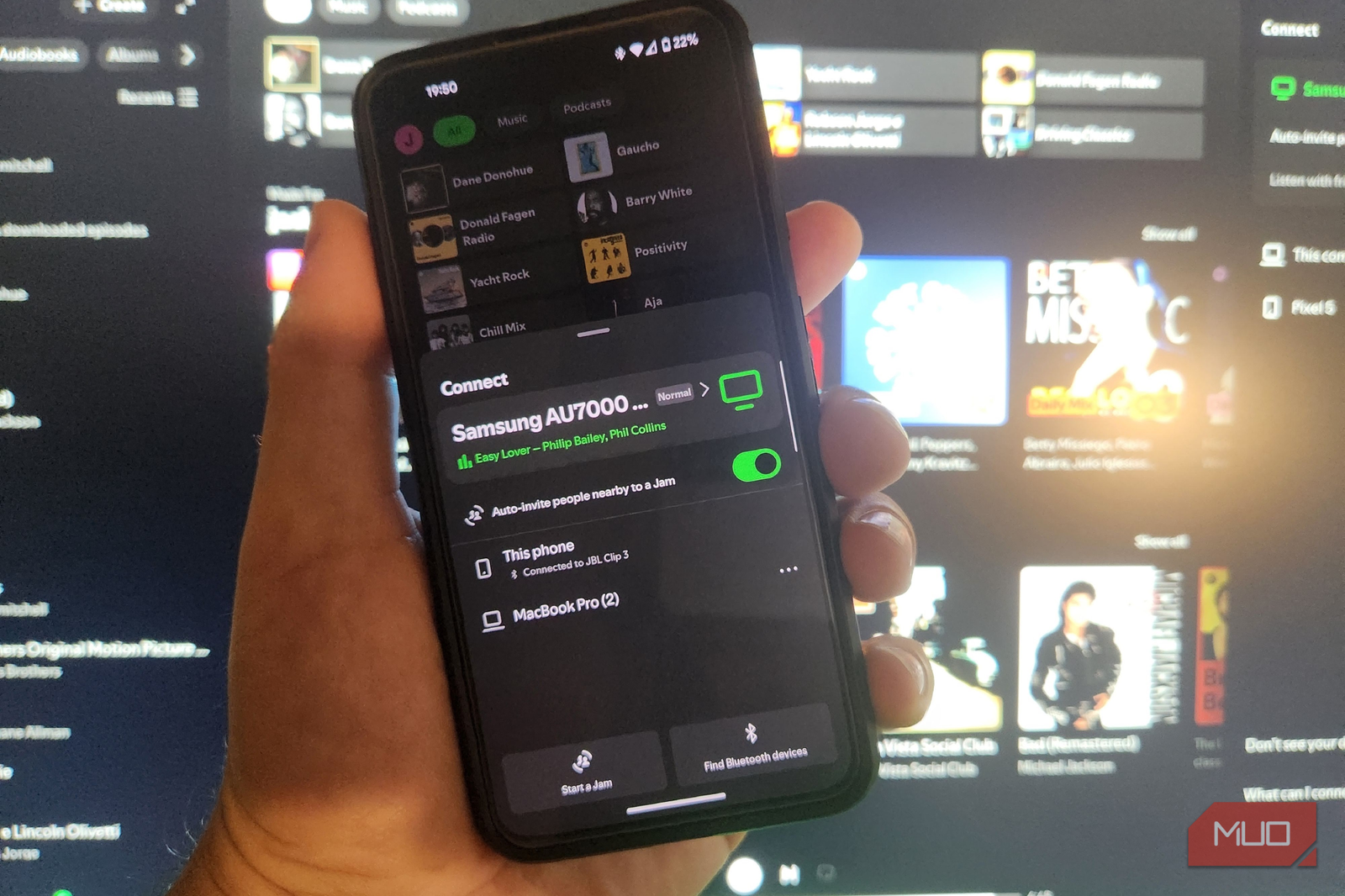
With Spotify Connect, you select a compatible speaker, smart TV, streamer, or amplifier by pressing the little gadget icon in the playback window, and the device streams music directly from Spotify’s servers. You can lock your phone, answer calls, leave the house, or even switch devices without interrupting music playback. This distinction is crucial, as it has entirely changed how I control music.
Dedicated Streaming Hardware Takes a Backseat
Some of My Gadgets Have Been Made Redundant by My New Streaming Practices
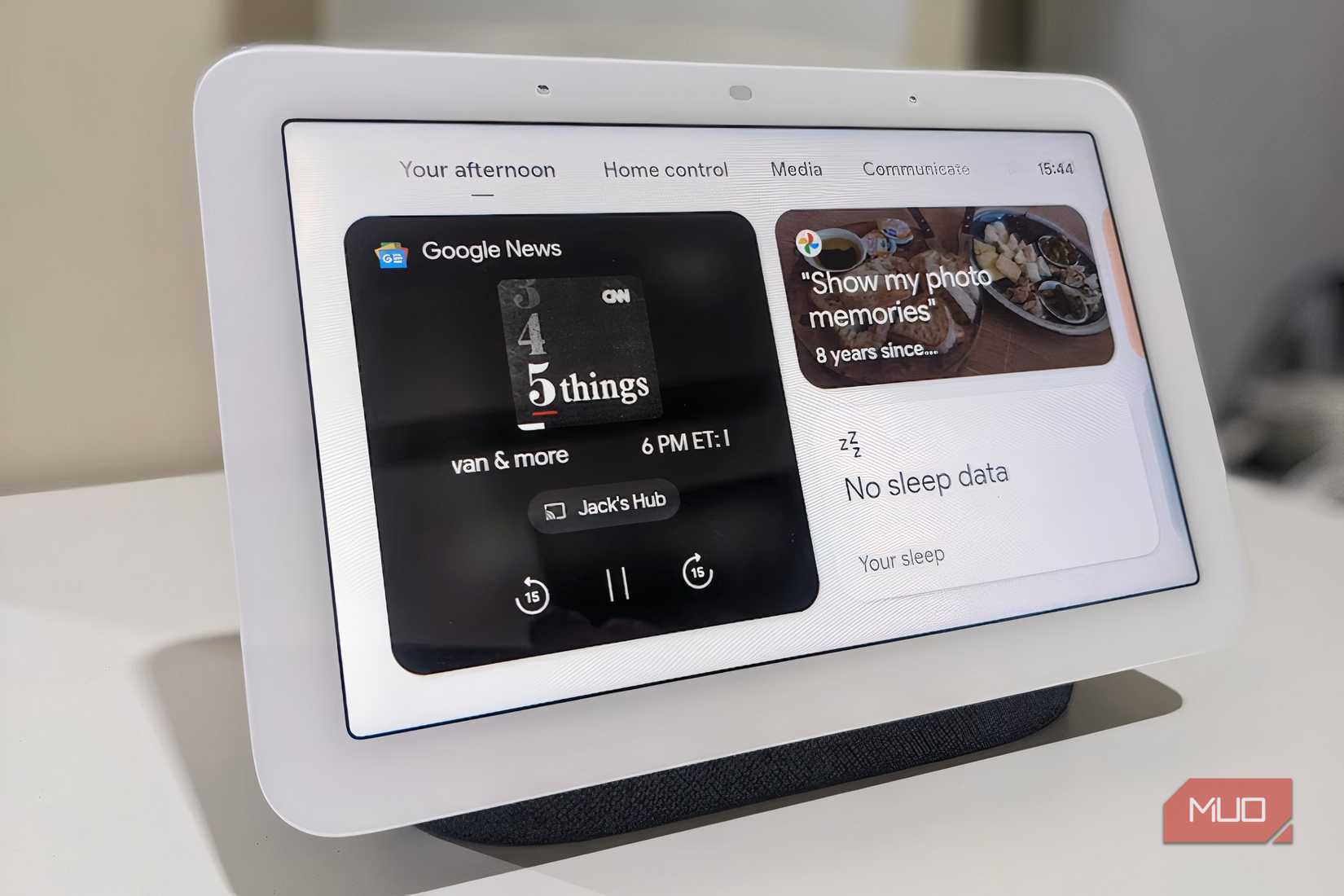
I used to rely on several devices to play my music through different speakers. These included an old Chromecast audio receiver and a Bluetooth receiver for my stereo amplifier. Since upgrading most of my equipment, including a Google Nest Hub smart speaker, an iPad, and a Bluetooth-ready soundbar, I realized that Spotify Connect natively supports all of these.
Now, instead of figuring out which input each device uses and switching between them, I simply open Spotify, tap the Devices button, and select where I want to play my music. This adds a whole new level of simplicity and consistency to my listening experience, and I no longer need any additional accessories to get my older equipment working. As a bonus, many newer devices, such as the excellent WiiM Pro, already have Spotify Connect built in.
Switching Between Rooms Couldn’t Be Simpler
I Underestimated How Easy Spotify Connect Makes It to Move Playback Between Devices
What once required physically reconnecting devices and re-cueing tracks now takes a single tap in the Spotify app. Selecting a different room means selecting a different device from the Spotify Connect menu — the music continues uninterrupted, and my phone remains free for everything else. For anyone managing multiple speakers or audio zones at home, Spotify Connect is the most practical solution hiding in plain sight.