Download macOS Mojave DMG: Installer Files and Install Guide
Direct download links for macOS Mojave DMG and installer files, with system requirements and installation steps for supported and unsupported Macs.
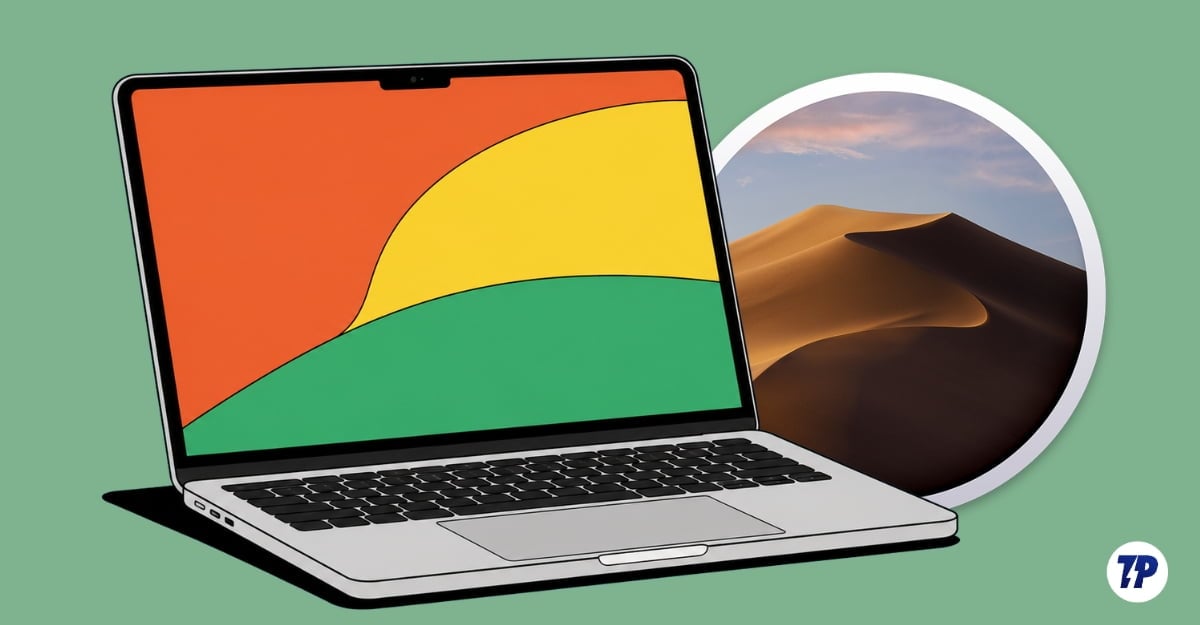
macOS Mojave was the last macOS to support 32-bit apps. It received its final version update in July 2019, before later being replaced by the newer macOS Catalina on most Macs.

While macOS Mojave wasn’t a significant upgrade compared to the prior OS, it brought some useful features like system-wide Dark Mode and a new App Store design for better app discovery. Support for 32-bit apps remains one of the major advantages of the OS.
Since then, Apple has released a new version of macOS every year. The latest macOS focuses on making the UI look more glassy with its liquid glass design while continuing to add AI features.
If you are using an older MacBook, want to install macOS Mojave to avoid recent design changes, or need to test specific apps on Mojave, the sections below provide direct download links for macOS Mojave DMG files, detailed system requirements, pre-installation steps, and a guide to installing macOS Mojave on both supported and unsupported Macs.
Download macOS Mojave DMG and Installer Files
- Download macOS Mojave 10.14.6 from the Mac App Store
- Download macOS Mojave 10.14.1 Update DMG
- Download macOS Mojave 10.14.1 Supplemental Update
- Download macOS Mojave 10.14.2 Update DMG
- Download macOS Mojave 10.14.2 Combo Update
- Download macOS Mojave 10.14.3 Update DMG
- Download macOS Mojave 10.14.3 Supplemental Update
- Download macOS Mojave 10.14.3 Combo Update
- Download macOS Mojave 10.14.4 Update DMG
- Download macOS Mojave 10.14.4 Combo Update
- Download macOS Mojave 10.14.5 Update DMG
- Download macOS Mojave 10.14.5 Combo Update
- Download macOS Mojave 10.14.5 Supplemental Update
- Download macOS Mojave 10.14.6 Update DMG
- Download macOS Mojave 10.14.6 Combo Update
- Download macOS Mojave 10.14.6 Supplemental Update
Community-Archived Mirrors for macOS Mojave 10.14
Download macOS Mojave From the App Store

You can also install macOS Mojave directly from the Mac App Store. Visit the App Store page, download the macOS Mojave installer, open the app, select the version, and start downloading the installer.
Download macOS Mojave installer
Supported Macs
| Mac model | Supported variants |
|---|---|
| MacBook | Early 2015 or later |
| MacBook Air | Mid 2012 or later |
| MacBook Pro | Mid 2012 or later |
| Mac mini | Late 2012 or later |
| iMac | Late 2012 or later |
| iMac Pro | 2017 models |
| Mac Pro | Late 2013 models |
If your Mac is not on this list, you can still install macOS Mojave using a free tool. Steps are provided in the unsupported Mac section below.
macOS Mojave Version History at a Glance
| Version | Release |
|---|---|
| macOS 10.14 | September 2018 |
| macOS 10.14.1 | October 2018 |
| macOS 10.14.2 | December 2018 |
| macOS 10.14.3 | January 2019 |
| macOS 10.14.4 | March 2019 |
| macOS 10.14.5 | May 2019 |
| macOS 10.14.6 (Latest) | July 2019 |
Storage and RAM Requirements for macOS Mojave
- Min RAM Required: 2–4 GB; 2 GB is the minimum requirement, and 4 GB makes things easier.
- Min free storage required: 12.5 GB when upgrading from OS X El Capitan 10.11.5 or later, and a minimum of 18.5 GB when upgrading from an older macOS version.
Other Prerequisites
If you have enough storage and RAM, ensure the following before installing macOS Mojave to avoid any issues:
- Stable internet connection: A stable internet connection is required to download the installer and complete the setup process on your Mac.