AdBlock 360: A System-Wide Ad Blocker for Windows
AdBlock 360 blocks ads system-wide on Windows, covering browsers, YouTube, and Spotify without needing separate extensions.
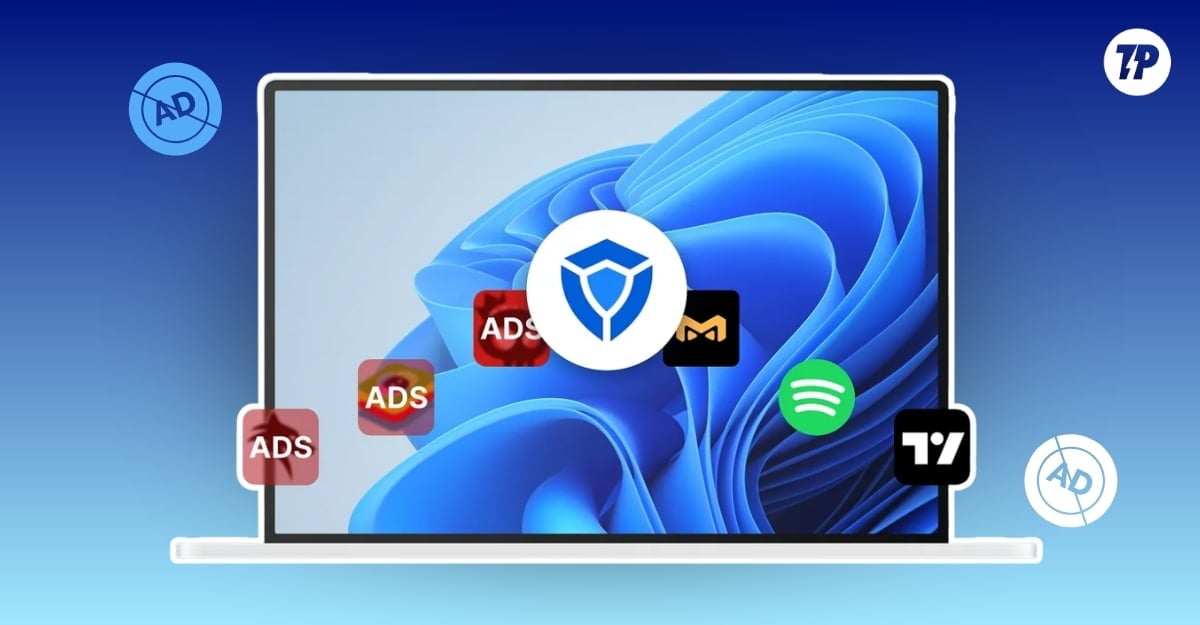
Ads are very common across apps and websites. Most apps and websites use a freemium business model, which has ads in the free version. This model is proven and benefits both the creator and the consumer. But a few apps cross the line and make the whole experience cluttered by aggressively pushing ads.

This is where an ad blocker can come in handy. It blocks intrusive ads on any web page or app, making the whole experience a lot cleaner and clutter-free.
Ad blockers come in many forms. The most popular ones are ad-block extensions used in browsers, but changes in Google Chrome Manifest Version 3 restrict access to some browser features for ad-blocker extensions.
Another common way of blocking ads is using an ad-blocker DNS, which works well on mobile devices.
Finally, if you want to get rid of ads throughout the system, the easiest way is by installing an app.
If you use Windows, AdBlock 360 can come in handy. It offers a complete solution to block all types of ads on your Windows device, whether they are in a browser or system-level apps — including ads on YouTube and Spotify — without requiring premium subscriptions. Here are five features that stood out during recent usage.
AdBlock 360 for Windows: 5 Features That Make It Worth Using
Block Ads Across Browsers and Windows Apps

One of the biggest advantages of using AdBlock 360 is that it runs natively on Windows and blocks ads at the system level. It eliminates the need to install ad blockers for your browser separately. It uses a kernel-mode Windows Filtering Platform driver for system-wide network filtering. Because of this, it won’t have any restrictions, unlike those recently raised due to Chromium changes — so it works even if your browser is updated to the latest Manifest V3.

You also don’t need to install separate ad-block extensions for your browser. One ad blocker is enough to handle all system-level ads on your Windows laptop, including ads from browsers and even on YouTube, Spotify, or any third-party or native apps that display ads.
Block YouTube and Spotify Ads Using AdBlock 360

AdBlock 360 also blocks ads on YouTube, including watch-page and pre-roll ads that appear before a video. Upgrading to the AdBlock 360 premium version also skips sponsor segments in a video. The ad blocker also works for other popular platforms, including Spotify, where ads in the free version can be particularly disruptive. Because AdBlock 360 works natively on Windows, it can operate on any app installed on your device.
Protect Your Privacy From Trackers and Fingerprinting

Some websites and apps aggressively track your activity to serve you relevant ads. This is why, when you search on any e-commerce platform, you immediately see ads related to the product you searched for.
AdBlock 360 blocks ad trackers at the network level, preventing ad providers inside browsers or platforms from fetching your ad profile data from advertising, analytics, or tracking servers.
This way, not only the ads but also the tracking and data collected by these trackers will be blocked.
Choose What to Block With Custom Filters

While AdBlock 360 is a convenient way to block ads across Windows, it may not block certain ads that use different architectures or newer techniques to bypass ad blockers. You may also want to whitelist your own websites or sites you want to support.

AdBlock 360 offers the option to set custom filters, giving you complete control over which types of ads to block. You can also whitelist certain apps and websites to allow ads through.
Works on Low-End PCs and Offers a Free Version

AdBlock 360 works on both Windows 10 and Windows 11. It requires just 2 GB of RAM (although 4 GB is recommended) and only 200 MB of free space.
Low-spec Windows devices are most affected by ads, which can make constant backend requests and cause a laggy experience. AdBlock 360 runs in the background and requires a minimal amount of processing power, making it a practical option for blocking ads on low-end Windows devices.
Not everything about AdBlock 360 is straightforward, however — there are a few notable limitations. First, the app is limited to Windows. A premium subscription purchased for Windows cannot be used on other devices such as a mobile phone.

AdBlock 360 is also not available for ARM-based Windows laptops. Attempting to install it on a Snapdragon X2 Elite-powered ASUS ProArt PZ14 returns an error stating “ARM64 devices are not compatible.”

So while the app is exclusive to Windows, it still requires an x86-compatible device to run.
Additionally, HTTPS filtering requires installing a root certificate. Although the process is straightforward, it can be limited if you have advanced security settings enabled on your Windows device.
Overall, AdBlock 360 is a capable system-wide ad blocker for Windows users who want a single solution that covers browsers, streaming apps, and third-party software — without relying on browser extensions that are increasingly restricted by Manifest V3 changes.