Why Notion Is a Better Tool Than Word for Taking Notes
Microsoft Word was built for print documents, not quick notes. Notion's block-based system makes everyday note-taking faster and better organized.
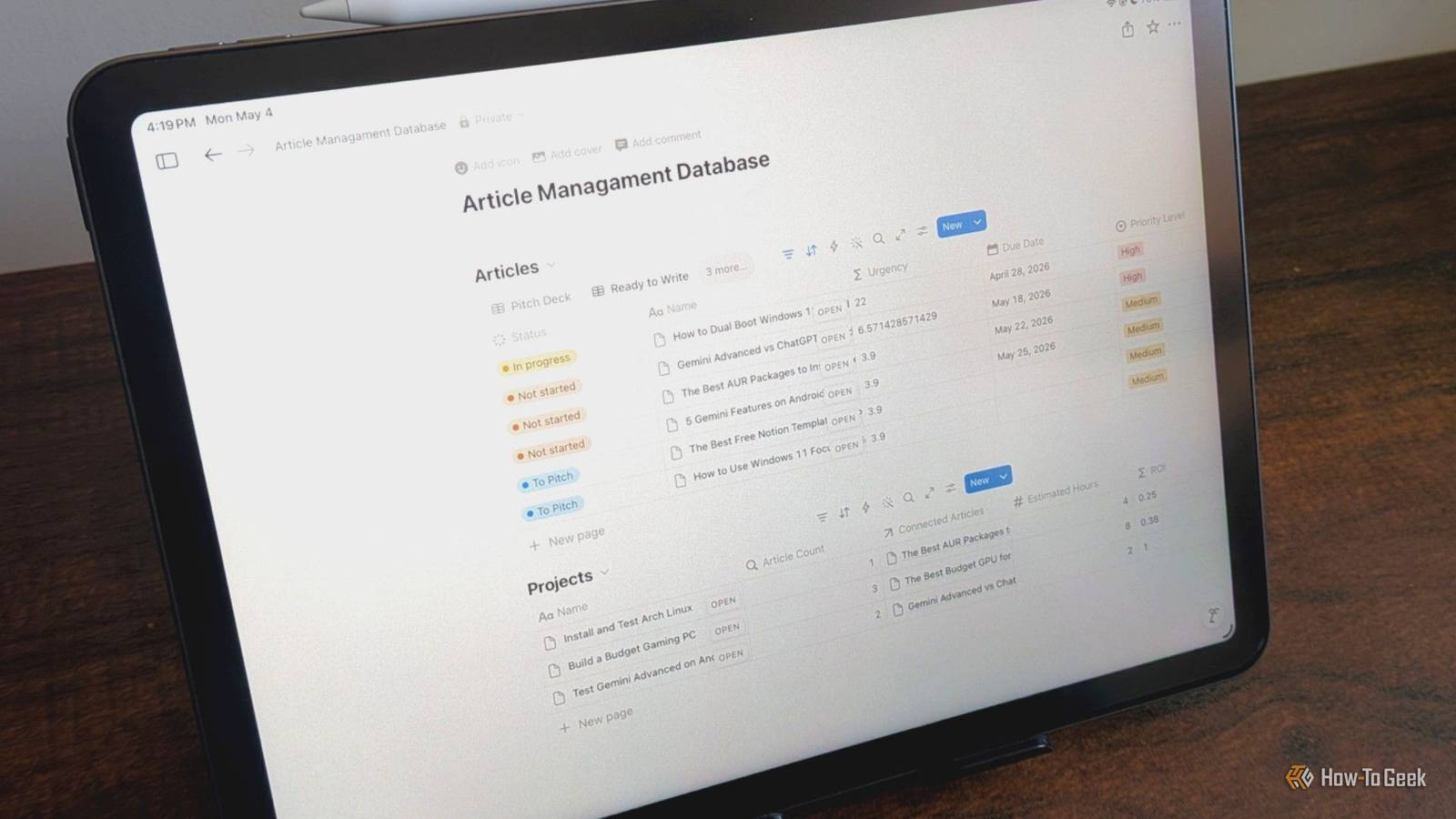
Most of us learned Microsoft Word while growing up and never really questioned it. It was on most computers, so it became the default for everything, including notes that had no business being formatted like a printed document. You don’t need an entire document to take a few notes; you should use an app built to manage them like databases.
Word Was Built for Printing, Not Real Note-Taking
Notion Treats Your Notes Like Data
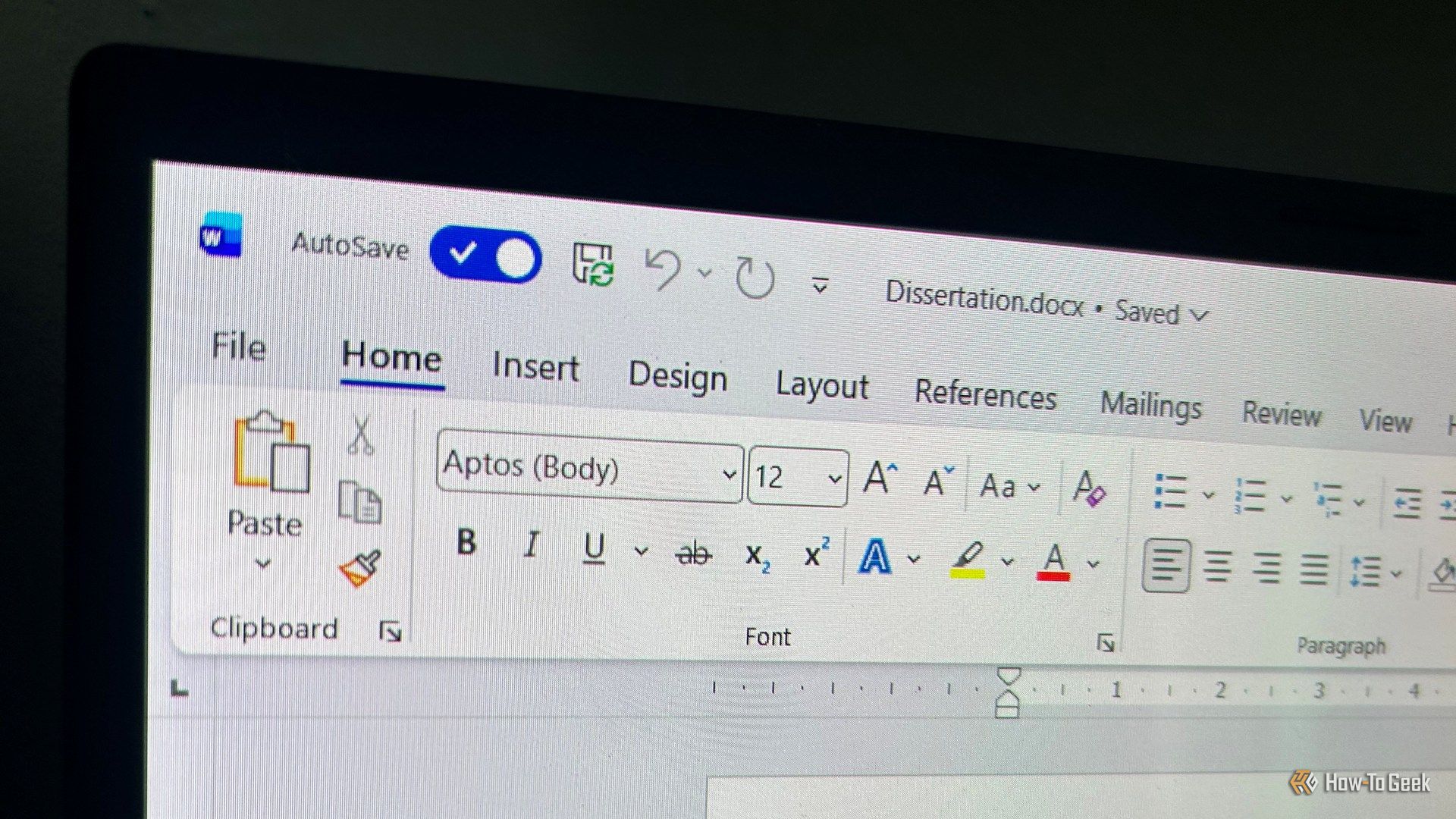
Microsoft Word is the go-to app for everyone. It’s not hard to see why, because it’s kind of built into so many of our childhoods. I was taught Word in elementary school, and Microsoft Office tended to be used in plenty of classrooms. However, it was never designed for quick, messy notes. It was built to make print-ready documents.
The whole architecture is print-first, which means everything is built around wrapping text onto physical pages like A4 or Letter. That makes a ton of formatting overhead when you’re just trying to write information in real time, so structuring text tends not to be the most important thing.
The file system model doesn’t help either. Documents live in folders, links break if you move or rename anything, and a note can only be in one folder at a time. Syncing across devices is its own issue that I don’t even bother with anymore due to the bugs. Since Word is constantly doing layout calculations in the background because of things like page breaks and floating images, it’s really bad at spatial organization and handling more complex additions to documents.
I like the apps that treat the page like a page, and not like paper. One that does this well is Notion, because it treats your pages like a database. The workspace becomes a graph of linked blocks, and there’s no real difference between a string of text, an image, a checklist, a database row, or a whole page. Every block is atomic, and you can move, nest, or transform things without losing data.
So indenting a block changes the database render tree, not just the visual styling. Synced blocks solve the duplication problem too. A single block can exist on multiple pages, and edits can spread everywhere. It overall makes your life easier.
Notion Is Built Around Little Blocks Instead of Normal Pages
The Block System Makes Writing a Lot Easier
So Notion’s whole workspace is a lot more complicated than it seems, but it makes a lot of sense when you get used to it. It’s built around this editor, except instead of a normal document that just goes top to bottom, everything is a structured tree of little modular pieces that live on their own.
Hitting Tab actually changes the underlying database relationships and moves that block’s ID into the children list of the block above it. Since the data is decoupled from the style, everything survives type changes. Basically, if you have a checked to-do item and turn it into a heading, the rendering engine just ignores the checked flag. But the flag is still stored. If you turn it back into a to-do later, then the checkmark will come right back, because the metadata was never thrown away.
For actually taking notes day to day, I’ve found that slash commands make things easier than Word does. You type / and a searchable menu pops up, so you don’t have to grab the mouse and dig through toolbars.
Start typing, and it filters in real time. /todo gives you a checkbox, /table drops in a grid, /toggle makes a collapsible section. There are also ones like /duplicate or /comment, and you can even do visual highlights like /red or /blue backgrounds without stopping your typing.
While there are arguments as to why Microsoft Word doesn’t make things this easy, it feels like these are the kinds of changes the company should push for. Instead, we have Copilot being forced into way too many apps.
You Trade Raw Speed for Way Better Organization
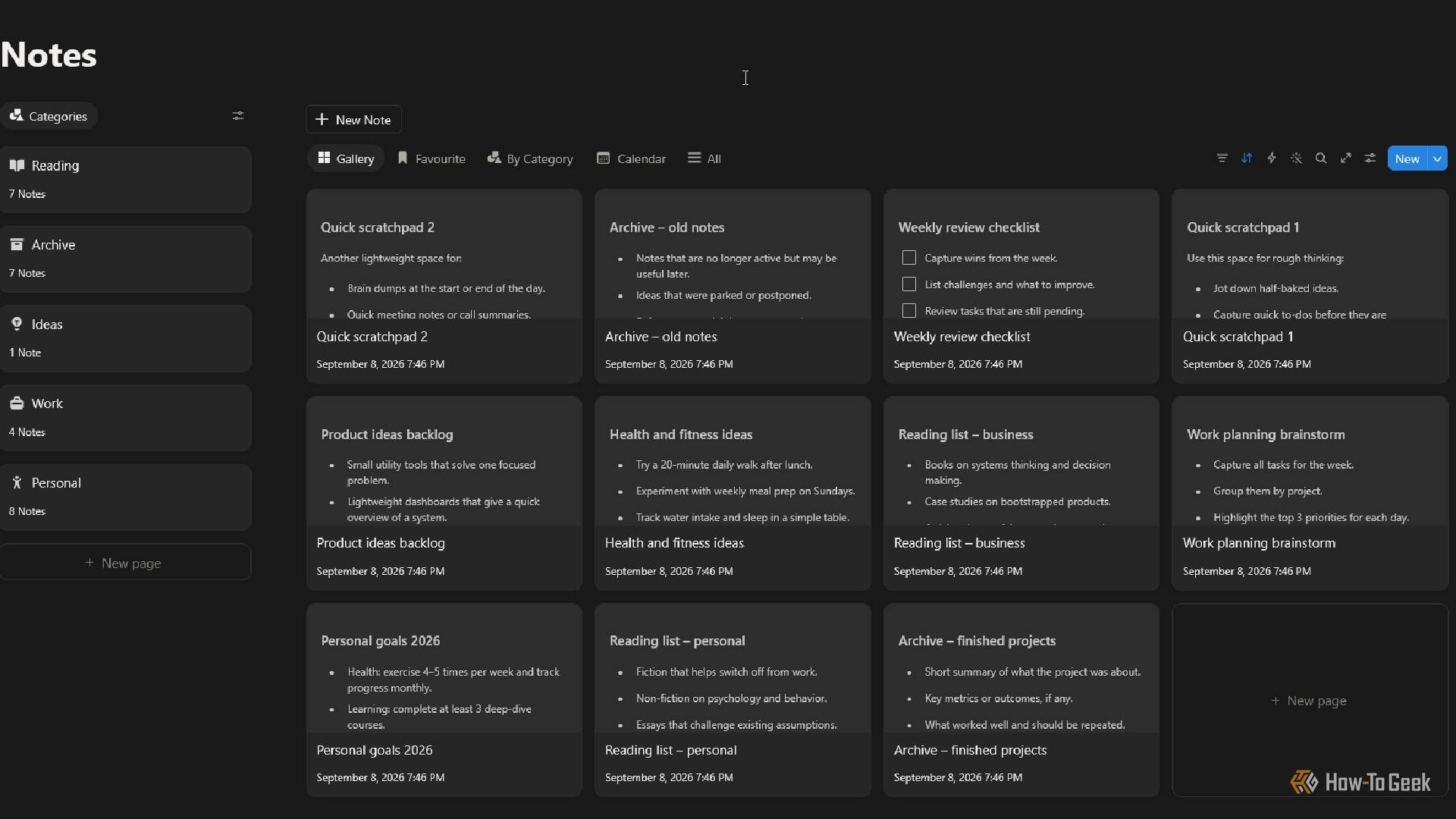
Notion does require a small adjustment period compared to just opening Word and typing, but the organizational payoff is significant. The block-based structure, database-style linking, and slash command system combine to make it a genuinely more capable tool for everyday note-taking than a print-first word processor ever could be.