Five Local AI Apps Worth Running on Your iPhone in 2026
Small on-device AI models have improved enough to be genuinely useful. These five iPhone apps made the home screen cut.
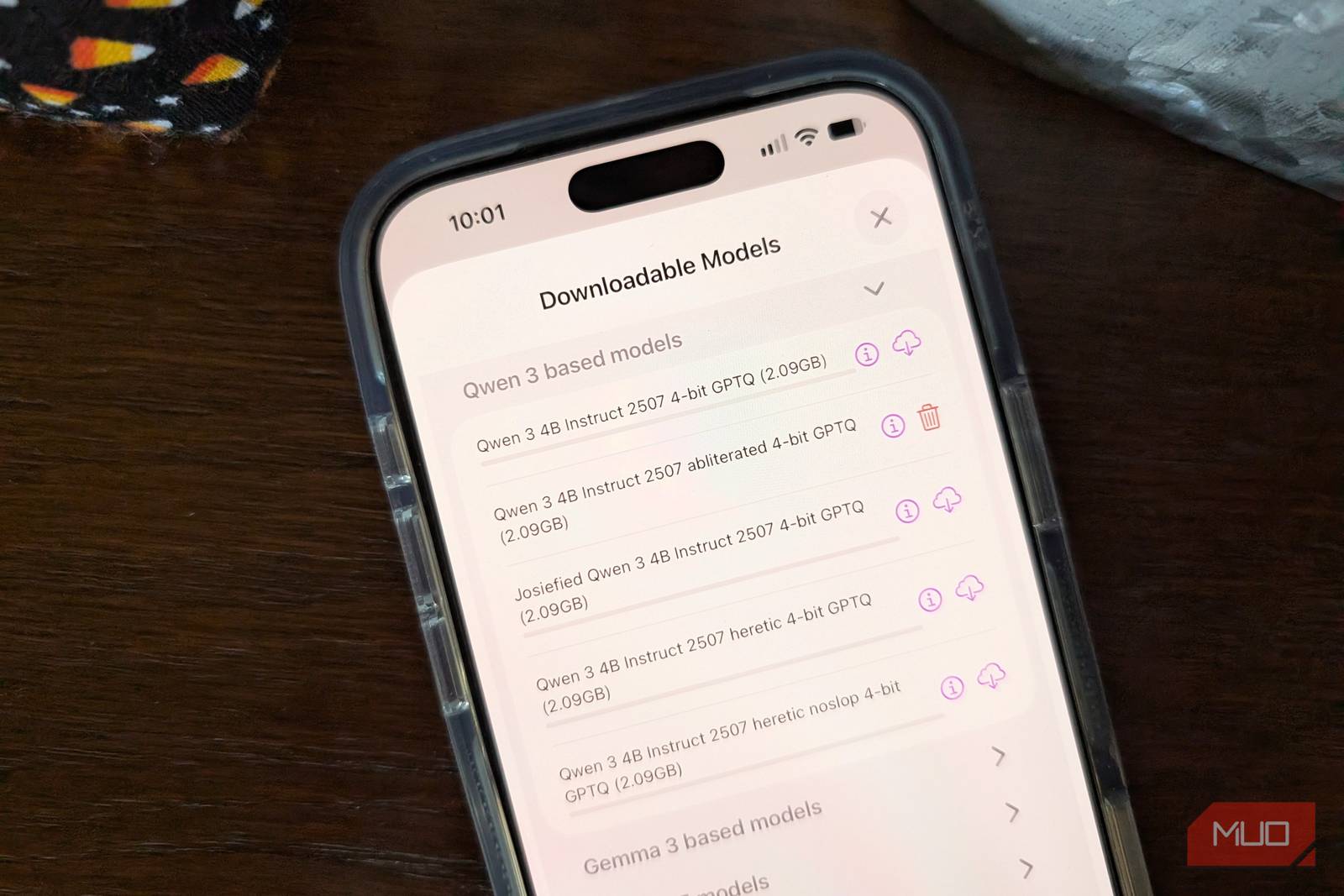
My first try at local AI on a phone was a bare-bones chat app back in 2024. I loaded a tiny 1B model, asked it a handful of questions, and got slow, shaky answers. It lasted about a week before I deleted it. ChatGPT was always one tap away, and it was smarter.
A drive through Central Pennsylvania brought me back. Long stretches outside State College drop my signal to nothing, and I had a pile of voice notes I wanted cleaned up before attending an online meeting. No cloud model could help.
The small models are much better now. Qwen 3.5, Gemma 4, and Liquid AI’s LFM 2.5 all fit on a phone, and Apple’s own on-device model is open to third-party apps through the Foundation Models framework. The bigger shift for me is in the apps. A few developers have wired these models into Siri, Shortcuts, and the Action Button, so I can reach them without opening a chat window first.
I tested everything below on an iPhone 17 Pro Max running iOS 27. These five made the cut for my home screen. Like other local LLMs, I found them each useful in their own way.
Locally
LM Studio’s iPhone app can borrow your Mac’s horsepower
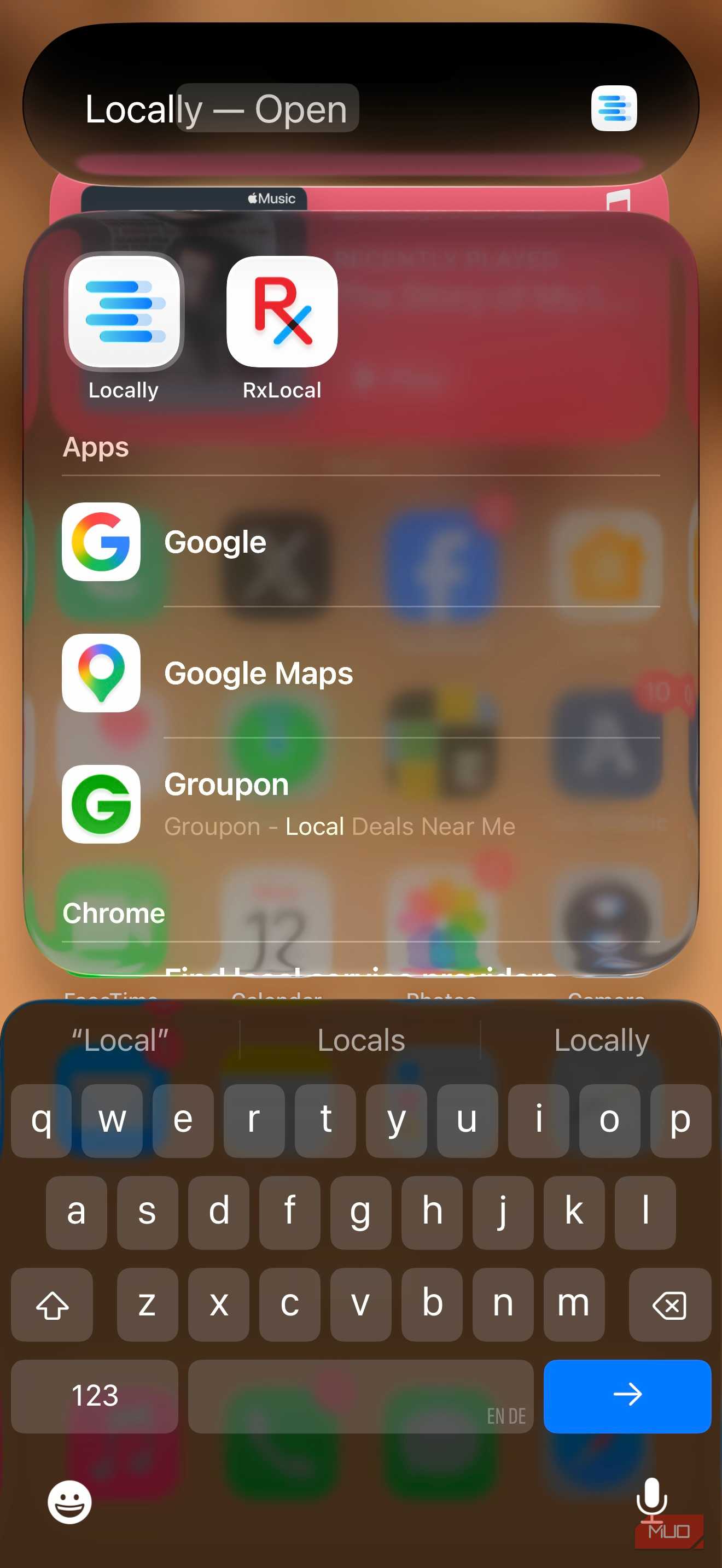
Locally began as an indie app from developer Adrien Grondin. LM Studio, the desktop app many people use to run models on their computers, bought it in April 2026, and it now serves as LM Studio’s official iPhone app.
Locally runs models right on the phone using Apple’s MLX framework. No account is required, and the App Store listing says the developer doesn’t collect any data. Available models include Qwen 3.5, LFM 2.5, Gemma, Llama, and Apple’s own Foundation model. Qwen 3.5 can also handle images. You can open Voice mode from a Home Screen quick action, a Shortcut, or a button in Control Center. I mostly used Qwen 3.5 at the 2B size, and replies started almost immediately. When I gave it a photo of a receipt, it found the total without any trouble.
LM Link is what kept me using it. Released in June, it pairs the app with LM Studio running on a home computer and uses end-to-end encryption. My MacBook Air does the heavy lifting, so my phone gets a bigger model without the heat or battery drain of running it locally. Chats stay saved on the device. One caveat: in this mode, the phone is a remote, so the computer does the processing.
I loaded Qwen 3.5 9B on my 16GB MacBook Air and gave it the same prompt I’d just run on the phone’s 2B model: an outline comparing NFL cities with the teams that call them home. The LM Link version was a little slower to respond, though I had to watch for it. Both outlines were thorough, and they took the topic in different directions. I keep flipping between the two in the same app and comparing answers.
Private LLM
A $4.99 app that plugs local AI into Shortcuts and Siri
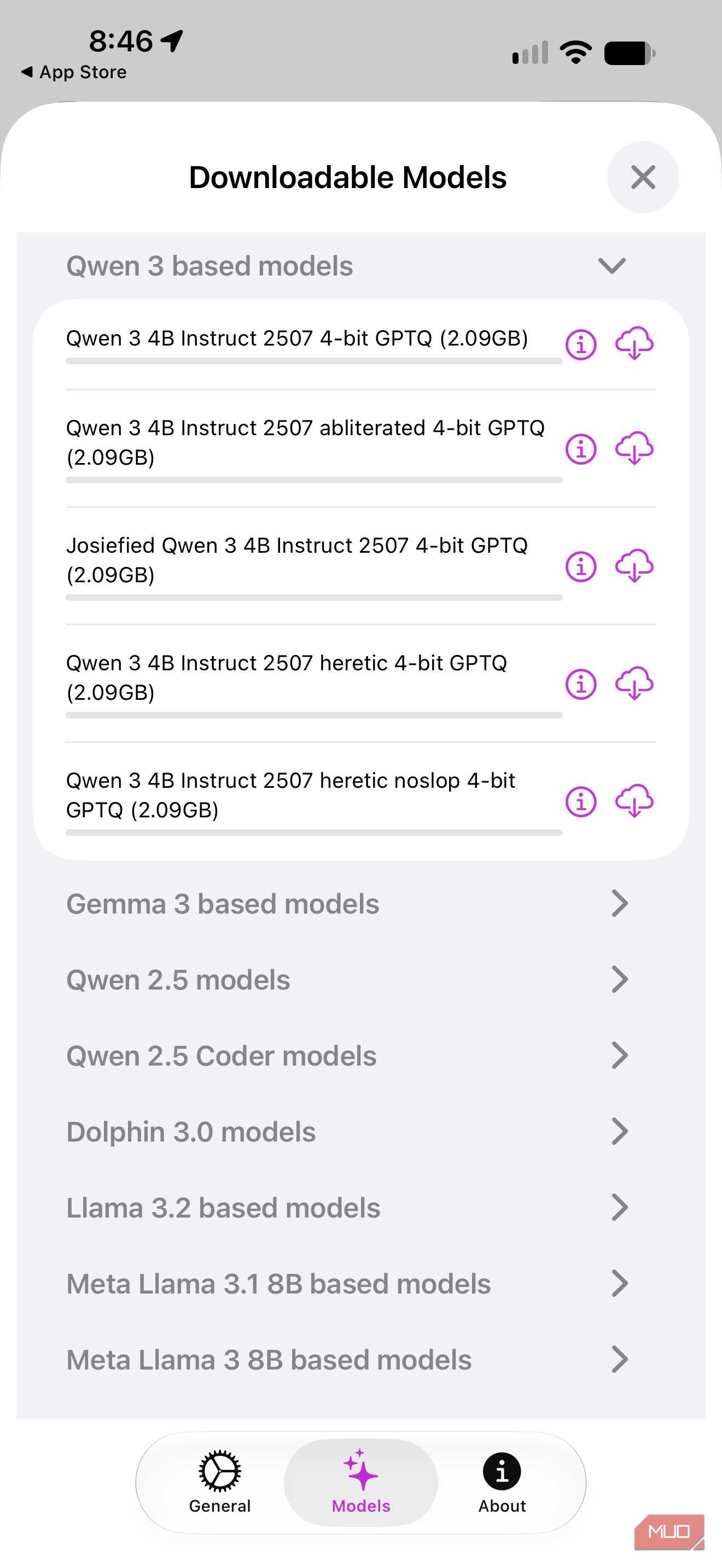
Private LLM costs $4.99 and is one of the most tightly integrated local AI apps available for iPhone. Its standout feature is deep support for Apple’s Shortcuts and Siri, which means you can invoke an on-device model from an automation or ask Siri to hand off a task without ever opening the app directly. It also supports the Action Button on Pro models, making it a fast one-press tool for quick queries or transcription tasks.
The app supports a solid range of models and lets you swap between them depending on what you need. Lighter models load quickly for simple tasks; heavier ones are available when quality matters more than speed. Everything runs on-device, with no data sent to external servers. For anyone who wants local AI woven into their existing iPhone workflows rather than isolated in a chat app, Private LLM is the most capable option in this category.