Why Linux Works on Old Hardware: It's Not Magic
Linux isn't automatically lightweight, but the right distros and desktop environments make it possible to revive aging hardware effectively.
A popular project is to install Linux on an old PC. While it’s useful for keeping an old machine from the recycler, Linux isn’t magic. It’s a result of how Linux is designed.
(Some) Linux Distros Are Lightweight
Only the Right Distros Can Revive Old Machines
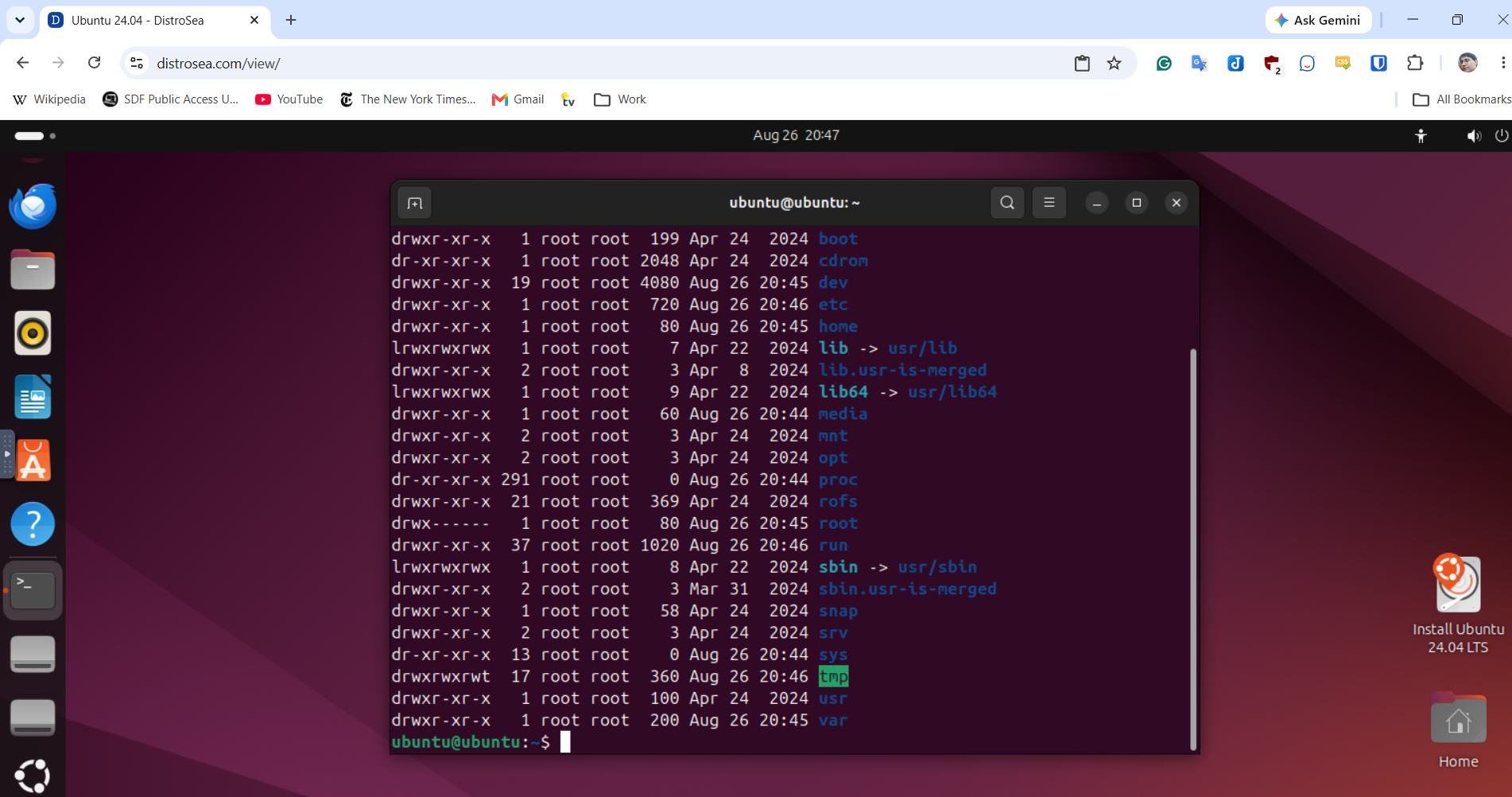
One reason that Linux has such a reputation for being lightweight is that distro developers try to make it so. While there is only one version of Windows, there are many Linux “distributions,” or collections of software. A distribution includes the Linux kernel, or the “heart” of the operating system, utility programs, a desktop environment, and user programs. The latter would include a web browser, office software, and simple games, like Windows used to come with.
Linux isn’t automatically lighter than Windows. Ubuntu, one of the most popular distributions, particularly for people new to Linux, has a minimum of 4GB of RAM, the same as Windows 11.
Lighter Desktops and Programs Are Available
Unlike on Windows, the desktop isn’t coupled to the main OS. For many years, the main graphics system was the X Window System, or X11, after the latest version published by The X Consortium in 1987. Wayland is a newer system that many popular distros and desktops are switching to.
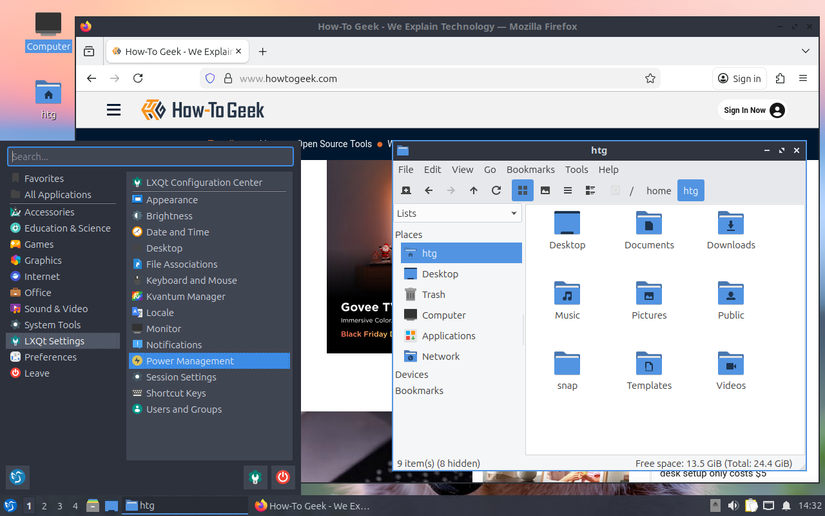
A desktop itself is made out of smaller components, such as window managers, which draw the buttons and window borders, as well as utility programs like the file manager that lets you graphically browse the file system.
The desktop is just another program and can be switched out easily. The ability for distro developers to change the desktop environment makes it possible to create “lightweight” distros and desktop environments.
The most popular desktops on standard Linux distros are GNOME and KDE Plasma. GNOME, the default desktop of Ubuntu, has a user interface design roughly similar to macOS, so people who use Macs will find it easy to adjust. KDE Plasma’s design looks a lot like Windows, so Windows users — still the vast majority of desktop users — will similarly find it easy to use.
There are other smaller desktops, such as Xfce, LXQt, and others. Good examples of distros based on them include Lubuntu, which uses LXQt, and Xubuntu, which uses Xfce. These lighter desktop environments require significantly less RAM and processing power than GNOME or KDE Plasma, making them well-suited to older hardware that would otherwise struggle with a modern operating system.