Why Cat6A Is Better Than Cat6 for In-Wall Network Runs
Cat6 handles today's gigabit needs, but Cat6A is the smarter long-term choice for in-wall runs you can't easily replace later.
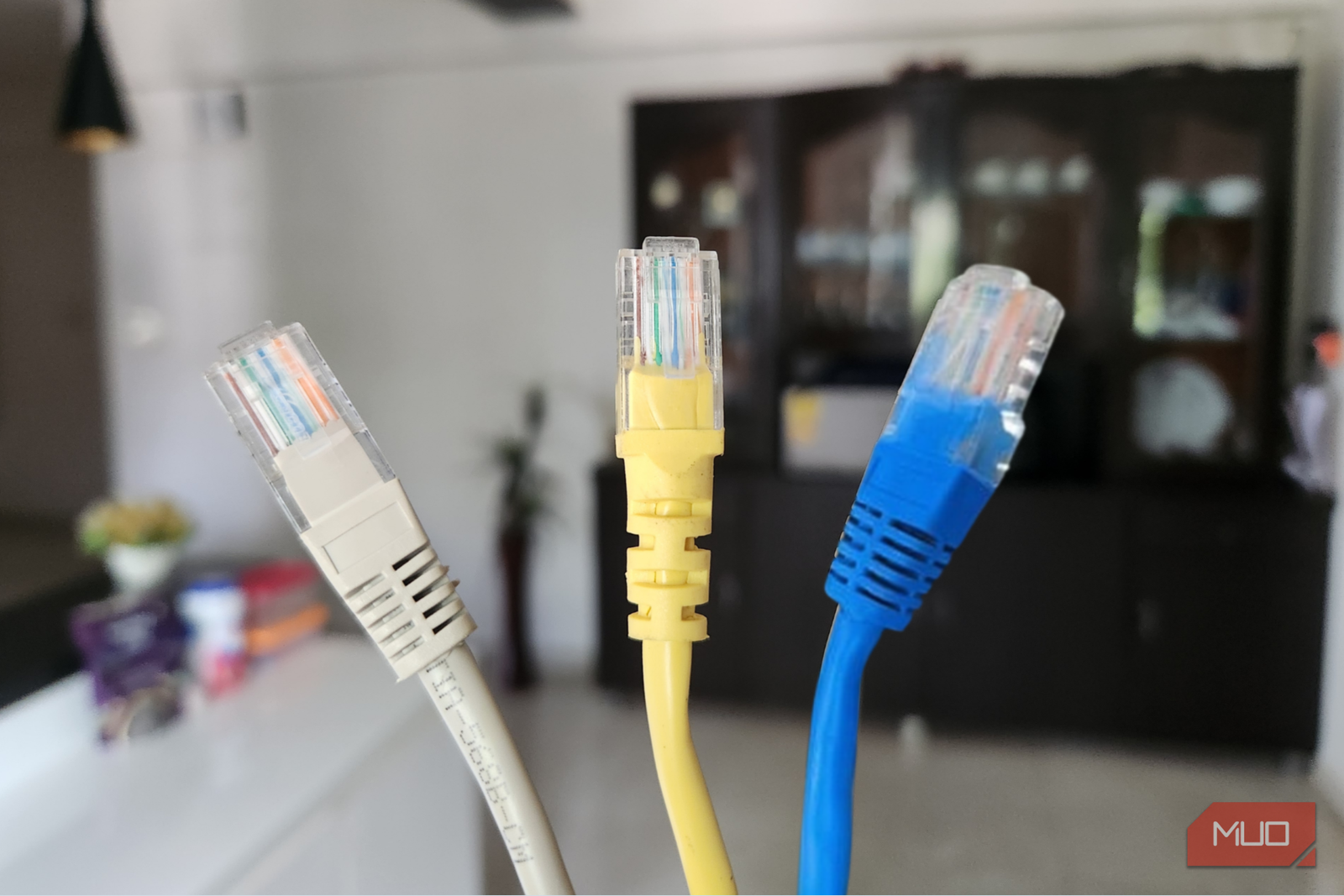
I wired the basement of our new build myself, and I ran Cat6 to every drop. It was the right cable then, and I’d still tell most people to skip Cat5e and run Cat6 without a second thought. The runs work. Every wired device gets its full gigabit, and nothing about the network has ever pushed me to open those walls again. So this isn’t a confession about a mistake. It’s the one call I’d change if I could pull those runs a second time. Cat6 handles what my house needs today. Cat6A handles what it’ll need in ten years, and the walls are the only place that difference gets expensive to fix later.
Cat6 Still Covers What Most Homes Need Today
The Ceiling Only Shows Up When You Push Past Gigabit
Cat6 carries a full gigabit across the longest run you’ll find in a house, and it does that whether the cable is 10 feet or 100 meters long. That’s plenty for 4K streaming on every TV in the place, with headroom left for gaming. Large local file transfers already feel instant. For the way most people actually use a wired connection, there’s no ceiling to hit. It’s the same reason I tell people that a wired connection beats Wi-Fi for almost any device that stays put, regardless of the category stamped on the jacket.
The real limit sits further out than most people expect. Cat6 only holds a 10-gigabit link out to about 55 meters, then it steps down to a slower negotiated speed. Pack several runs tight in one wall cavity and that distance shrinks, since the cables start leaking interference into each other. At gigabit speeds, none of this shows up. It surfaces the moment you push for more than a gigabit, and that’s the corner a lot of homes are about to turn.
The Cable Inside a Wall Is the One Part You Can’t Swap Later
I Built My Basement Runs for Right Now, Not for 2035
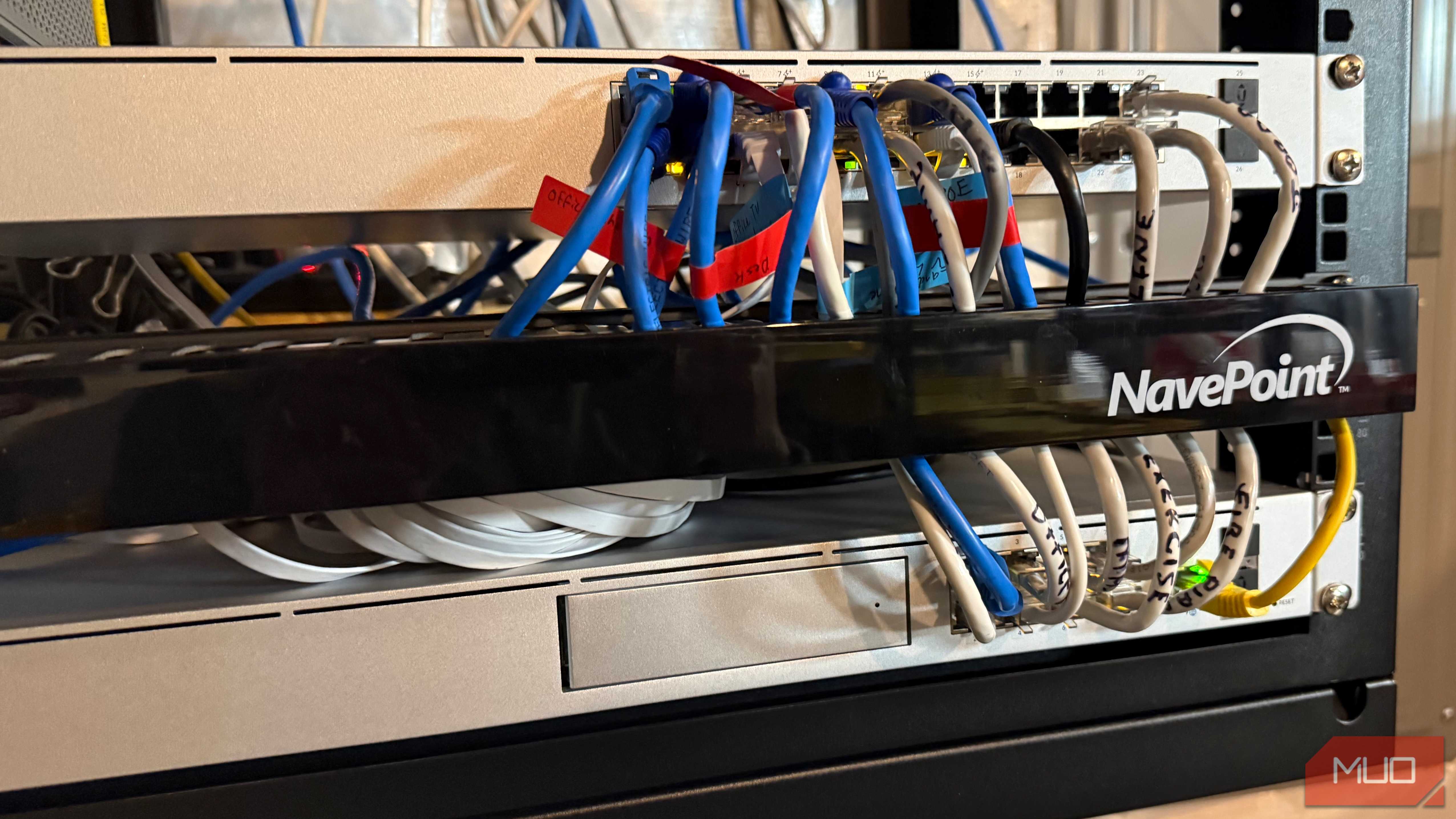
Every other piece of my network is easy to replace. A patch cable between the switch and a device comes out in about five seconds. The switch and router upgrade whenever something better lands, and the access points come down off the ceiling just as easily. I’ve already ditched my ISP-provided modem-router combo and rebuilt everything around UniFi, and I’d do it again without hesitating.
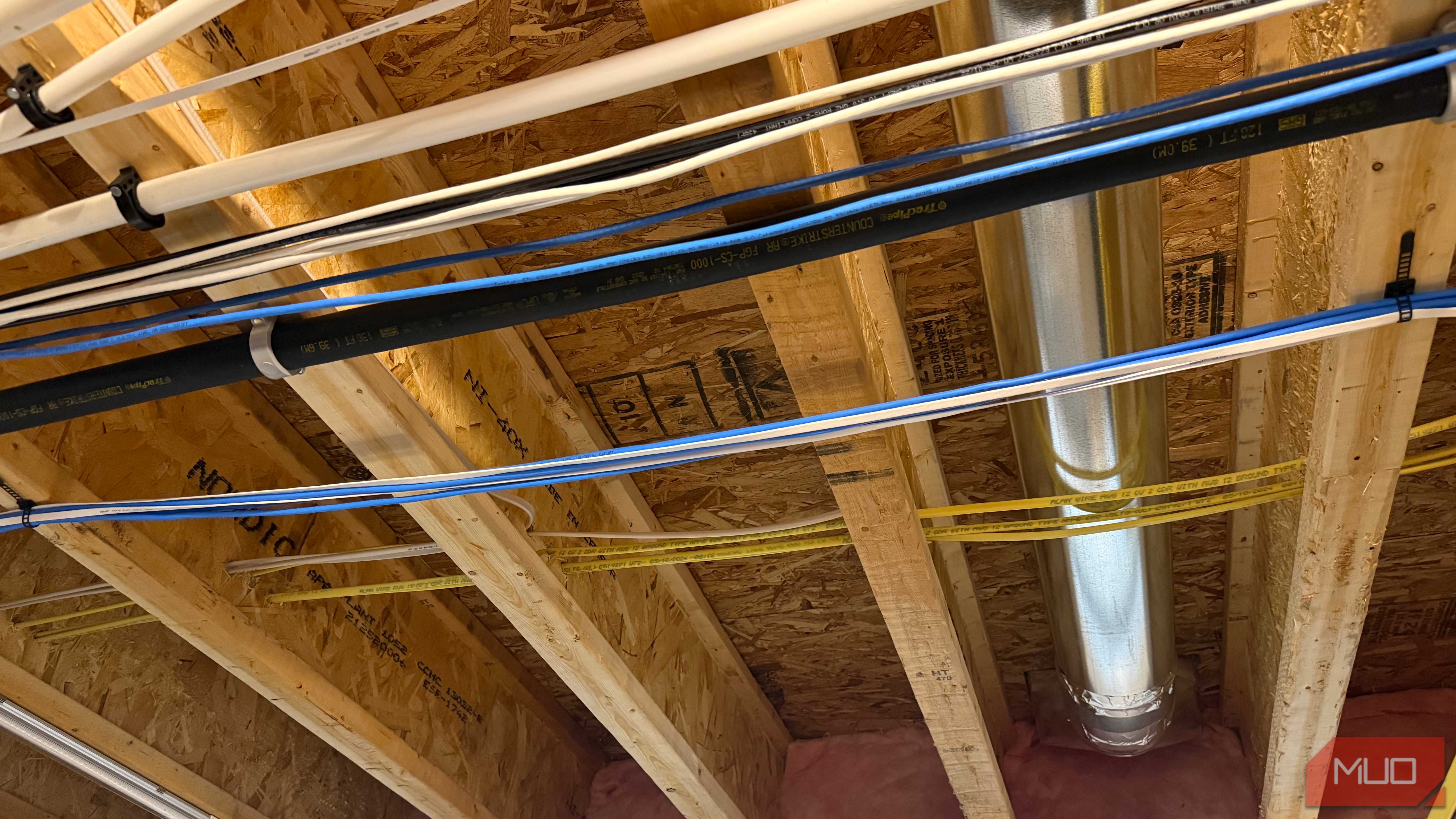
The cable buried in the wall is the exception. When I wired the basement, I fished the runs through joist bays and stapled them to framing before closing drywall over the whole path. Getting any of it back out means cutting into walls, which nobody does on a whim. So the in-wall run carries a 10- to 15-year lifespan that none of the swappable gear does, and I made that call optimizing for the speeds sitting in front of me rather than the ones on the way. Cat6 was cheaper and easier to bend around corners, and it handled everything a gigabit house asked of it. I picked the cable that solved that week’s problem.
What Cat6A Adds Once You Get Past Gigabit
Full 10 Gigabit to 100 Meters, and Cooler PoE
Cat6A maintains a full 10-gigabit link all the way out to 100 meters, compared to Cat6’s drop-off at around 55 meters. Its heavier shielding also eliminates the crosstalk problem that shrinks Cat6’s effective range when multiple cables run together in the same wall cavity. For PoE devices like access points and cameras, Cat6A runs cooler under load, which matters when cables are bundled and heat has nowhere to go. None of those advantages show up in a gigabit house today, but they’re exactly what a 2.5- or 10-gigabit house will need, and that transition is closer than most people expect. Running Cat6A during a build or renovation costs a little more in cable and a little more effort at the terminations, but it’s a one-time decision that future-proofs the only part of the network you can’t upgrade without a drywall saw.