What the Blinking Lights on Your Router Actually Mean
Your router's LED lights are status indicators, each with a specific meaning. Here's how to decode what they're telling you.
Have you ever wondered what those little blinking lights on your router actually mean? I’ll admit that I haven’t given them much thought until not too long ago. The general rule of thumb is that if they’re all lit up in green, everything’s fine, so what else is there to think about?
But then I got curious, and I ended up in a much deeper rabbit hole than I ever expected to. Let’s dissect the real meaning of the lights on your router.
Your Router Is Already Telling You What’s Wrong
But You Don’t Have the Decoder Ring
Let’s face it, we all ignore our routers (for the most part). You might dive into the settings to optimize your Wi-Fi or fix the occasional dead zone, but other than that, your router is that box that sits there and gives you internet. And that’s good.
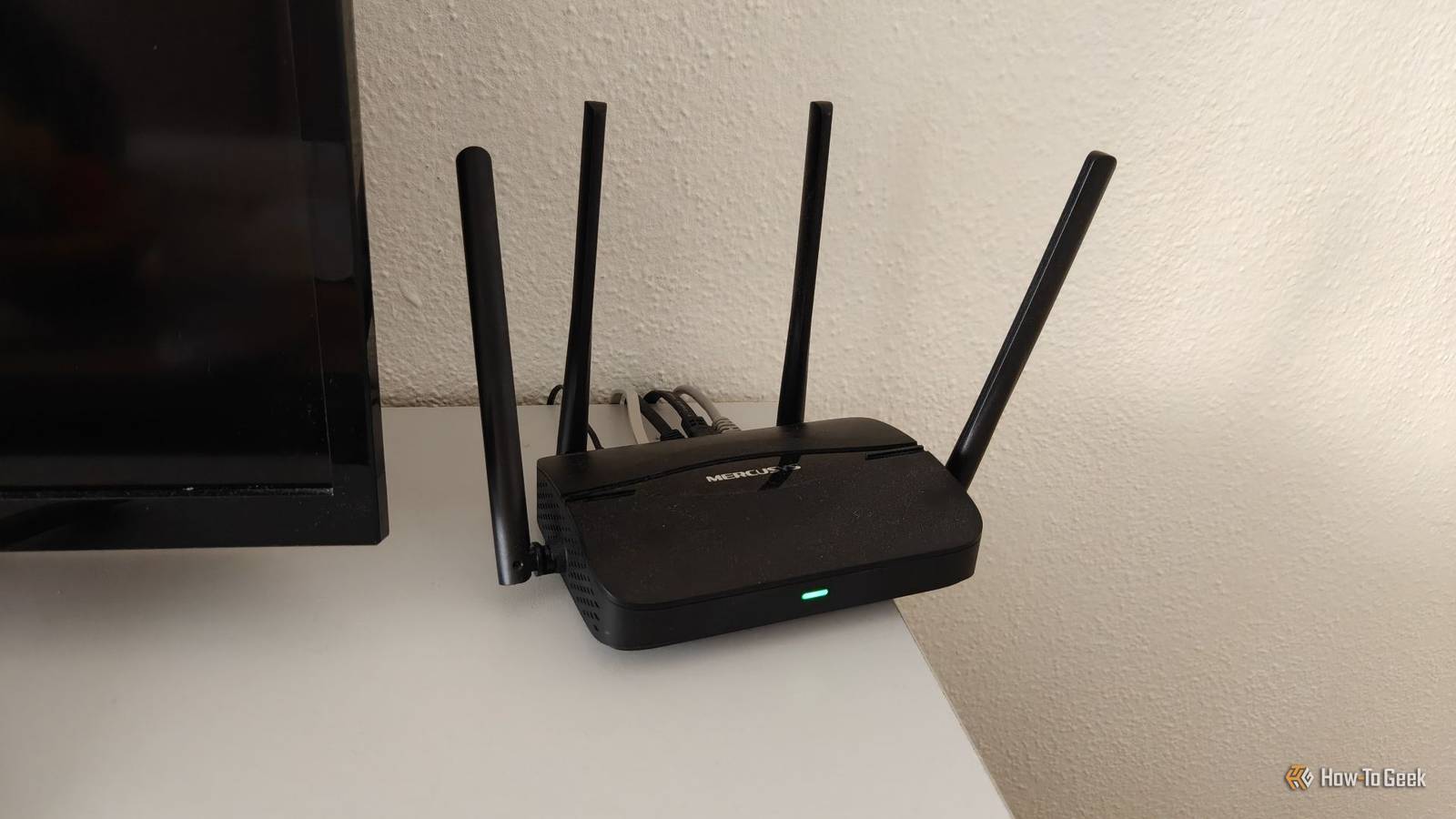
Once your router is all set up and the internet works, there’s not much to look at. But on occasion, especially if something’s wrong with your connection, you may notice the little blinking or non-blinking lights that are present on some, but not all, router models.
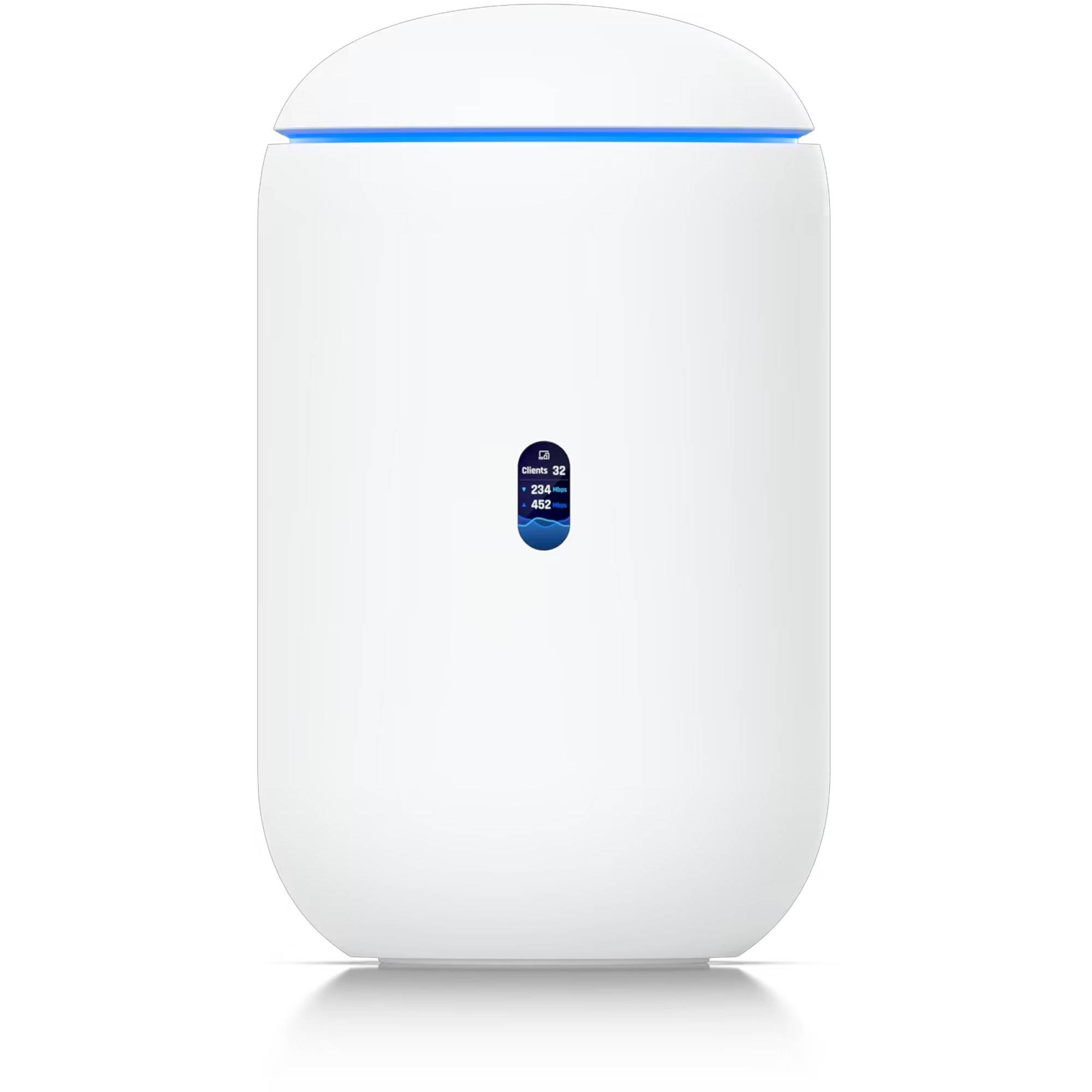
They’re status indicators, and each one usually corresponds to something specific. Common options include power, internet, Wi-Fi, Ethernet, WPS, USB, or connected device activity. The exact meaning depends on the router, modem, or gateway you have, which makes the whole thing a lot more confusing than it ever needed to be.
In general, though, a solid green light spells good news, but certain routers may have blinking lights, or a white, amber, blue, or red hue on some indicators. Those generally mean that something is connecting, updating, pairing, offline, or just passing traffic like normal.