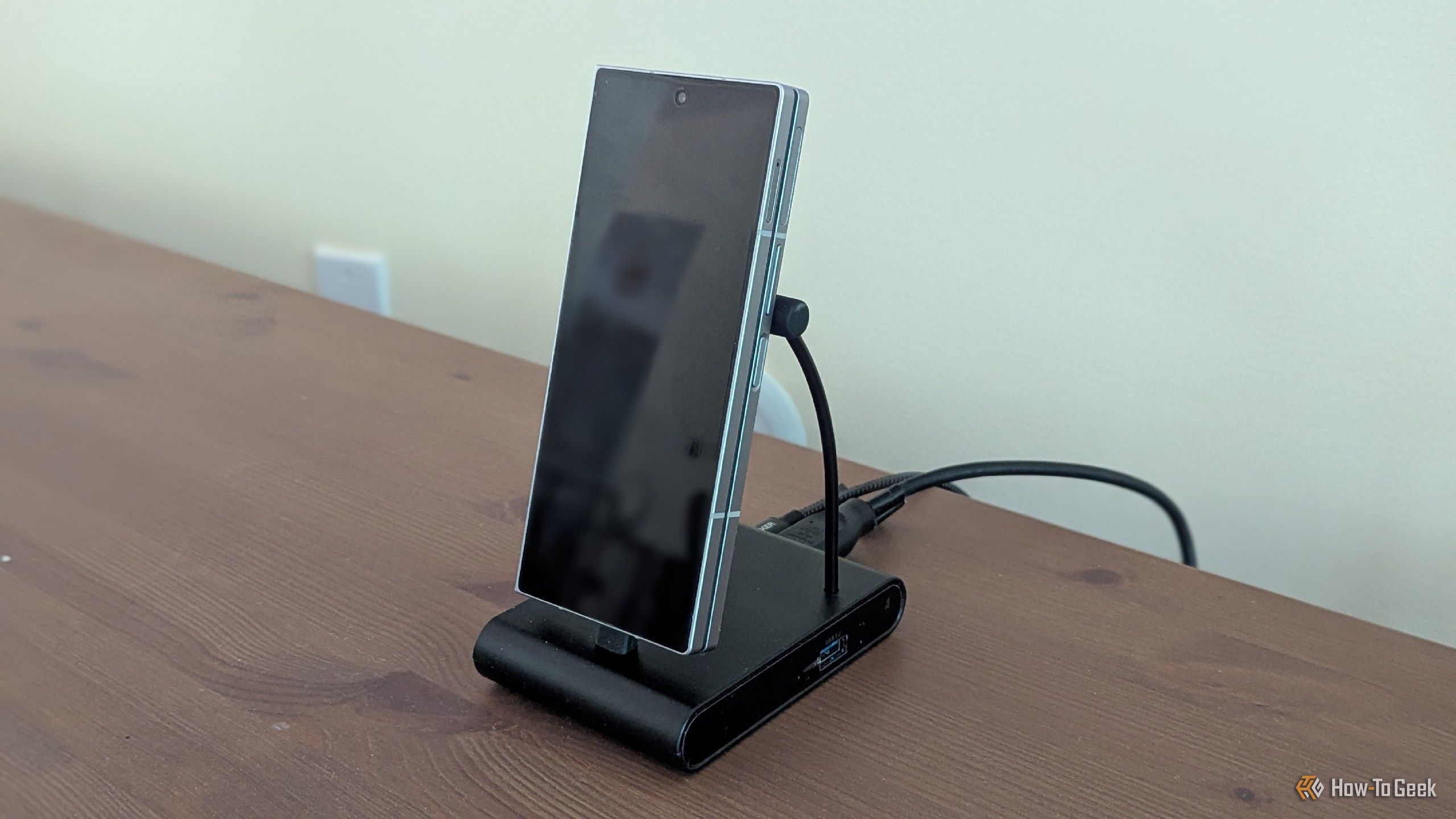
Samsung DeX Features Worth Knowing Before You Start Using It
A two-year Samsung DeX user shares the most useful features of Samsung's Android-based desktop that took too long to discover.
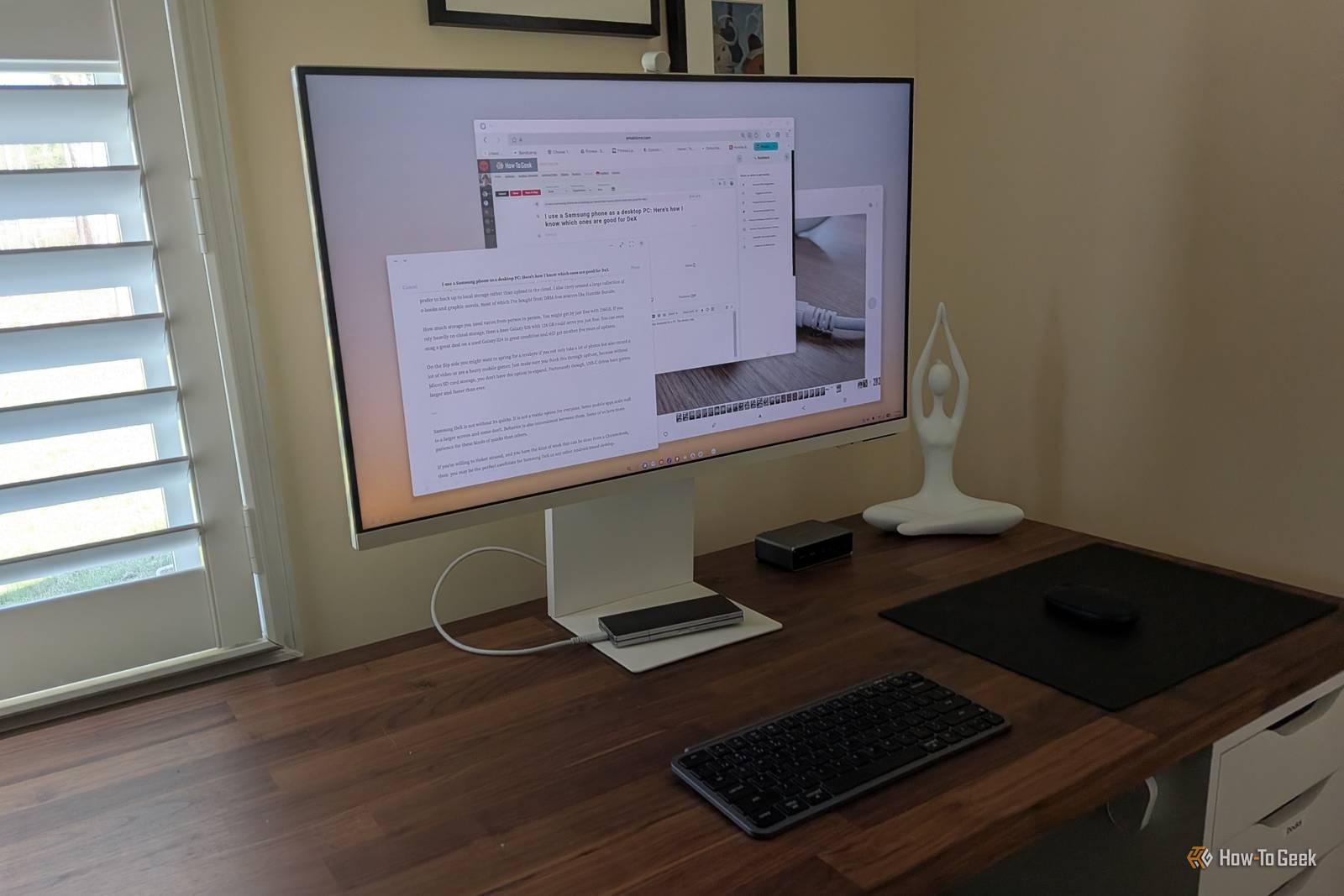
I have used Samsung DeX as a PC replacement for much of the past two years. In the process, I learned a lot both to love and not love about Samsung’s Android-based desktop. Here are some of the more exciting aspects I wish I had known about sooner.
Wireless DeX is surprisingly usable
A wired connection is better, but wireless isn’t trash
To be clear, the best way to use Samsung DeX is to plug your phone directly into an external display. As with anything, a hardwired connection is more stable and reliable than a wireless one. That said, I was surprised to find that wireless DeX isn’t a waste of time. In fact, I often preferred it as a way to make using my wireless lapdock feel more like using a laptop.
A wired connection is awkward. It’s okay on a desk or table, but having a phone dangling from my lapdock is barely manageable on my lap. I found wireless DeX to be more than usable enough for me to type or browse the web in those situations. There was even a period of time when I relied on wireless DeX for entire workdays rather than physically connecting to a monitor.
The experience varies based on the age of your phone. I found wireless DeX to work much better on my Galaxy Z Fold 6 than the prior year’s Galaxy Z Fold 5. I haven’t had a chance to test the Galaxy Z Fold 7 or the newer Galaxy S26 Ultra, but there’s a chance that the wireless dock connection is even better.
Samsung Galaxy S26 Ultra
| Spec | Detail |
|---|---|
| Brand | Samsung |
| SoC | Snapdragon 8 Elite Gen 5 |
| Display | 6.9-inch Dynamic Super AMOLED 2X |
| RAM | 12 or 16 GB |
| Storage | 256GB, 512GB, or 1TB |
| Battery | 5,000 mAh |
I could still use most external accessories
All I needed was a USB-C hub