I Added an LLM to My Jailbroken Kindle 4 Using KOReader
A jailbroken Kindle 4 running KOReader can be extended with an LLM plugin. Here's how it works and whether it's actually useful.
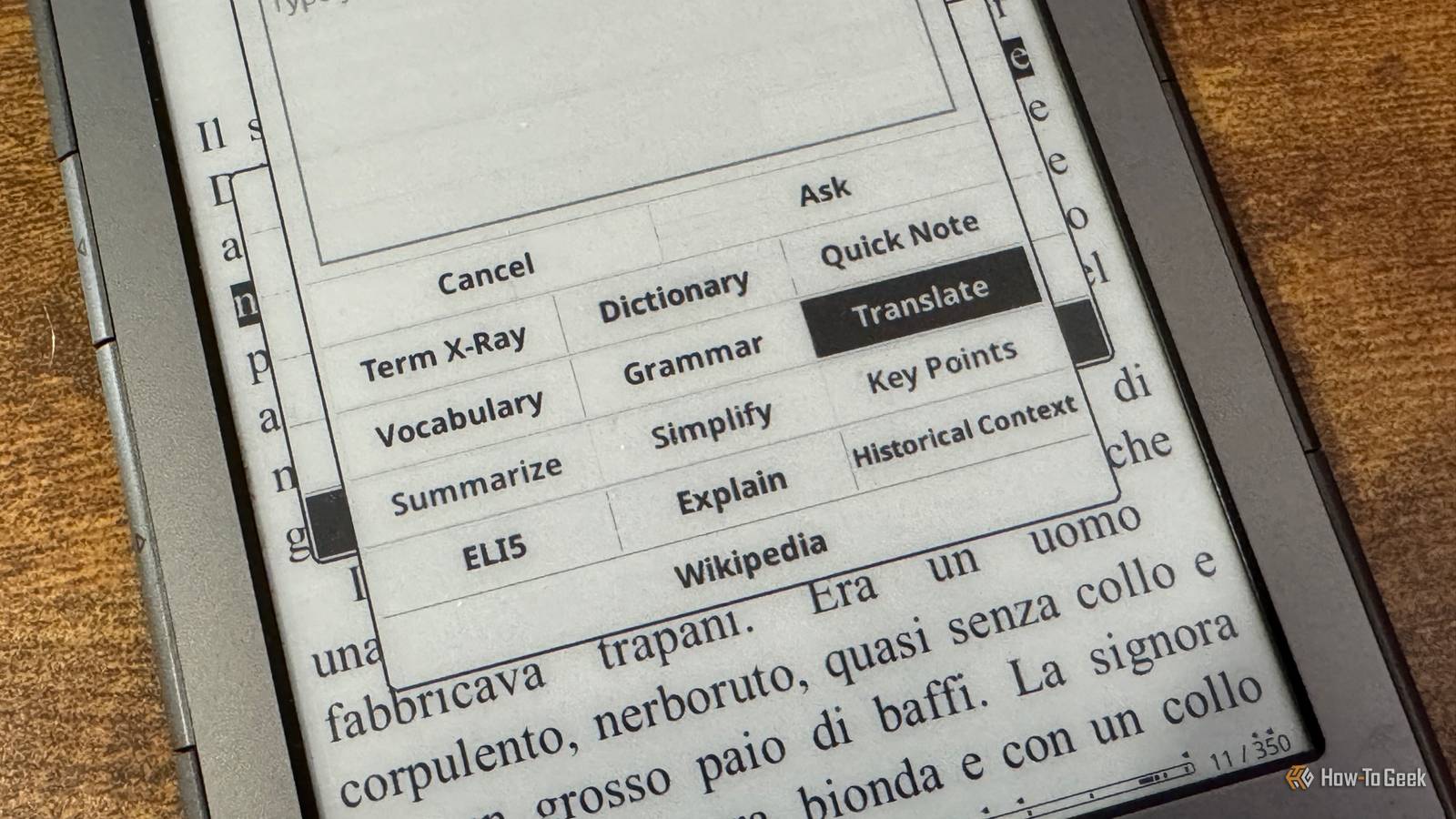
Since I’ve jailbroken my ancient Kindle 4, I’ve been amazed by what I’ve been able to do with it. I’ve turned it into an E-Ink smart home dashboard, used it as a Pocket replacement, and even made it into a slow-refresh secondary monitor. I’d seen that you could add an LLM to KOReader, but I wondered if this was taking things too far.
I Thought Adding AI to a Kindle Would Be a Gimmick
There’s Only So Much AI You Can Take
AI is incredible. We tend to take it for granted, but when you stop to think about what it can do, you can’t deny that the technology is impressive.
The problem is that companies try to shoehorn AI into everything. It drives me insane when major corporations add AI features that serve no real purpose. They haven’t added them because they’re useful; they’ve added them because they can make them work, and they want to cram as much AI into their products as possible.
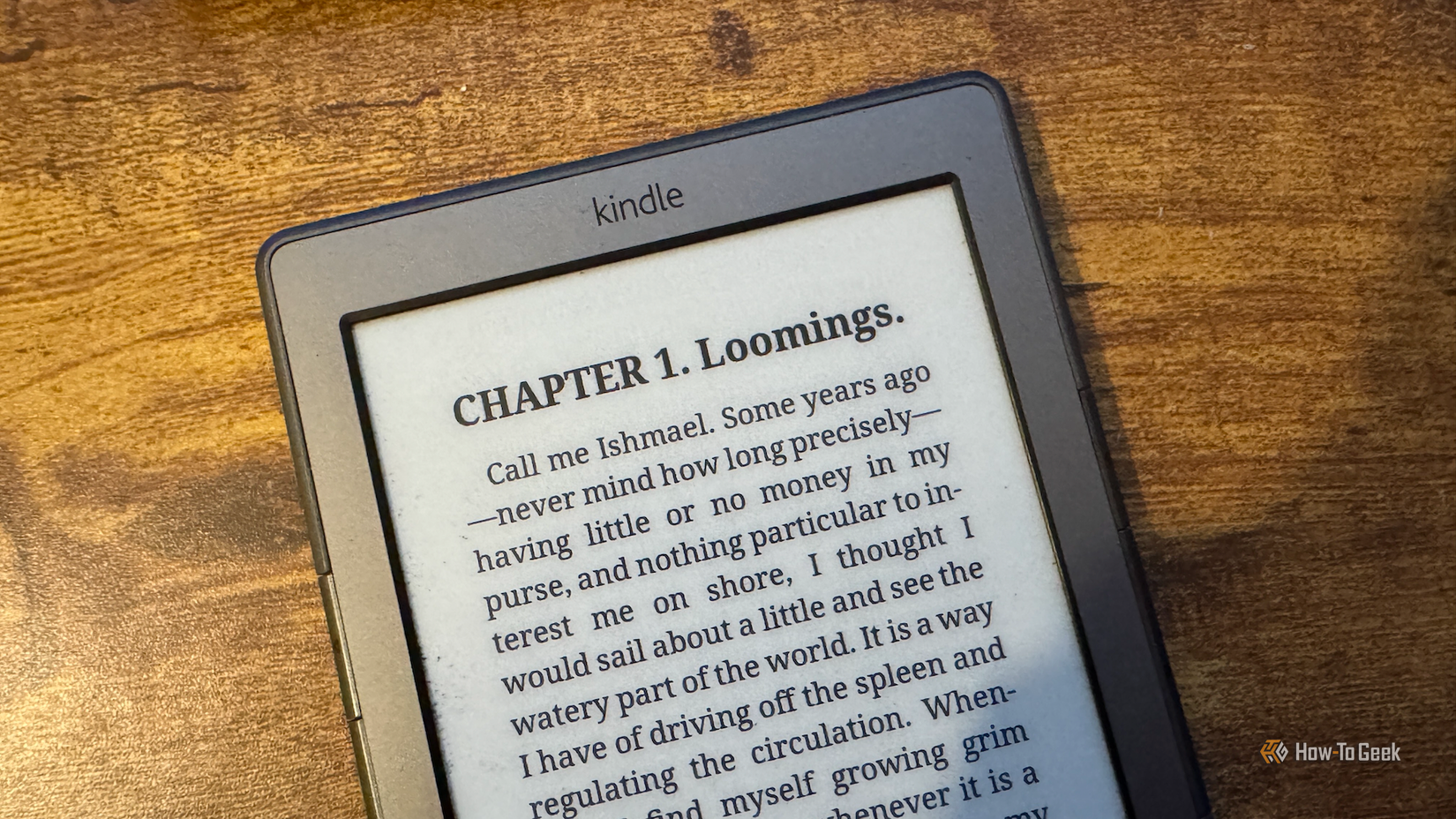
When I saw that you could add an LLM to the KOReader app, I was understandably skeptical. The beauty of an eReader is that it’s mostly distraction-free. Did I really want to add an LLM to a device that was meant to let me read uninterrupted?
In the interests of science, I decided to give it a try. I could always remove it again if necessary.