How Replacing Liquid Metal With PTM7950 Stopped My Laptop Throttling
PTM7950 is a phase-change thermal pad that rivals liquid metal without the risks. One application noticeably reduced temperatures and throttling.
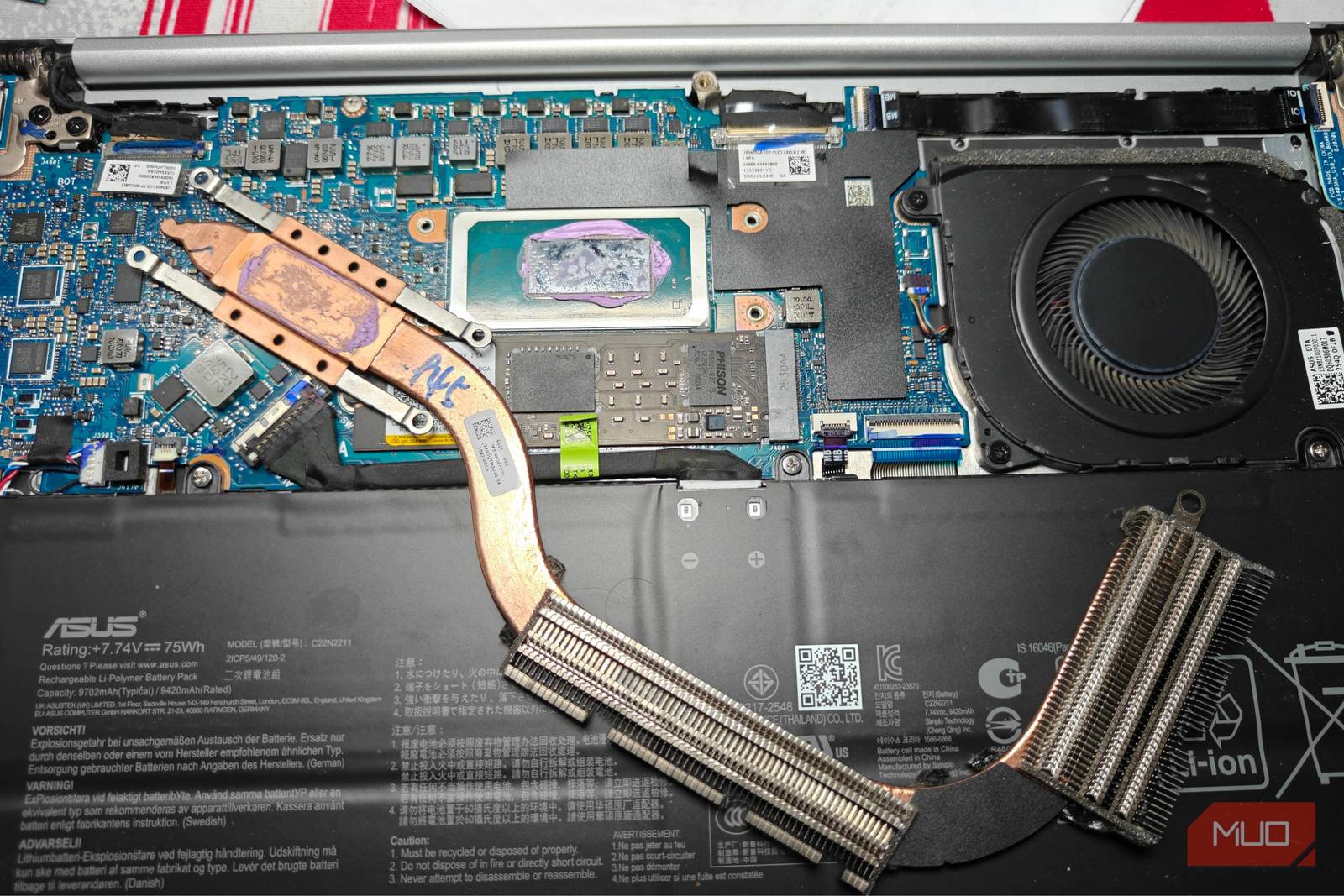
Laptop cooling, especially for gaming laptops, is crucial. You’re usually averaging around the high 80s to 90s at full throttle, so you’ll want all the help you can get.
Thermal paste just isn’t good enough here, which is why many manufacturers have opted to switch over to liquid metal. As the name implies, it’s a high-performance alternative to standard thermal paste solutions and uses metal alloys that remain liquid at relatively modest temperatures.
Liquid metal is incredibly conductive, though, and is a pain to apply correctly. Enter PTM7950, a promising alternative that has all the advantages and none of the drawbacks.
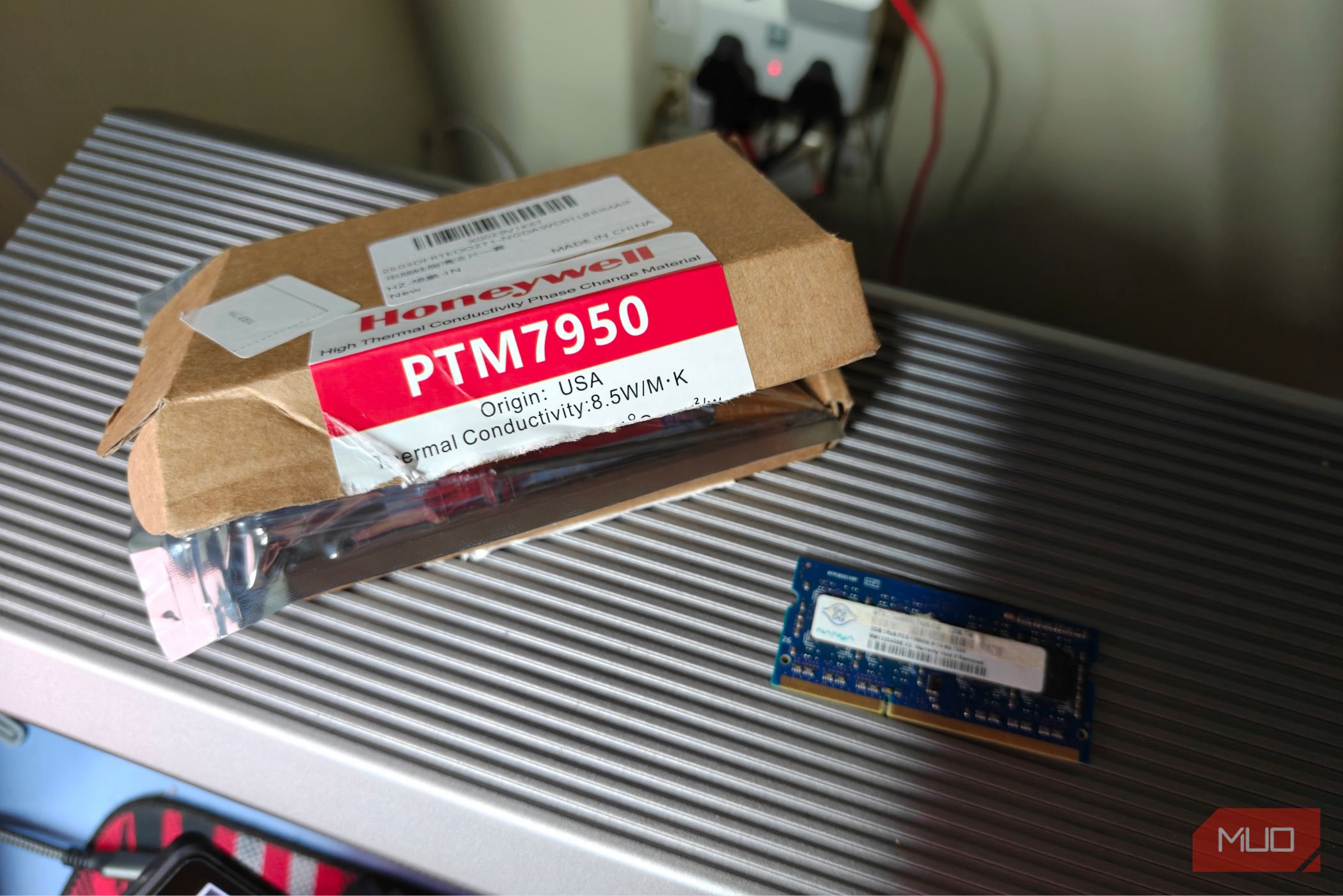
I recently bought a small pad of it myself, and the difference was quite stunning.
Applying PTM7950 to the Laptop and GPU
A Simple but Very Powerful Upgrade
I mostly work on a thin, light laptop, and in this case, the Asus Zenbook 14 UX3405 proved very capable - until I started hitting thermal walls, that is.
The laptop would get very, very warm to the touch, and I wasn’t exactly comfortable keeping it running this hot. A change in thermal paste was overdue, and I happened to come across a very intriguing alternative on Amazon.
Advertised as a “phase change” thermal pad, PTM7950 was available for a lot less than I remember it being a few years back. PTM7950 isn’t exactly a new concept - it’s been around for quite some time, and its adoption has spread in the past few years. Still, it’s not all that common, and a lot of people don’t know about this material.
As I eagerly waited for it to arrive, I turned my attention to my eGPU, which now housed an RTX 4070. The enclosure gets hot rather quickly, and now was as good a time as any to repaste the GPU. After unboxing the thermal pad, I was pretty surprised at its puny size. It’s certainly not super pricey, but it costs a fair bit more than regular thermal paste, while offering far less quantity.
Regardless, I put it in the refrigerator (at a very reasonable 4 degrees Celsius) to let it harden up a bit. PTM7950 is a phase-change material that remains solid up to 45 degrees, after which it begins to melt into a very viscous, thermally conductive liquid.
This phase change lets it transfer heat much more efficiently, doing exactly what liquid metal does, but with none of the risks. The pad is pretty thin too - you don’t need to apply it in layers.
Applying PTM7950 was super easy; all I had to do was cut out a portion about the same size as my CPU and GPU dies. After getting rid of that old, crusty thermal paste, I simply placed the pads on each die and screwed in the heat sink.
I did make sure to spread it around with the included plastic spatula for a bit, just to level the surface and release any air bubbles along the way.
One reboot later, and it was time to stress test the two pieces of kit together. I began by compiling the Linux kernel on the laptop, which it managed to complete without throttling as quickly. Even more so, the laptop felt much cooler than it did before during regular use.
The RTX 4070 also saw a marginal improvement, and the fans kicked in much less often than before. I would say I’m rather pleased at how simple and effective the whole upgrade process was. PTM7950 needs a few heat cycles to properly settle in, and the improvements will likely be a bit more substantial in the long run.
Thermal Pads Are a Far Safer Option
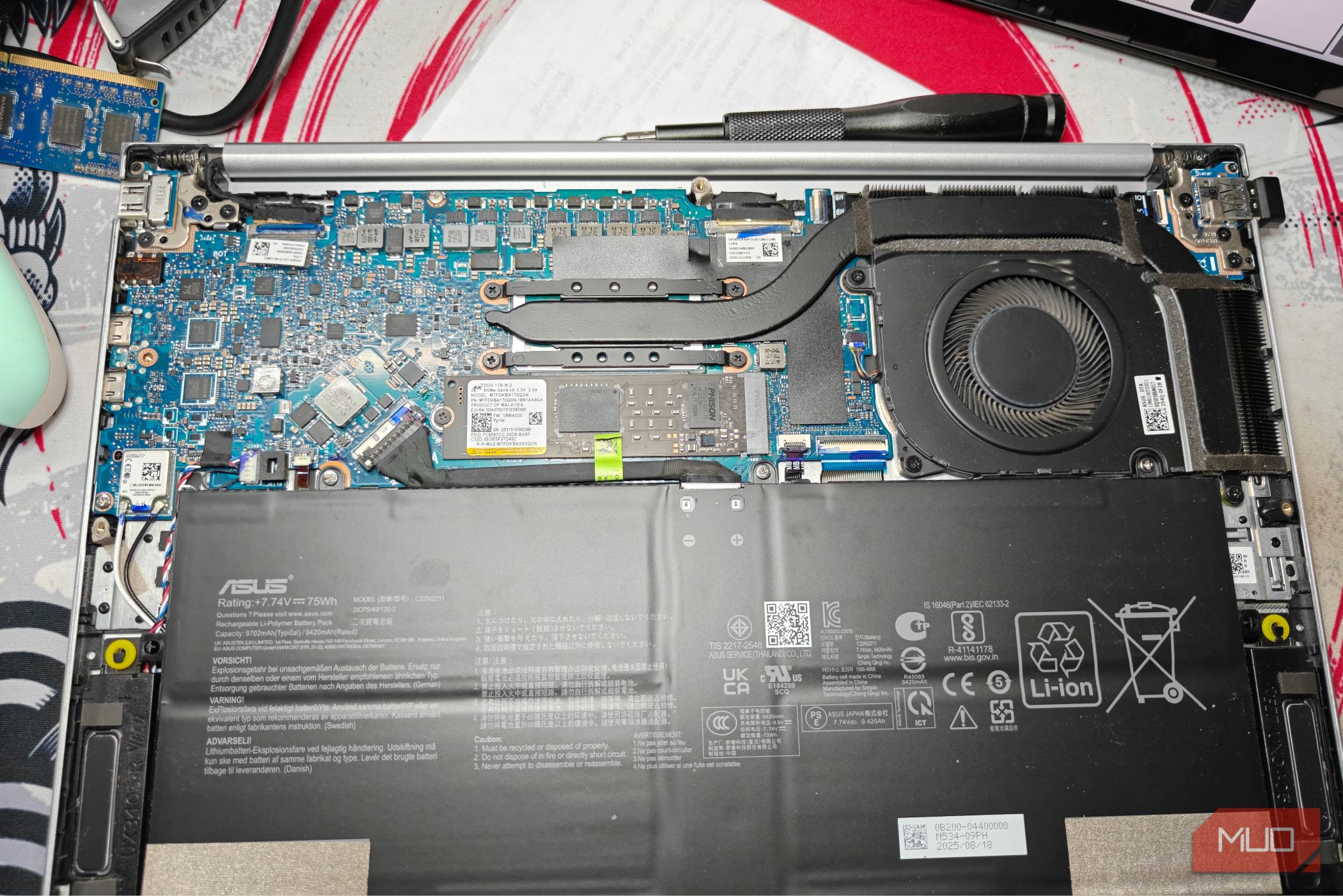
Liquid metal remains one of the best thermal interface materials available, but it comes with significant risks. It’s electrically conductive, which means a single misapplication can short out components. It also reacts with aluminium heat sinks, ruling out a large portion of laptops entirely.
PTM7950 sidesteps all of those concerns. It isn’t electrically conductive, it doesn’t react with metal surfaces, and it’s about as easy to apply as a standard thermal pad. For most users, especially those working on thin-and-light laptops where margins for error are slim, PTM7950 is the more practical choice.
The performance gap between liquid metal and PTM7950 is real but narrow, and for the vast majority of use cases, PTM7950 delivers more than enough improvement to make the upgrade worthwhile.