Default Launcher: Pixel Style With More Customization Than Google Allows
Default Launcher brings Pixel's clean aesthetic to any Android phone while adding icon shapes, folder covers, widget stacks, and local search controls Google wo
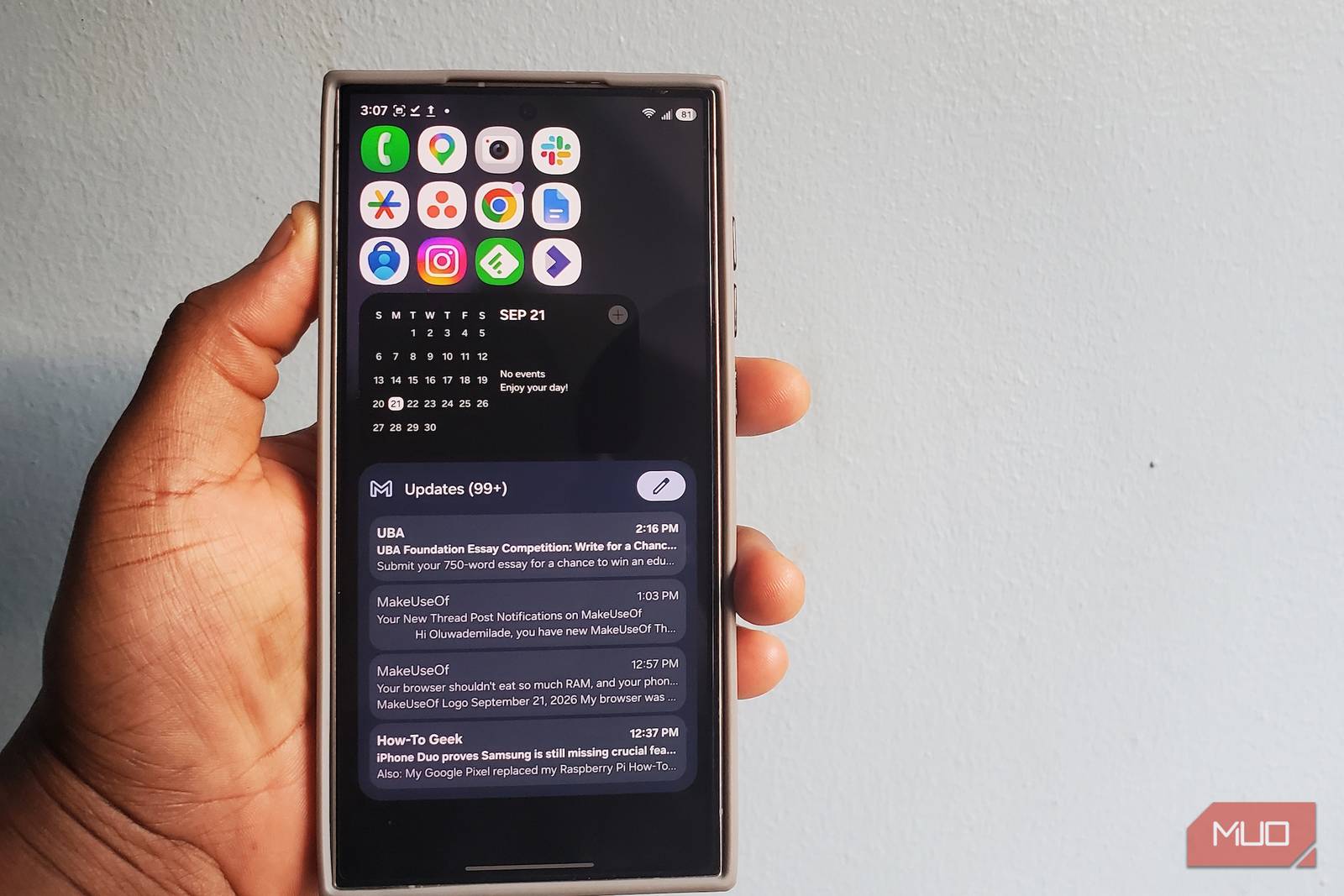
I was poking around GitHub for Android apps when I came across Default Launcher, and the screenshots made me stop scrolling. It had the sparse home screen, clean app drawer, and restrained styling that can make Android look like a Pixel, except the project page kept mentioning things Pixel doesn’t give you much control over, including icon shapes, folder covers, widget stacks, and local search.
That was enough to get it onto my phone. Pixel Launcher has always appealed to me because it stays out of the way, although some of its most recognizable pieces are tied closely to Google, especially the search experience sitting at the bottom of the home screen. Default Launcher takes that same clean Launcher3 foundation in a different direction.
It Starts Simple, but Gives You Far More Control
Stock Android With the Handcuffs Removed
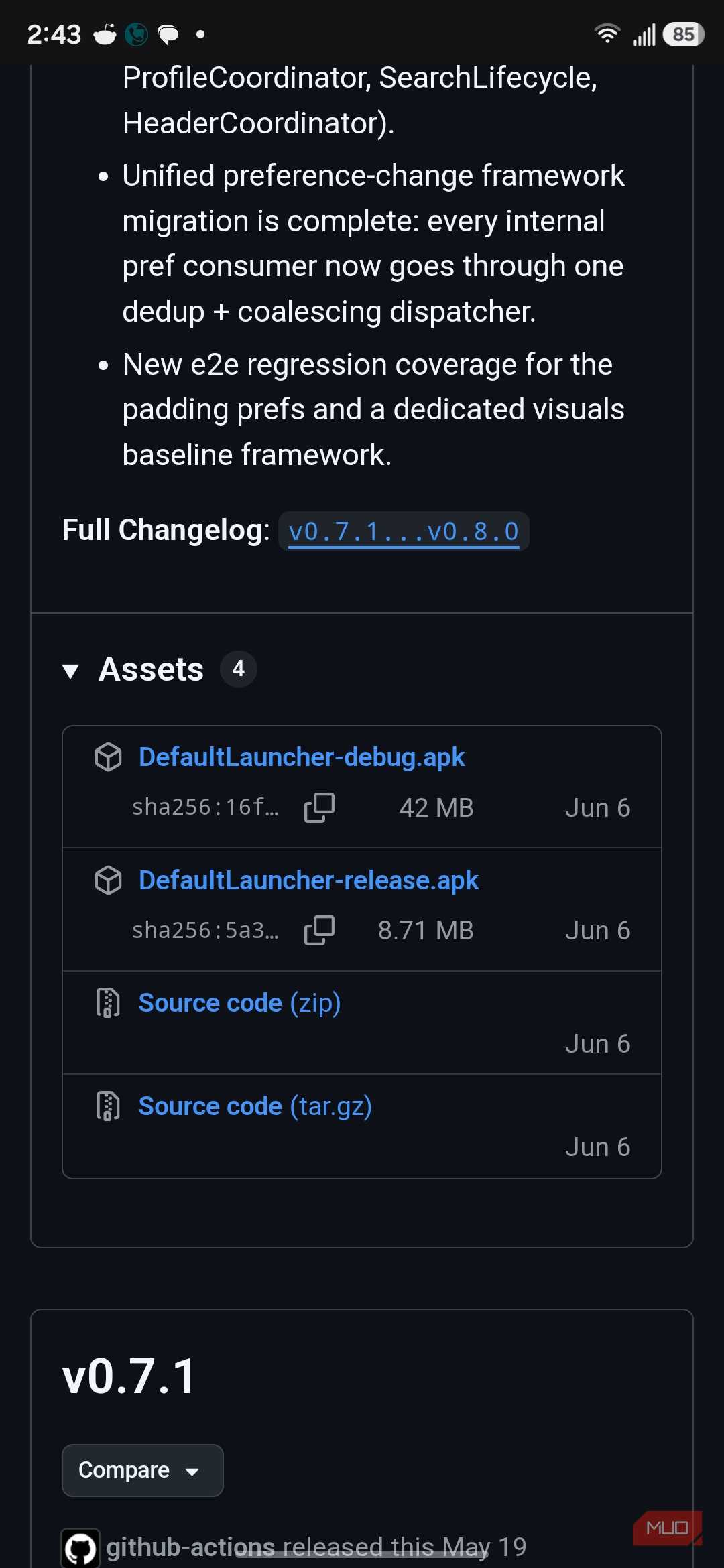
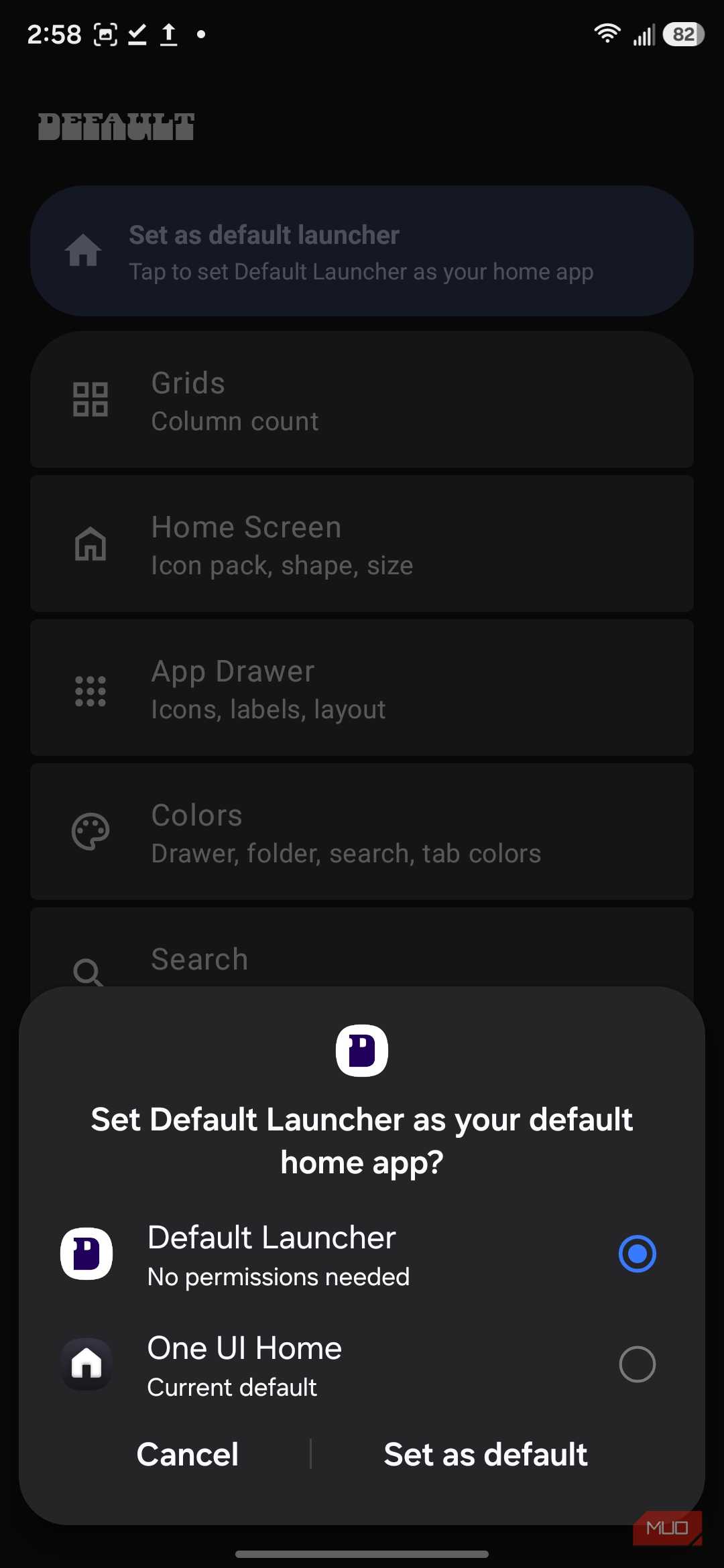
Default Launcher isn’t available through the Play Store, though installing it doesn’t require building anything yourself. That does put it on the other side of Android’s increasingly tighter sideloading restrictions, since you’re installing the app directly from GitHub rather than Google Play. The GitHub releases page provides a regular DefaultLauncher-release.apk, so you can download the APK, install it, and choose Default Launcher when Android asks which Home app you want to use.
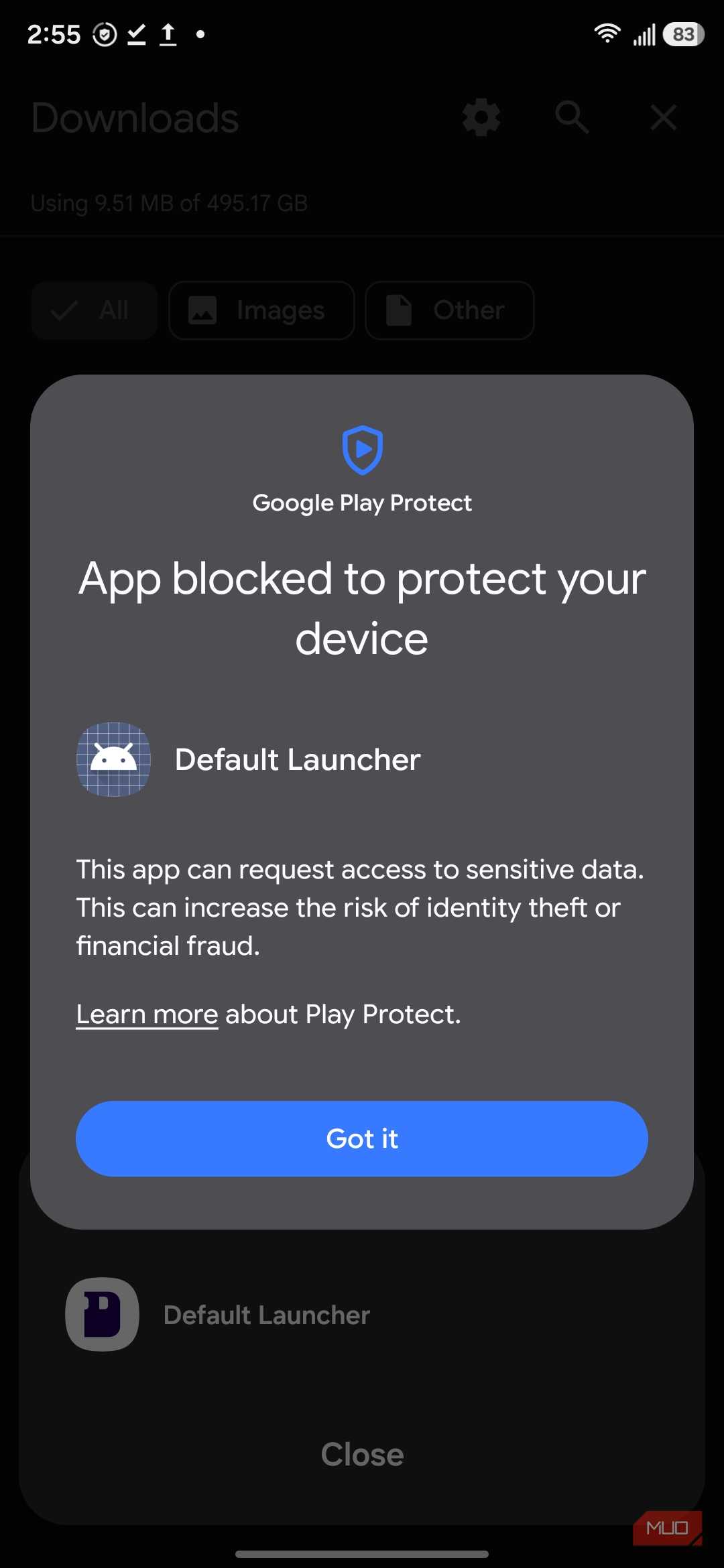
I did hit one snag on my Samsung phone. Play Protect blocked the APK during installation and warned that it could request access to sensitive data, so I temporarily paused app scanning to get past the warning and turned it back on afterward. That sounds ominous, but Default Launcher has features that can optionally search contacts, calendar entries, and files, all of which require access to personal data. The launcher itself is designed to stay offline, and you can leave those search sources disabled if you don’t want to grant the permissions.
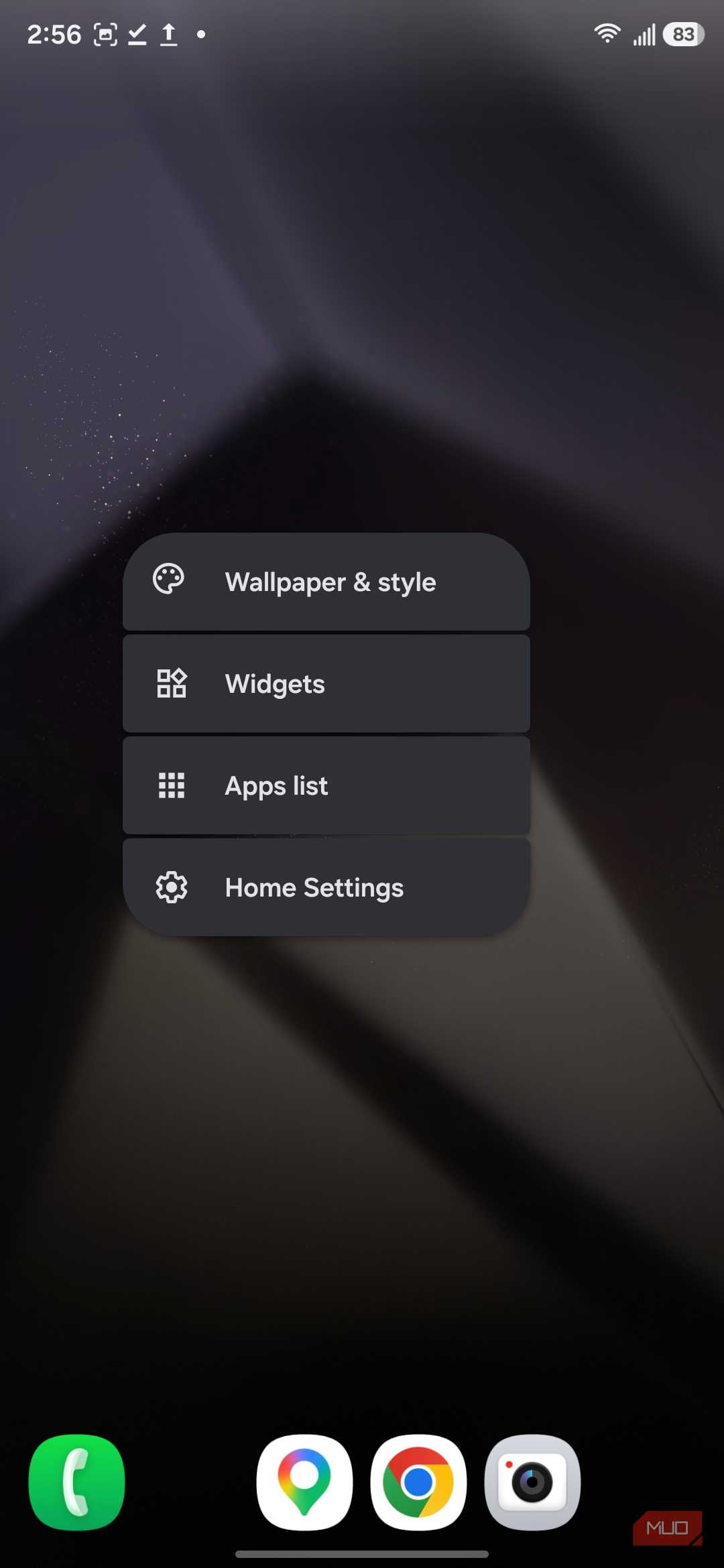
After that, moving in was painless. Swiping up opens the app drawer, long-pressing the home screen brings up widgets and launcher settings, and apps sit on a conventional grid that doesn’t require a tutorial before you can find anything. Default Launcher is based on Launcher3 from Android 16 and uses Material 3 throughout, so it slots into a current Android setup without looking like a relic from the KitKat era.
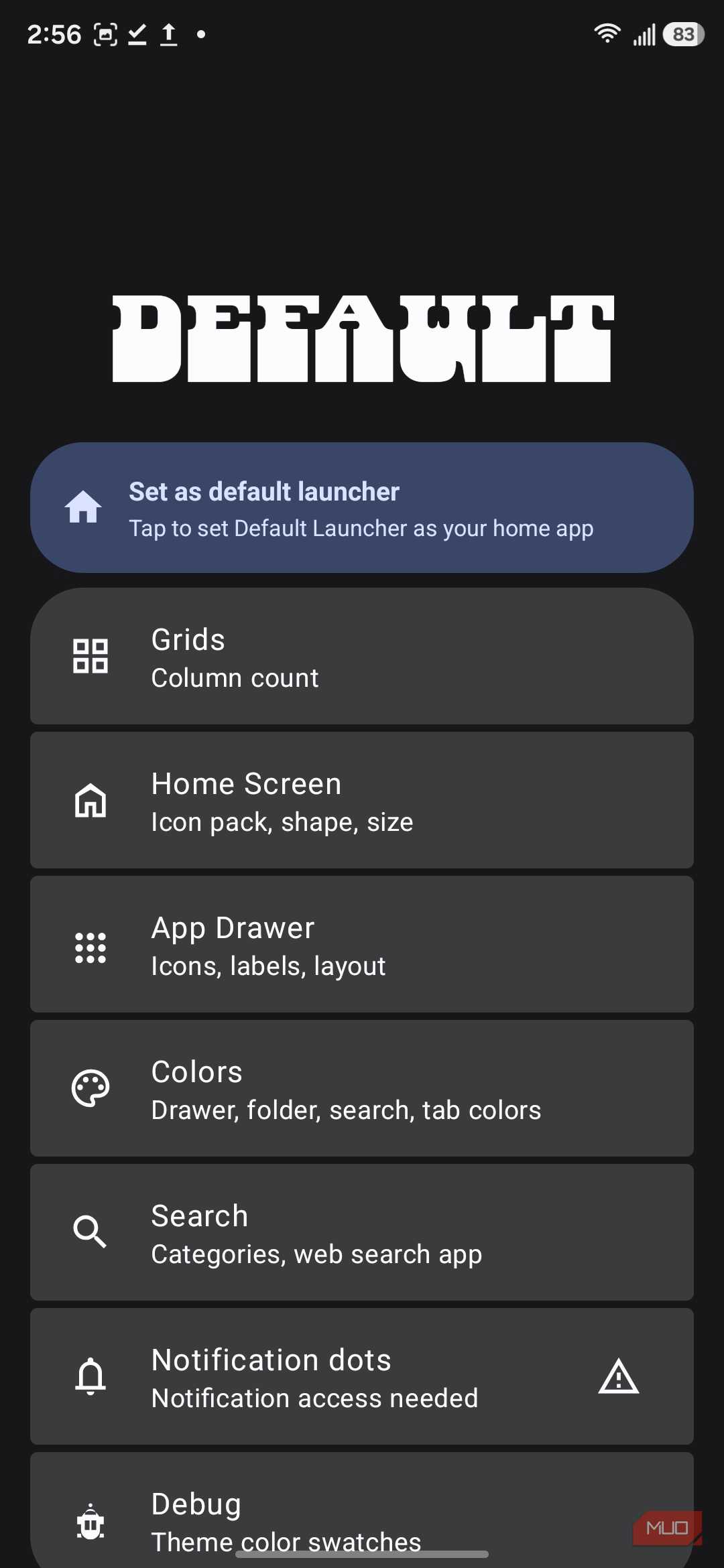
Spend a minute in the settings, though, and it becomes clear how much further Default Launcher lets you push that foundation.
The Customization Goes Far Beyond What Pixel Gives You
Google Would Never Give Me This Many Buttons
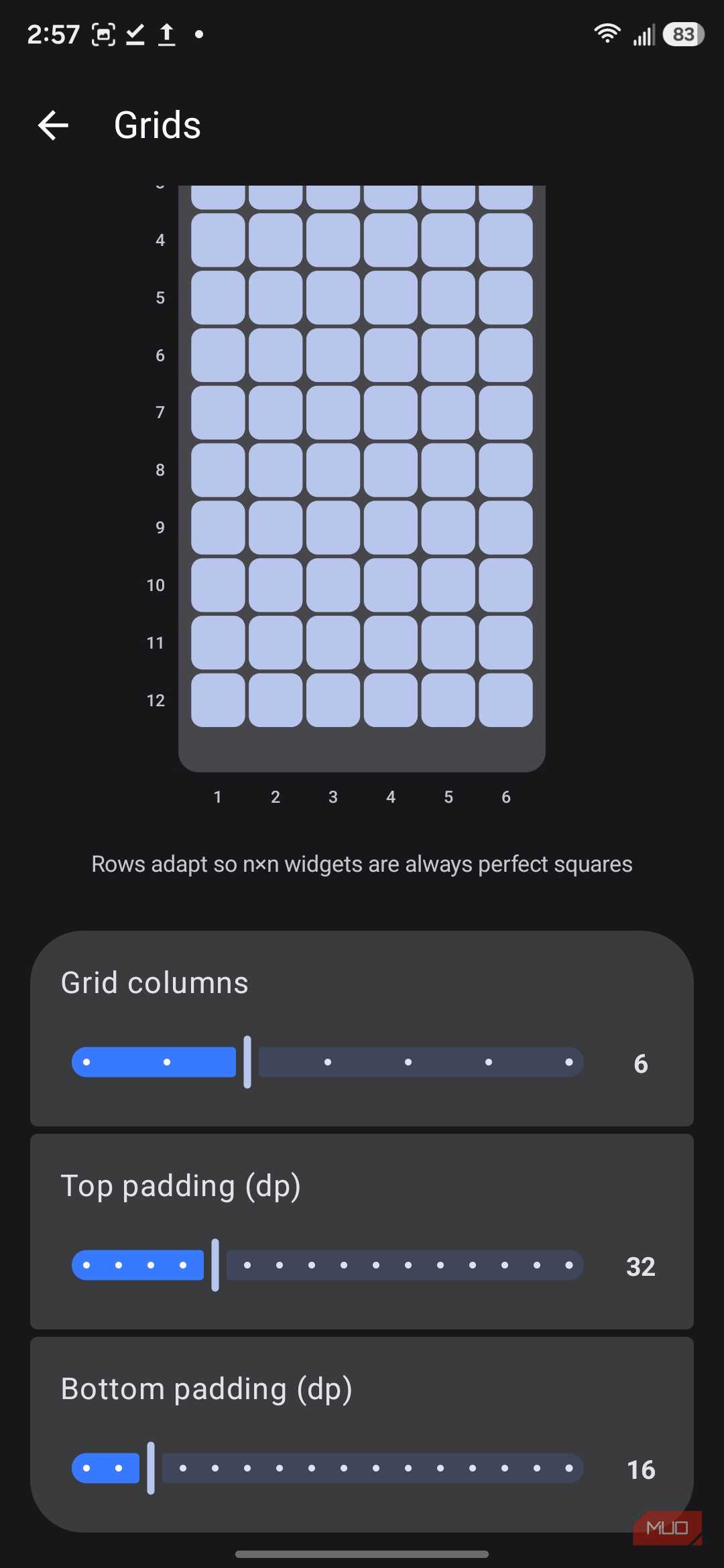


Default Launcher offers granular control over grid columns, icon padding, icon shapes, and folder covers — settings that Pixel Launcher either locks down or omits entirely. Widget stacks, per-app icon customization, and a local search engine that can pull from contacts, calendar, and on-device files round out a feature set that goes well beyond what Google ships to Pixel owners. If you want a clean, Pixel-style home screen without Google’s restrictions on how far you can take it, Default Launcher is worth the sideload.