Chrome for Android Adds New Tab Page Colors and Custom Backgrounds
Chrome for Android now lets users customize the New Tab page with colors, preset themes, and custom background images.
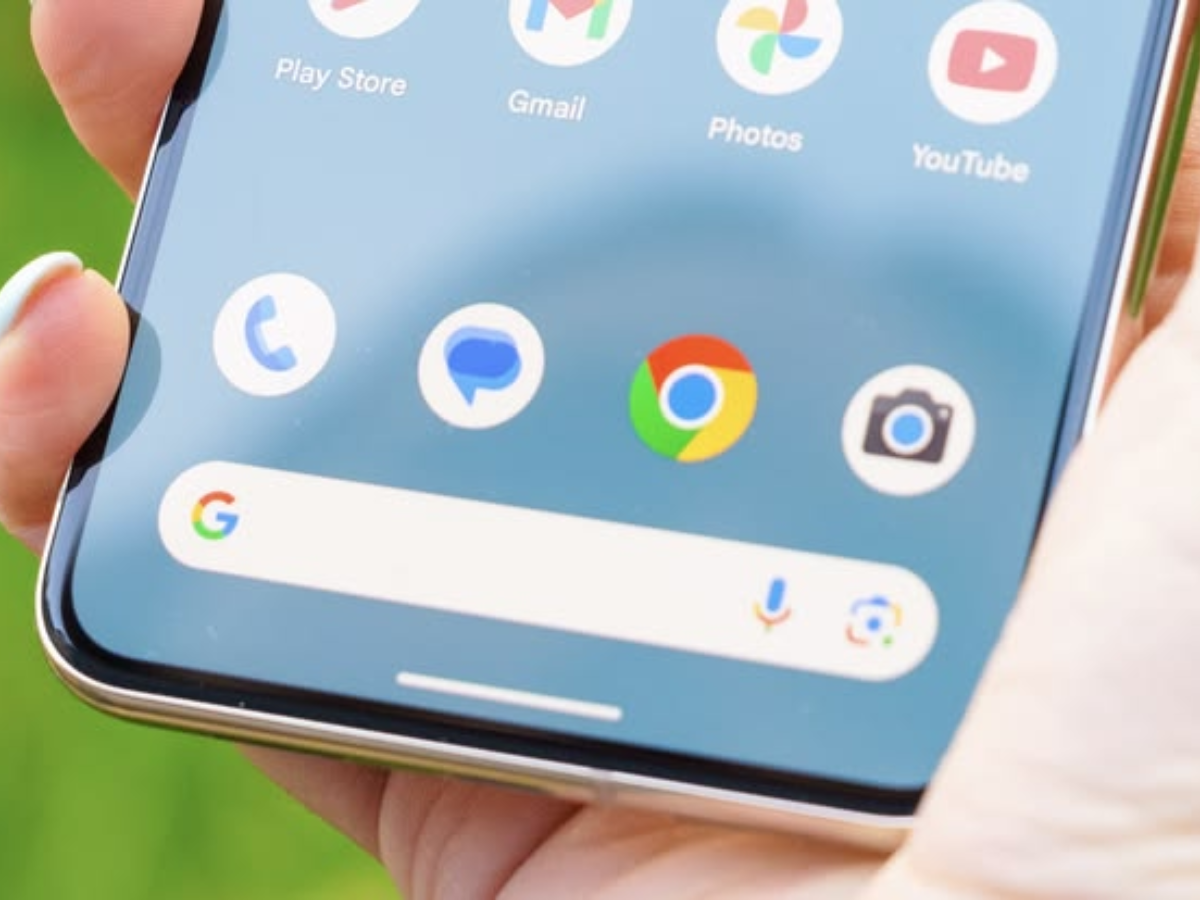
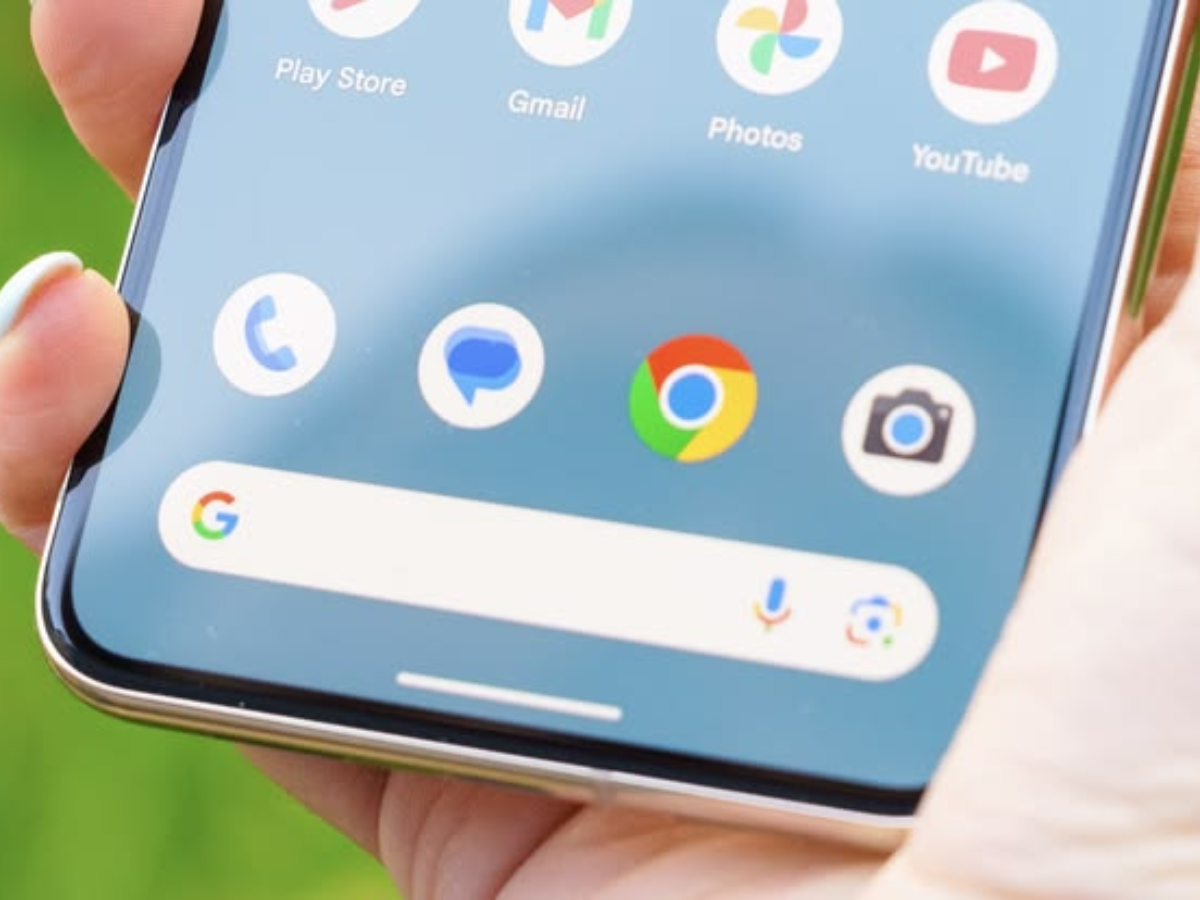
Google is introducing New Tab page customization to Chrome for Android, extending appearance options from the desktop version to mobile.
The update adds a “Customize your new tab page” option that opens an Appearance menu. Users can change colors, apply preset themes, or upload a custom background image. This feature requires the latest version of the Chrome app.
This update follows the recent addition of a back button to Chrome for Android.
Chrome for Android New Tab Customization Features
After updating Chrome, users will see a “Customize your new tab page” option. Selecting this opens the Appearance menu with customization controls.
Users can change colors or select from preset themes. For more customization, they can upload an image as the New Tab page background. Android Police describes this update as modest but a welcome option for those seeking to personalize the browser.
To use the New Tab page customization on Chrome for Android:
- Update Chrome to the latest version through the Google Play Store, as this feature depends on having the most recent app version.
- Open a new tab and select “Customize your new tab page.”
- Open the Appearance menu to change colors or apply a preset theme.
- Upload an image from the same menu to set a custom New Tab page background.
Recent Chrome for Android Updates
Chrome for Android recently added a back button, a feature previously available on iOS. To accommodate this change, Google moved some settings, including relocating the info button to a new menu. No major functionality was lost in this update.
Google is also developing an enhanced autofill feature for Chrome that will use AI to source information from Google products and fill forms using Gemini. This feature is currently available only in the Canary build and is not yet part of the stable release.
The New Tab page customization is currently rolling out and requires the latest version of Chrome for Android. Users who do not see the “Customize your new tab page” option after updating may need to wait for a gradual rollout. The AI-based autofill upgrade remains in Canary testing, with no confirmed timeline for arrival in the stable channel.