AAAD Gives Android Auto an Unofficial App Store for Uncertified Apps
AAAD is a sideloaded app store for Android Auto that unlocks dashcam controllers, performance monitors, and other apps Google won't certify.
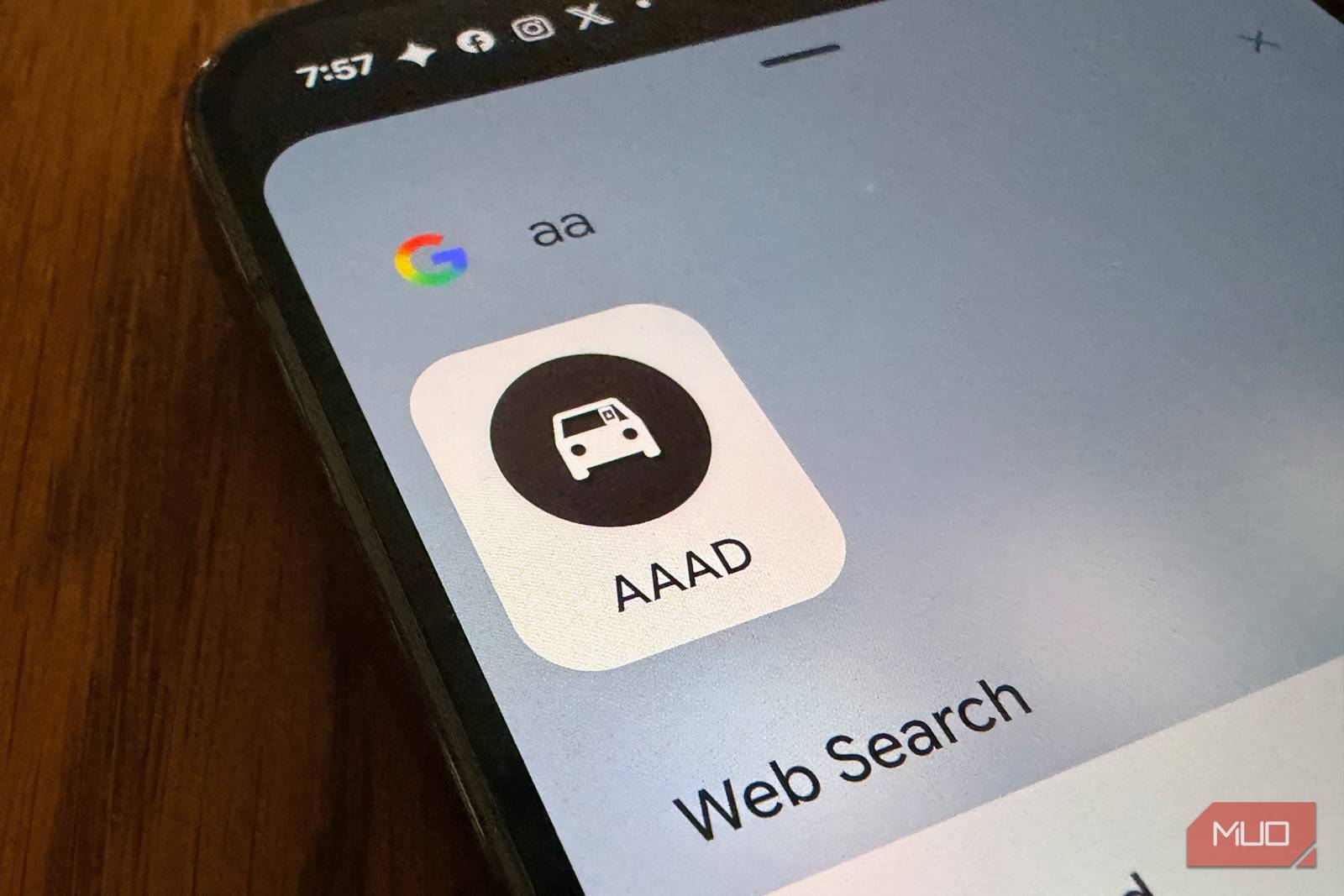
My ever-useful Android Auto setup never really goes beyond Maps, Spotify, and whatever text app I’m using that week, and for a long time I assumed that was all the platform was. Then my car started making a noise I didn’t like, and I wanted a torque and boost gauge on the dash to keep an eye on it. I also wanted my dashcam’s trigger button somewhere I could actually tap while driving instead of digging for it on the phone itself. Neither one showed up when I searched Android Auto’s section of the Play Store, and that’s not an oversight — Google only certifies apps in a handful of categories, mostly navigation, music, and messaging, and anything outside that gets left off the dashboard entirely.
So I looked for a workaround and found one that didn’t involve rooting my phone or tethering it to a laptop for an hour of ADB commands. It’s called AAAD, short for Android Auto Apps Downloader, and it’s been quietly doing this since 2021.
Why Android Auto Has So Few Third-Party Apps
Google’s 2018 crackdown still shapes what you can install
Google locked this down back in 2018. Before that, developers could build apps that declared themselves Android Auto-compatible, and users could sideload them freely. Google didn’t like that, mostly on safety grounds, and started requiring apps to go through a certification process before they’re allowed to register as Auto-compatible. The approved categories are narrow on purpose: navigation, media playback, messaging, and a handful of voice-first tools. A dashcam controller doesn’t fit. A performance monitor doesn’t fit. A screen-mirroring tool definitely doesn’t fit, since Google would rather you not run whatever app you want on a screen you’re supposed to glance at while driving.
The apps still get built, just outside the Play Store’s rules. Developers distribute them as standalone APKs, and normally installing one and getting it to actually show up inside Android Auto required a rooted phone and some manual patching. That’s the gap AAAD fills. It reads as an app store because that’s functionally what it is, just for a category of software Google has fenced off.
AAAD
- OS: Android
- Developer: shmykelasa
AAAD (Android Auto Apps Downloader) is a sideloaded Android app, active since 2021, that works as a curated store for third-party Android Auto software Google’s Play Store won’t list — dashcam controllers, screen-mirroring tools, a torque/performance monitor, and similar niche apps that fall outside Google’s approved navigation, music, and messaging categories. It installs without root, a PC, or developer options: you grab the APK from its GitHub releases page (the only official source), pick an app, and install it through Android’s normal installer, after which it shows up in Android Auto directly.
How to Install AAAD on Your Android Phone
No root, no PC, no developer options required
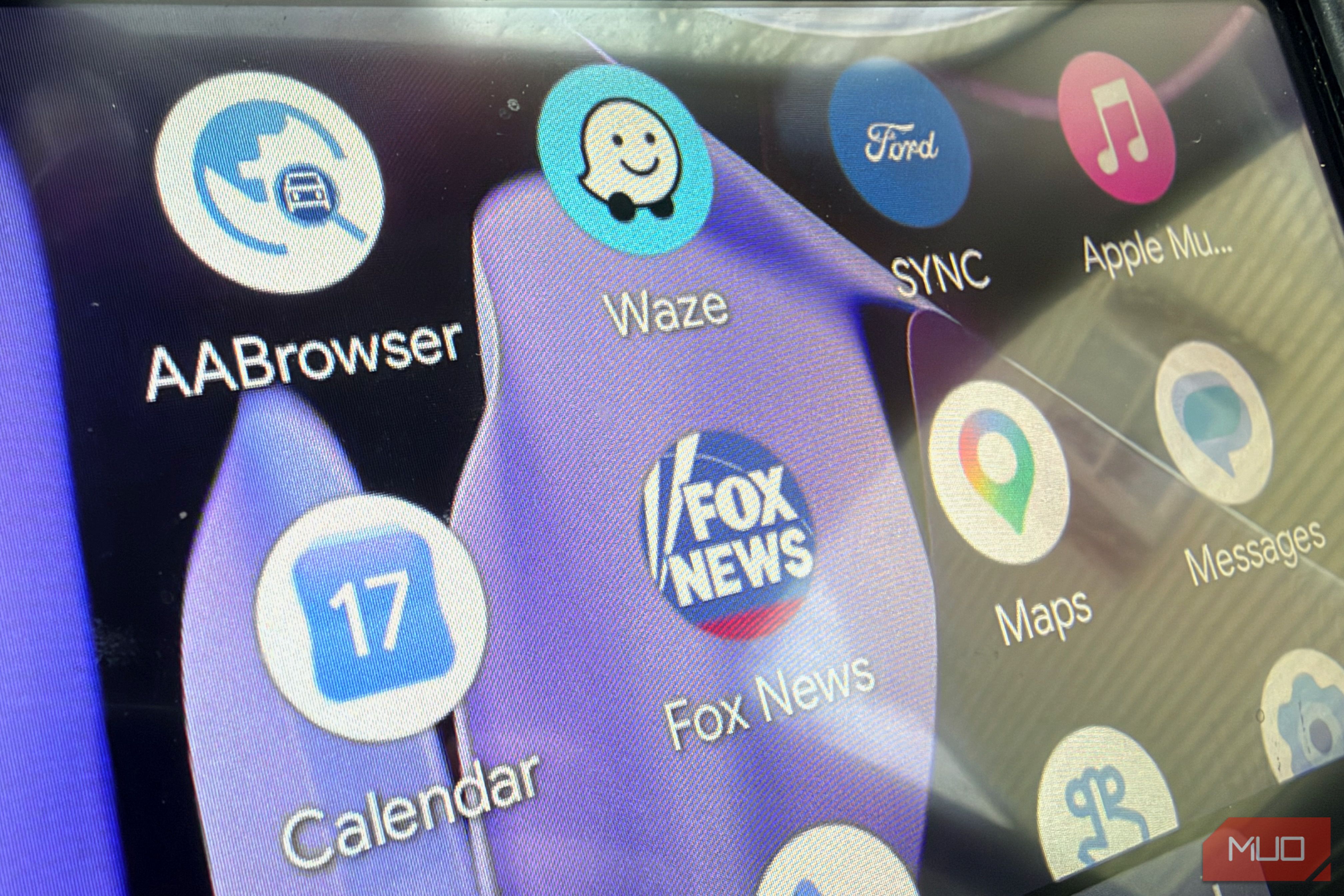
The installation process is straightforward. You download the APK directly from the AAAD GitHub releases page, which is the only official source. Once installed, AAAD presents a browsable list of compatible third-party apps. Selecting one downloads and installs it through Android’s standard installer, and the app then appears inside Android Auto without any additional configuration, rooting, or developer mode tweaks required.