Your Smart TV Can Do Real Work Beyond the Streaming Queue
Smart TVs run Android TV, support cloud gaming, and can mirror a phone desktop. Here's what that looks like in practice.
The TV on Your Wall Is Running a Full Operating System
Most people treat their smart TV like an expensive remote control for Netflix. That’s not a criticism - streaming is what these devices are marketed for, and the interface is designed to push you straight to a content app the moment you power on. But underneath that launcher, the same TV is running Android TV or a similar OS, connected to your home network, and capable of installing third-party apps that have nothing to do with video content.
That gap between what a smart TV can do and what most people actually use it for is surprisingly wide. A few specific apps and one underused phone feature close that gap considerably.
TV Bro Turns the Remote Into a Usable Browser
The obvious objection to web browsing on a TV is the input problem. A standard remote is built for navigating grids of content tiles, not filling out forms or clicking links buried in a paragraph. Most browsers ported to Android TV don’t account for that, and the experience reflects it.
TV Bro is built from the ground up for remote navigation. The D-pad on a standard remote moves a cursor around the screen, and the browser shifts into pointer mode once you’ve landed on a page, letting you hover and click anywhere without needing a mouse. Voice typing is supported, which removes most of the friction from entering URLs or search queries. For remotes that come loaded with extra buttons - which describes most mid-range and higher-end smart TVs - TV Bro lets you map those buttons to specific functions: back, home, refresh, or voice search.
It also ships with a built-in ad and pop-up blocker. That matters on a 55-inch screen where a full-page overlay takes on a different level of annoyance than it does on a phone.
TV Bro is free and runs on Android TV. Pairing it with a foldable Bluetooth keyboard changes the experience further - at that point, you’re typing at near-normal speed and navigating with the keyboard’s trackpad or a separate mouse. It’s not a replacement for desktop browsing, but for looking something up, reading long-form content, or pulling up a recipe while you’re in the room, it holds up well.
Samsung DeX and Google’s Desktop Mode Do More Than You’d Expect
Browsing is one thing. Actually getting work done on a TV screen requires a different approach, and that’s where Samsung DeX and Google’s Desktop Mode come in - neither of which requires buying anything new if you already own the right phone.
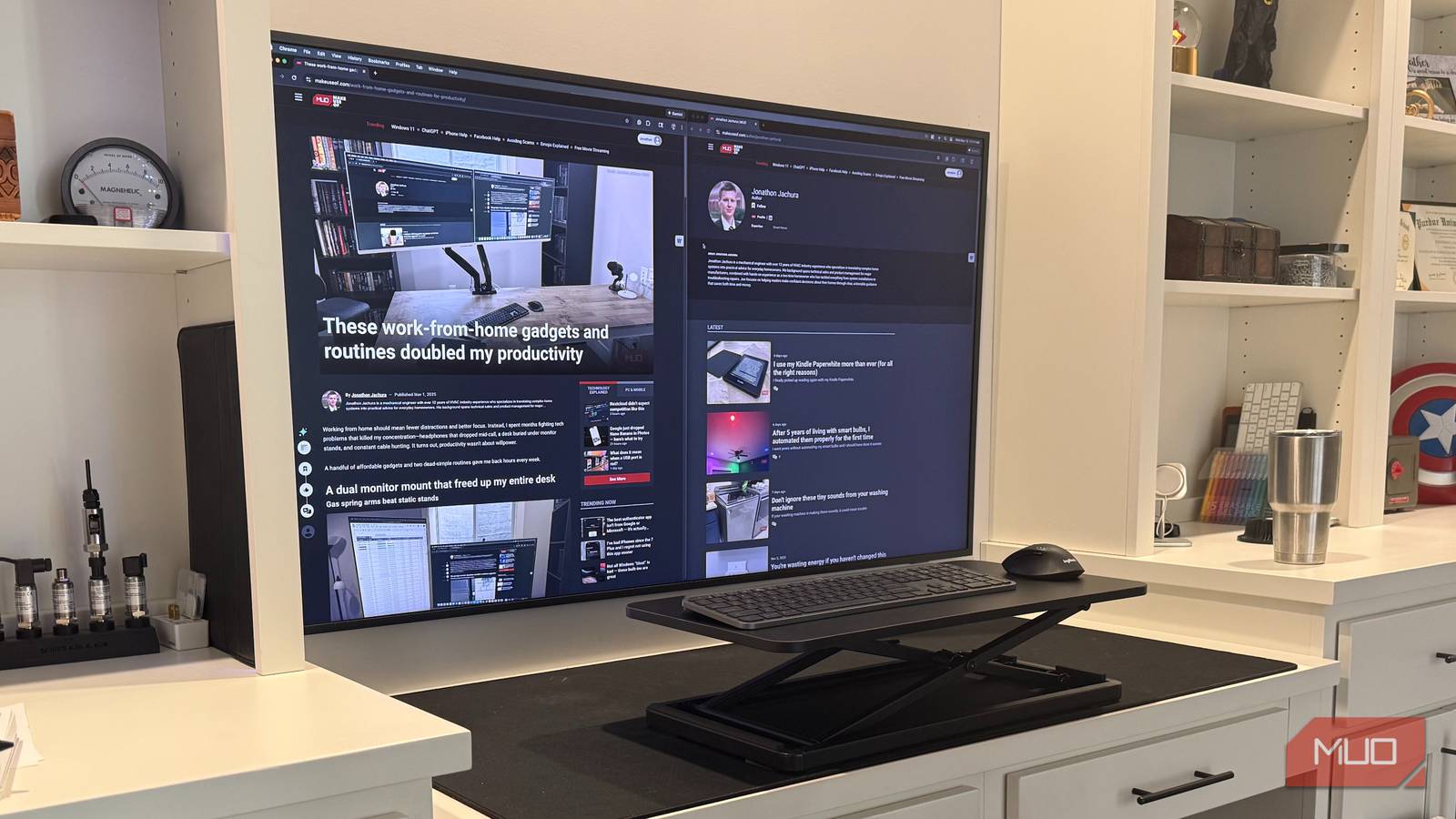
Samsung DeX, available on Galaxy phones, projects a full desktop environment to your TV over a wired or wireless connection. You get a taskbar, resizable windows, and support for a Bluetooth keyboard and mouse. Google Pixel phones offer a comparable Desktop Mode that behaves similarly - a windowed interface with access to your apps, files, and settings, all scaled for a large display.
What that means practically: you can open a document, resize it alongside a browser window, take a video call, and switch between apps without going back to a phone-style home screen. It’s a functional productivity setup. The TV becomes the monitor, the phone becomes the processing unit, and a $30 Bluetooth keyboard completes the hardware side.
This won’t replace a dedicated workstation for anything that stresses the CPU - video rendering, large spreadsheet work, software development. But for writing, email, slide decks, and research, it performs well enough that using it occasionally makes sense. The screen size alone changes how comfortable long-form writing feels compared to a laptop.
Cloud Gaming Makes the TV a Console Without the Console
Sony raised PS5 prices in several markets through 2025 and into 2026, and hardware shortages have kept GPU prices elevated. For anyone who doesn’t already own gaming hardware, entry costs have climbed. Cloud gaming sidesteps that entirely.
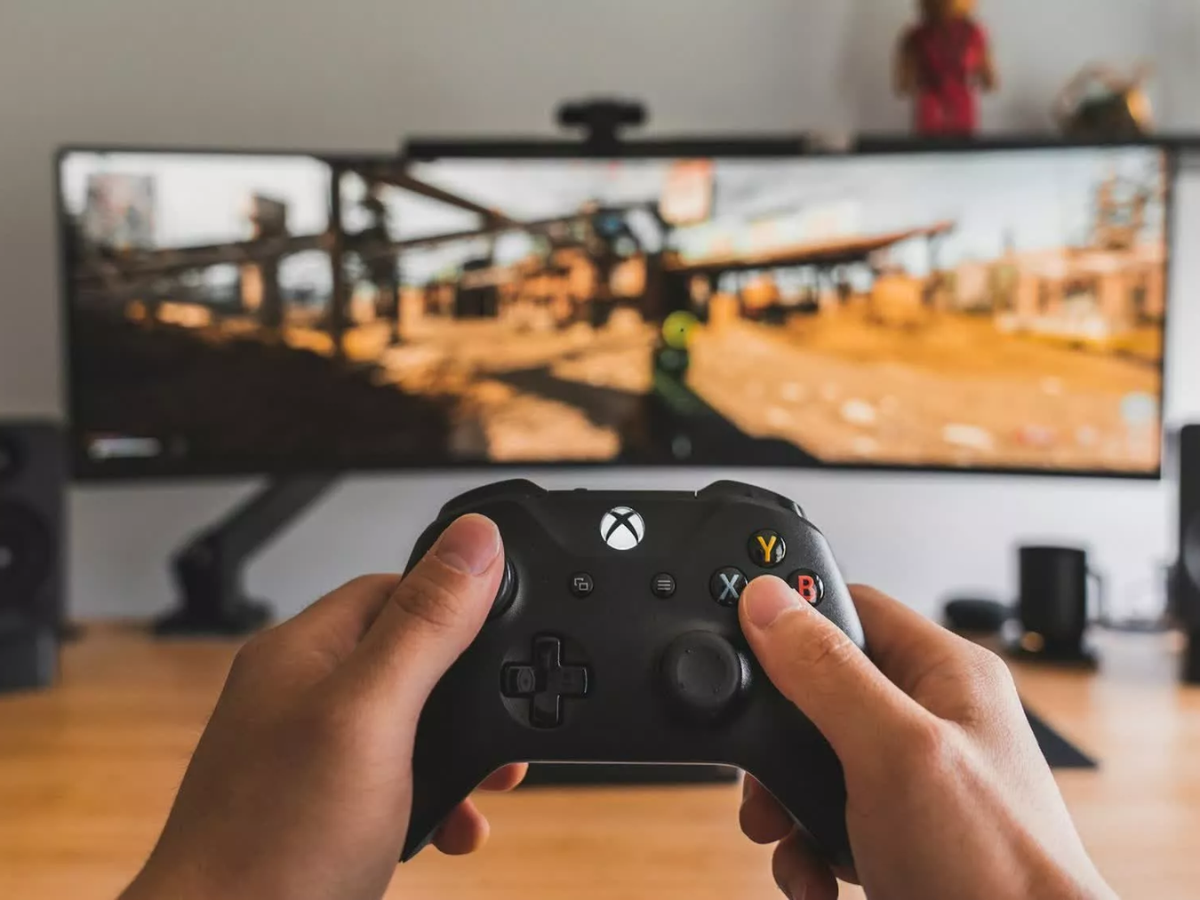
Xbox Cloud Gaming, NVIDIA GeForce NOW, and Amazon Luna all run on Android TV. The model is the same across all three: the game runs on remote servers, your controller input is sent over the internet, and the video stream comes back to your screen. What you need locally is a fast internet connection, a compatible controller, and a subscription.
The game library across these platforms covers AAA titles - Fortnite, Forza Horizon 5, Cyberpunk 2077, Genshin Impact, and Fallout are all playable through cloud services. Input latency on a good connection is low enough for most genres, though competitive shooters at high level play remain the hardest use case to recommend without reservation.
Xbox Cloud Gaming is included with Xbox Game Pass Ultimate. NVIDIA GeForce NOW has a free tier with session-length limits and paid tiers starting higher for priority access and longer sessions. Amazon Luna charges per channel or as part of a Prime bundle depending on the title.
What Actually Makes This Worth Setting Up
None of these use cases require a new TV. They run on Android TV devices that are already in millions of homes, and most of the software is free or tied to subscriptions people already pay for. The limiting factor isn’t hardware - it’s that the default launcher on a smart TV actively steers you away from anything except streaming apps.
Installing TV Bro takes about two minutes from the Google Play Store on any Android TV device. Enabling Desktop Mode on a Pixel phone requires connecting to an external display and turning on the feature in Developer Options - not difficult, but not something most people stumble onto accidentally. DeX on Galaxy phones activates automatically when you connect to a display that supports it wirelessly, or via a USB-C to HDMI cable.
A mid-range Bluetooth keyboard - something like the Logitech K380 at around $40 - and a gamepad cover every input scenario these apps demand. At that investment level, a TV that was already sitting in the living room starts functioning as a browser, a work display, and a gaming screen without adding another device to the room.
The question isn’t whether your smart TV can do these things. At this point, it almost certainly can. The question is whether the setup friction is worth the payoff for how you actually use the space - and for a 65-inch screen that otherwise goes dark when you’re not watching something, the answer is usually yes.
TV Bro is free on Android TV. Xbox Game Pass Ultimate, which includes Cloud Gaming, runs $19.99 per month in the US.