How I Built a Private File Drop Server in an Afternoon
Skip sketchy upload sites and build your own private file drop using Pingvin Share X, Docker, and Caddy with automatic HTTPS.
It feels like every time I need to send a file quickly, the easiest option is usually the one full of dodgy ads and questionable links. Don’t get me wrong, random upload sites do work, but they also typically come wrapped in fake upload buttons, mystery ads, throttled downloads, and links that I’m not sure ever actually disappear.
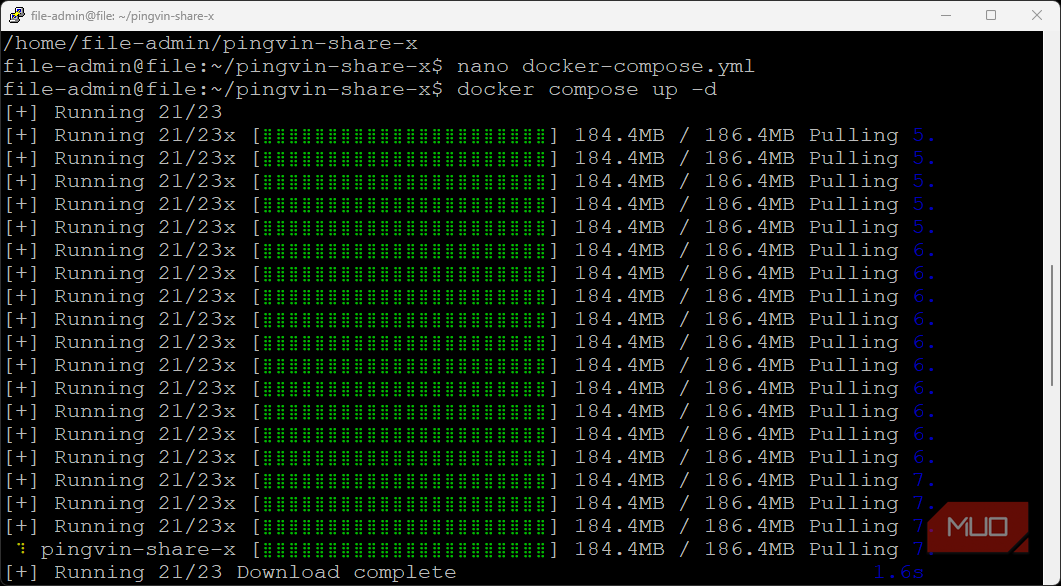
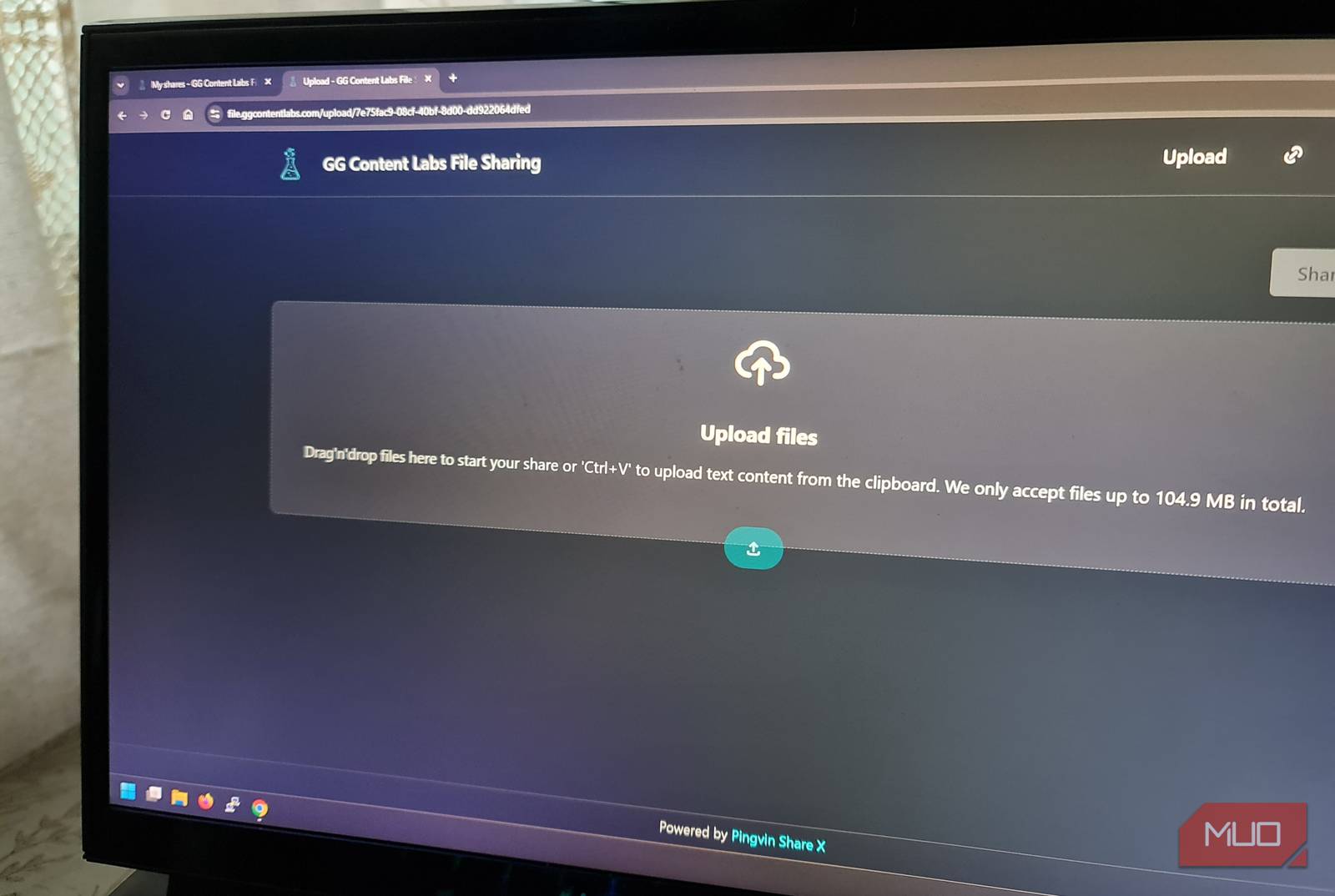
I wanted something cleaner, but also firmly under my control. I already have a server set up at home and a subdomain ready for the job, so I created a DNS A record and pointed it at my home IP. I then built my own private file drop with Pingvin Share X, the maintained fork of Pingvin Share, behind the lightweight web server Caddy, with automatic HTTPS.
The project was straightforward because I wasn’t trying to build a private cloud. Just an interface and a controlled place to upload files, send links, and receive files back with email support. Yes, it took more effort than using a random upload site, but it’s become something I use regularly for work and clients.
I Just Wanted a File Drop That Did One Job Really Well
The Goal Wasn’t Cloud Storage, Just a Bit More Control Over File Sharing
I don’t need a full Google Drive, OneDrive, or Nextcloud replacement here. Those tools still make perfect sense when I need folder syncing, collaboration, and reliable long-term storage. That wasn’t the problem I was trying to solve.
I needed something small and direct that could serve as a place to upload and share documents with no size limit, generate links, send them in emails, and delete files when I no longer needed them. Yes, the random upload sites serve the same purpose. That’s why people keep using them. But sending a link to a resume or document from a website that advertises questionable services in their local area isn’t what I want a client or professional to see when viewing my files.
Pingvin Share X fits my purpose because it just serves that one job. The dashboard can be customized and branded slightly for my use, and gives me total control over the experience from upload to email. It also supports reverse sharing, which turns out to be incredibly useful when you need the recipient to upload something in return without them needing to even have an account.
The Container Made the Setup Easier, While Caddy and UFW Handled the Public Side