Android Private DNS Setting Overrides Your Router's Custom DNS
Your Android phone may ignore your router's private DNS if Private DNS is enabled on the device. Here's why it happens and how to resolve it.
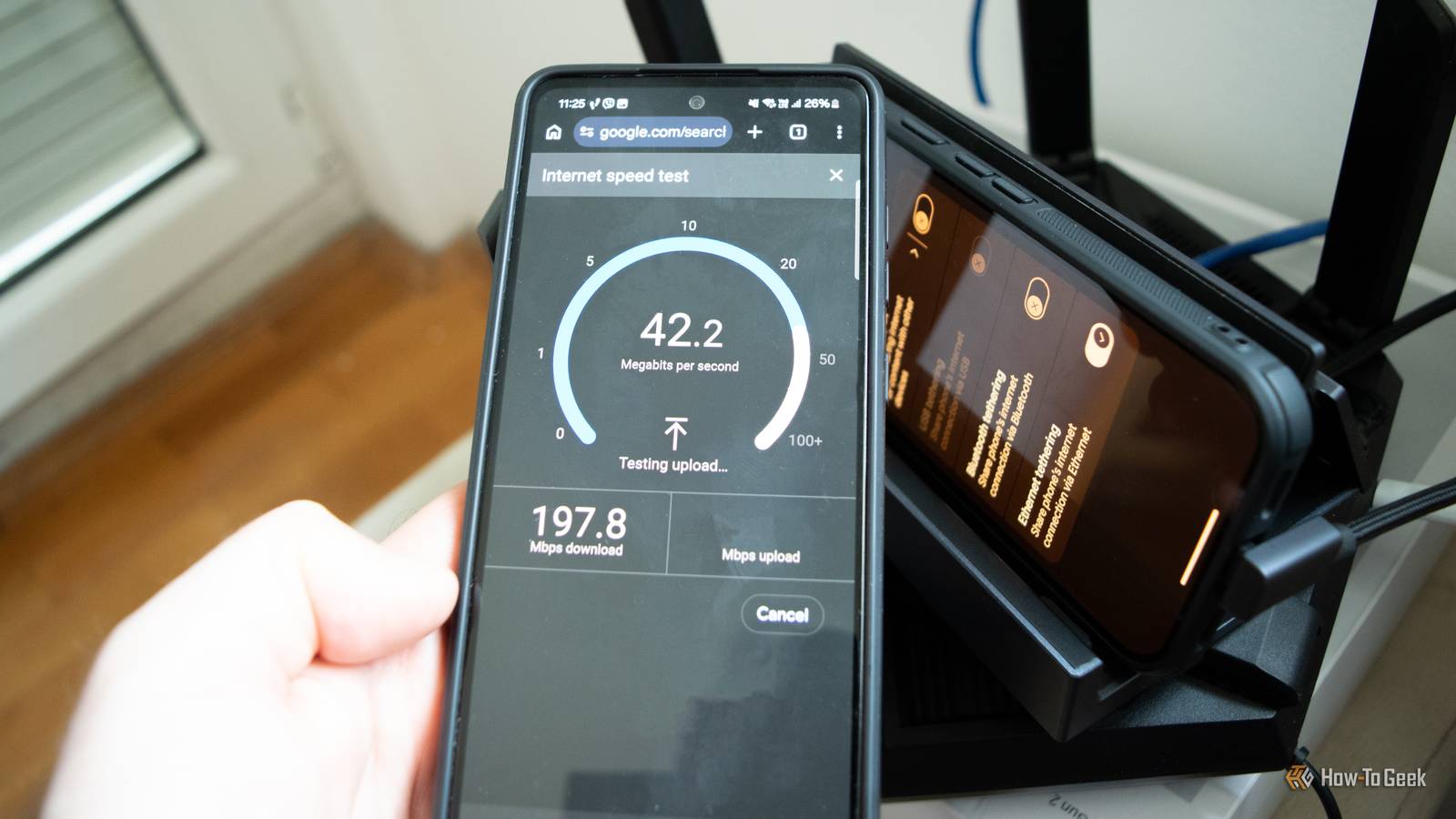
Even if you have a private DNS set on your router, your Android phone may not be using it. It all comes down to a single setting on your phone. While there isn’t a perfect solution to this conflict, resolving it is relatively straightforward and will allow your phone and router to play nice with each other.
Setting Private DNS on Your Phone Will Ignore Your Router’s Custom DNS
Can’t Have It Both Ways
DNS is the phonebook of the internet. It translates domain names we type into our browsers (such as howtogeek.com) into IP addresses that computers can understand.
By default, your router, and by extension all devices connected to your home network, use your ISP’s default DNS resolver, which isn’t encrypted in any way, and exposes your DNS queries to your ISP and anyone with access to your network. Many DNS servers provided by ISPs aren’t very snappy, either. The same applies to your phone; when you’re on mobile data, the phone uses your carrier’s DNS server.
On the other hand, we have private DNS providers such as Cloudflare’s 1.1.1.1, Quad9, and NextDNS, which not only encrypt DNS requests but are often faster at resolving them than those provided by ISPs and mobile carriers, making them a better choice not only from privacy and security perspectives, but also performance-wise.
This is why setting up private DNS on routers has become so popular. Not only are your connections more secure, but DNS requests are also often resolved faster, which can make websites load more quickly. Since the private DNS is set on your router, all devices on your network use the same DNS resolver, which simplifies things.
This also applies to your Android phone, but only if you don’t have Private DNS enabled. You can access this setting by opening Settings and going to Network & internet > Private DNS on Pixel phones, or Settings > Connections > More connection settings > Private DNS on Samsung Galaxy phones. If you do use a private DNS provider on your Android phone, however, it will ignore your router’s custom DNS settings.
Running a Private DNS May Cause Network Issues on Your Phone
Your Router or a Wi-Fi Network You’re Connected to Might Not Play Nice With Your Phone’s Private DNS